How Route Optimization Transforms Delivery Operations
Route optimization turns delivery planning from a morning of manual sequencing into a review…
Company news
In November 2025, ScrollEngine announced it could optimize 1,000 Shopify orders in one batch, across drivers, zones and cities in a single run. Here is how batch route planning works and how to run a high-volume delivery day.
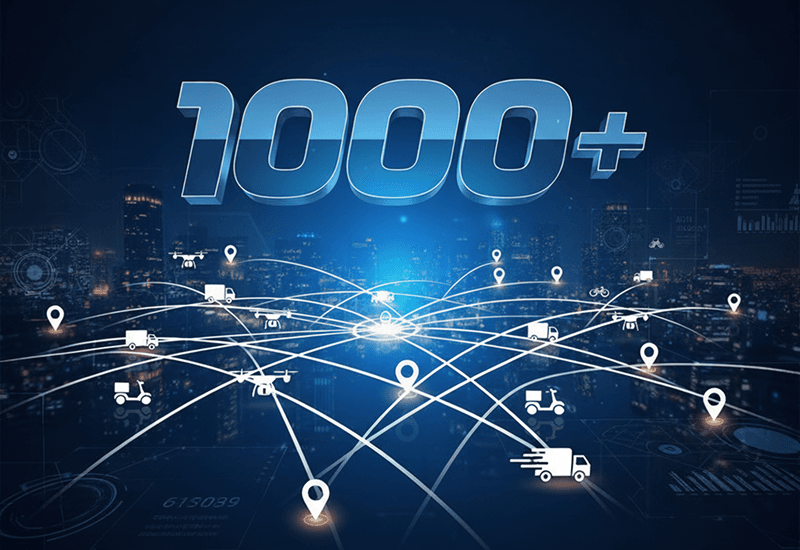
In November 2025, ScrollEngine reached a milestone: its route optimization planned 1,000 Shopify orders in one batch. One route plan took the whole set and spread it across drivers, zones and cities in a single optimization run, with no splitting by hand first. This post explains what that milestone means for a store with a busy delivery day, how ScrollEngine plans a batch that size, and the steps to run a high-volume local delivery day on Shopify.
Planning a delivery day used to mean planning it in pieces. A dispatcher split the orders by area or by driver, optimized each piece on its own, and then fixed the overlaps by hand. That works on a quiet day. On a day with several hundred orders, the splits are where time and fuel leak away: two drivers working the same street, a van that runs out of room halfway through its route, or a booked time window that nobody can reach.
Planning 1,000 orders in one batch removes that step. For a high-volume store, it means:
Simple route tools optimize the stop order of one driver's route. Google's legacy Directions API, for example, allows at most 25 waypoints per request, according to Google's usage and billing documentation as of October 2026. That's fine for one van and a couple of dozen stops. A busy delivery day is a different problem: hundreds of stops, many drivers, and limits on every one of them.
A multi-driver problem with all of these constraints needs a different kind of solver from a single-route optimizer. It's also where the money is. According to AlixPartners' 2026 Home Delivery Survey, 83% of retail executives say their per-package delivery costs rose year over year. AlixPartners, Great Expectations: 2026 Home Delivery Survey (Jun 2026) How well you plan each route is one of the few delivery cost levers you control directly.
ScrollEngine's route optimization Live, which you run from the route planner, chooses the method that fits each job and uses the lowest-cost method that can handle it:
| The job | How ScrollEngine plans it |
|---|---|
| One driver, a short route, only traffic or toll settings | Fast waypoint optimization of the stop order |
| Several drivers, many stops, or any constraint such as time windows, shifts, breaks or capacity | An advanced multi-vehicle solver that assigns and orders stops across every driver |
| Optimization without advanced routing settings | A separate optimization service that orders the stops in the background |
| A route you've already put in order | Manual planning: your stop order stays as it is, and ETAs and distance are calculated for it |
The multi-vehicle solver and route constraints are part of advanced routing, which depends on your plan. With it, the solver plans within the limits you set:
The route planner shows a distance and time preview before you dispatch, so you can check the plan before drivers see it.
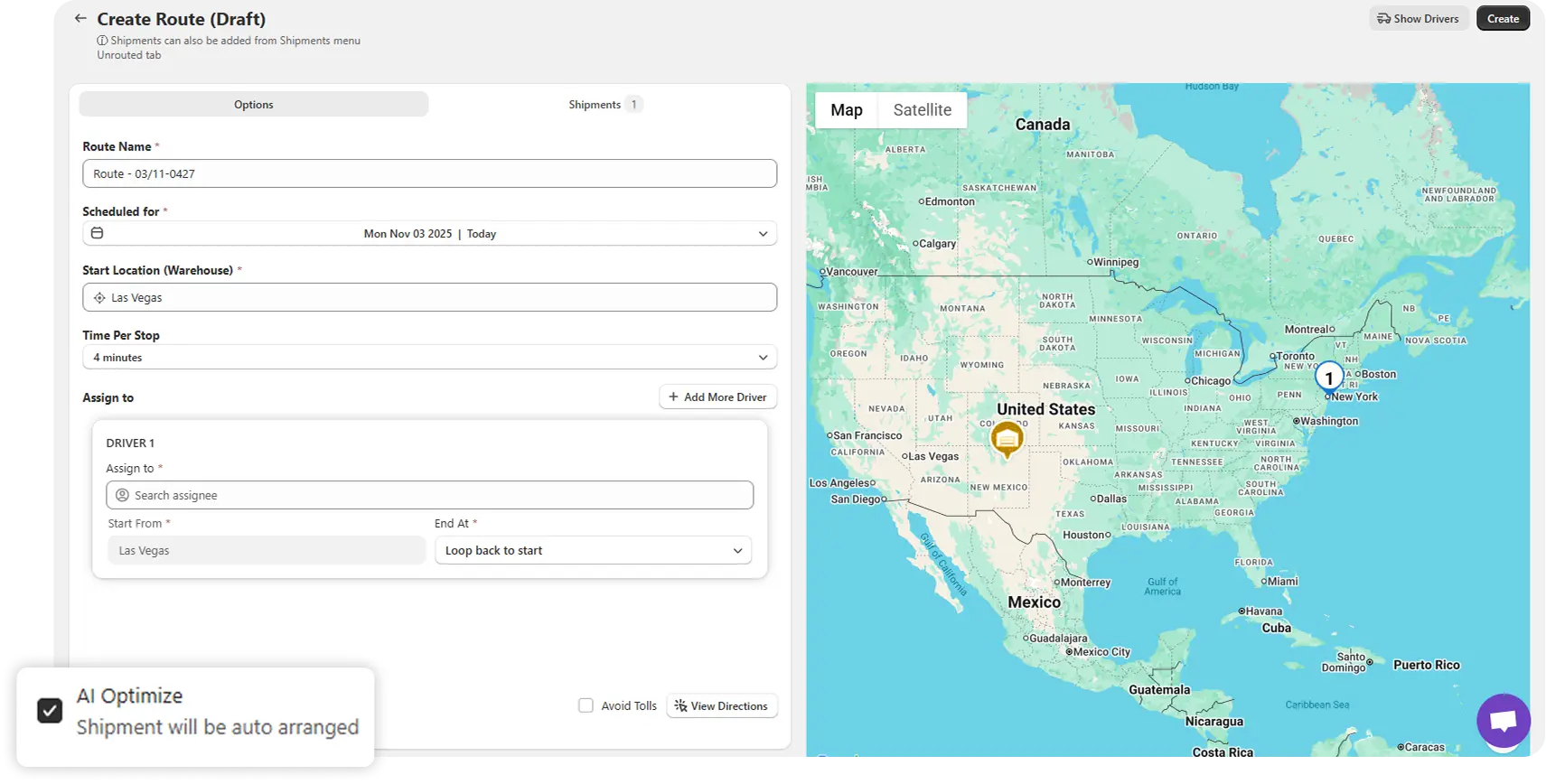
Each plan is solved fresh, within the constraints you set, using live traffic, so every result traces back to constraints you can inspect.
A 1,000-order batch is the middle of the day's work. Good results depend on what happens before it and after it.
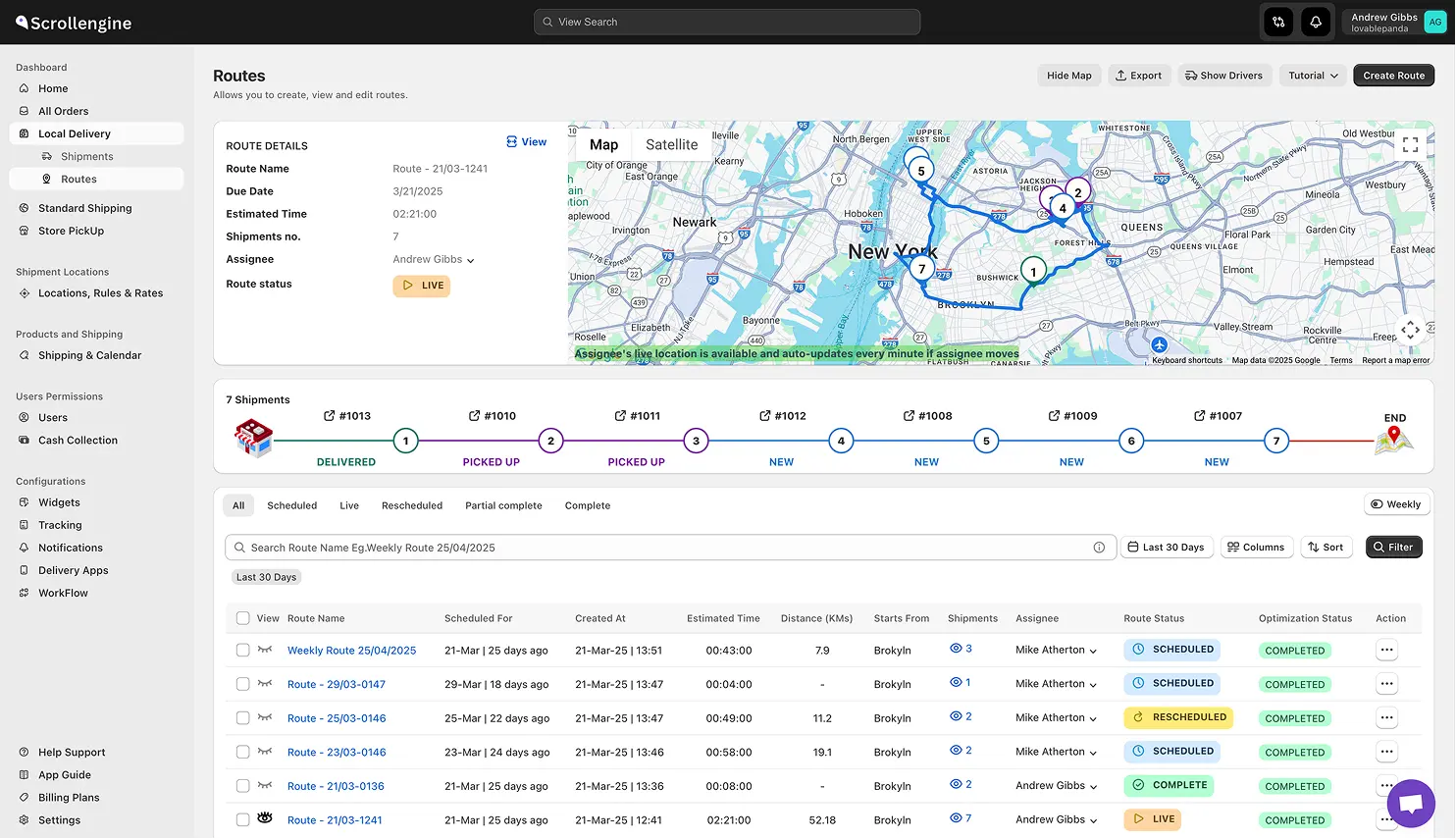
A high-volume day rarely means delivery alone. Many stores run store pickup from the same locations. ScrollEngine treats both as one operation:
Every order shows up in one dashboard, whether it leaves in a van or over the counter.
A batch planner is only as good as what you feed it. Before your busiest days:
Planning for peak season? Our guide to holiday delivery capacity covers the days when volume is highest. For a customer example of fast, high-pressure delivery, read how HomeRun keeps a 60-minute delivery promise.
The 1,000-order milestone came down to one thing: planning a whole delivery day in one batch instead of in pieces. With advanced routing, the plan respects your time windows, shifts and vehicles. Drivers run it from an app. Customers see where their order is. Your team can review the full day in one place.
Ready to plan your busiest delivery day in one batch? Install ScrollEngine Local Delivery + Pickup Date:S on the Shopify App Store, or book a demo to see a day of your own orders planned.
FAQ
In November 2025 we announced planning 1,000 Shopify orders in one batch, across many drivers, zones and cities, in a single run. How a batch that size plans for you depends on your drivers, the constraints you set and the quality of your addresses. Book a demo to test it on a day of your own orders.
ScrollEngine's routing is mathematical route optimization, built for exactly this job: it solves each plan fresh within the constraints you set (drivers, time windows, shifts, breaks, vehicle capacity) using live traffic, so every result traces back to constraints you can inspect. We label it Optimization, not AI.
Yes. Add the day's orders and your drivers to one plan, and route optimization splits and orders the stops across all of them. Multi-driver plans with route constraints are part of advanced routing, which depends on your plan. See how to optimize routes for multiple drivers.
Cap each day and slot at checkout so you only sell what your fleet can carry, send every order to the right location, then put the whole day's orders and all your drivers into one plan with real constraints: time windows, shifts, breaks and vehicle capacity. Optimize once, rebalance on the map, and dispatch. Drivers run the routes in the driver app while you follow them live.
On the live driver map in the ScrollEngine web dashboard (not inside Shopify admin), which you open from the app. It shows every driver's trip state and location, with at-risk alerts when a delivery is close to running late.
From the blog
Route optimization turns delivery planning from a morning of manual sequencing into a review…
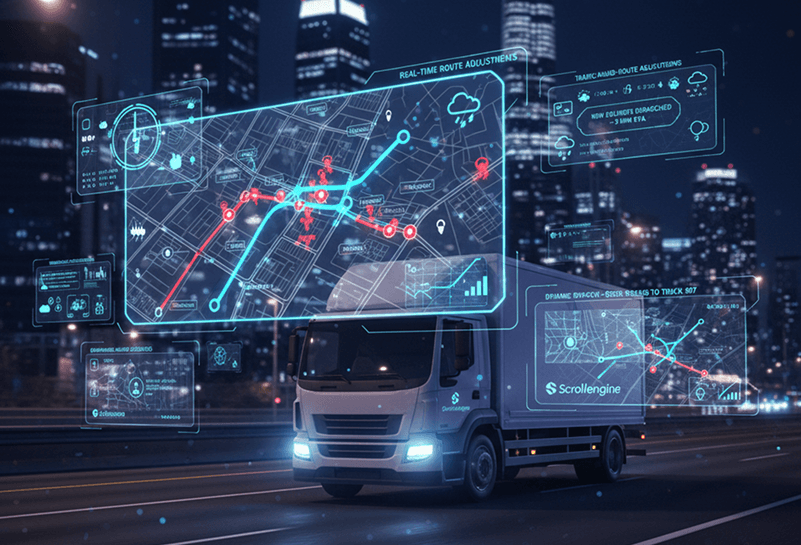
At its core, route optimization is mathematical optimization, not AI.
Route optimization cuts fuel and delivery time for Shopify stores by putting stops in the order that takes…
Book a demo and we'll walk you through the platform set up like your stores, or request a quote for your locations and how you deliver.
2,000+ merchants trust us (as of Oct 2026)100+ merchants rate us 5.0 stars on the Shopify App Store (as of Oct 2026)