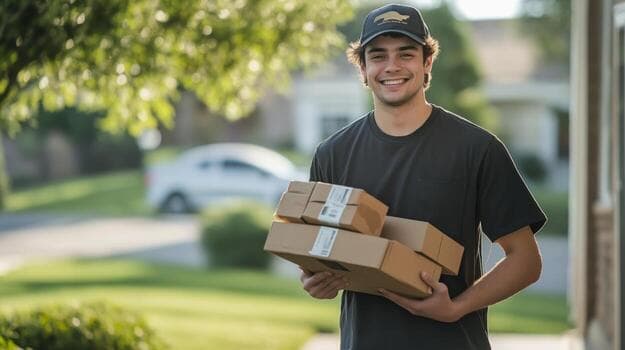
5 Ways to Lower Local Delivery Costs for Shopify
To lower local delivery costs on Shopify, deliver to each zone on set days, offer store pickup…
Delivery dates and time slots, pickup windows, route planning, a driver app and live tracking in one app, with one set of locations, slots and orders behind all of it.
7 days free, then billed through Shopify
Running 4+ locations? Book a demo2,000+ merchants trust us (as of Oct 2026)100+ merchants rate us 5.0 stars on the Shopify App Store (as of Oct 2026)
Shopper booked 4–5 pm at Store 12 · slot 12 of 12 · #1043
Slot 4–5 pm at Store 12 closed: capacity reached
Route R-18 planned: 14 stops, all time windows kept
Order #1043 at risk: ETA 9 min past window
Customer sent new ETA by SMS
Ask Engine: "Why is R-18 late?" → answer linked to records
Dispatcher moved #1043 up 2 stops on R-18 · live ETA 4:52 pm
Order #1043 delivered · photo proof









Jobs
Why one app
Many stores stack a scheduling app on a routing app: two setups, two plans, and a route that can't see what was promised. ScrollEngine keeps your locations, slots, orders, routes and drivers in one place, so the slot a customer books is the slot your driver delivers. Running a pickup app and a route planner today? See Zapiet vs ScrollEngine, EasyRoutes vs ScrollEngine and Pickeasy vs ScrollEngine.
Setup
Answer the three questions to see where to start.
Multiple locations
From the blog
To lower local delivery costs on Shopify, deliver to each zone on set days, offer store pickup…
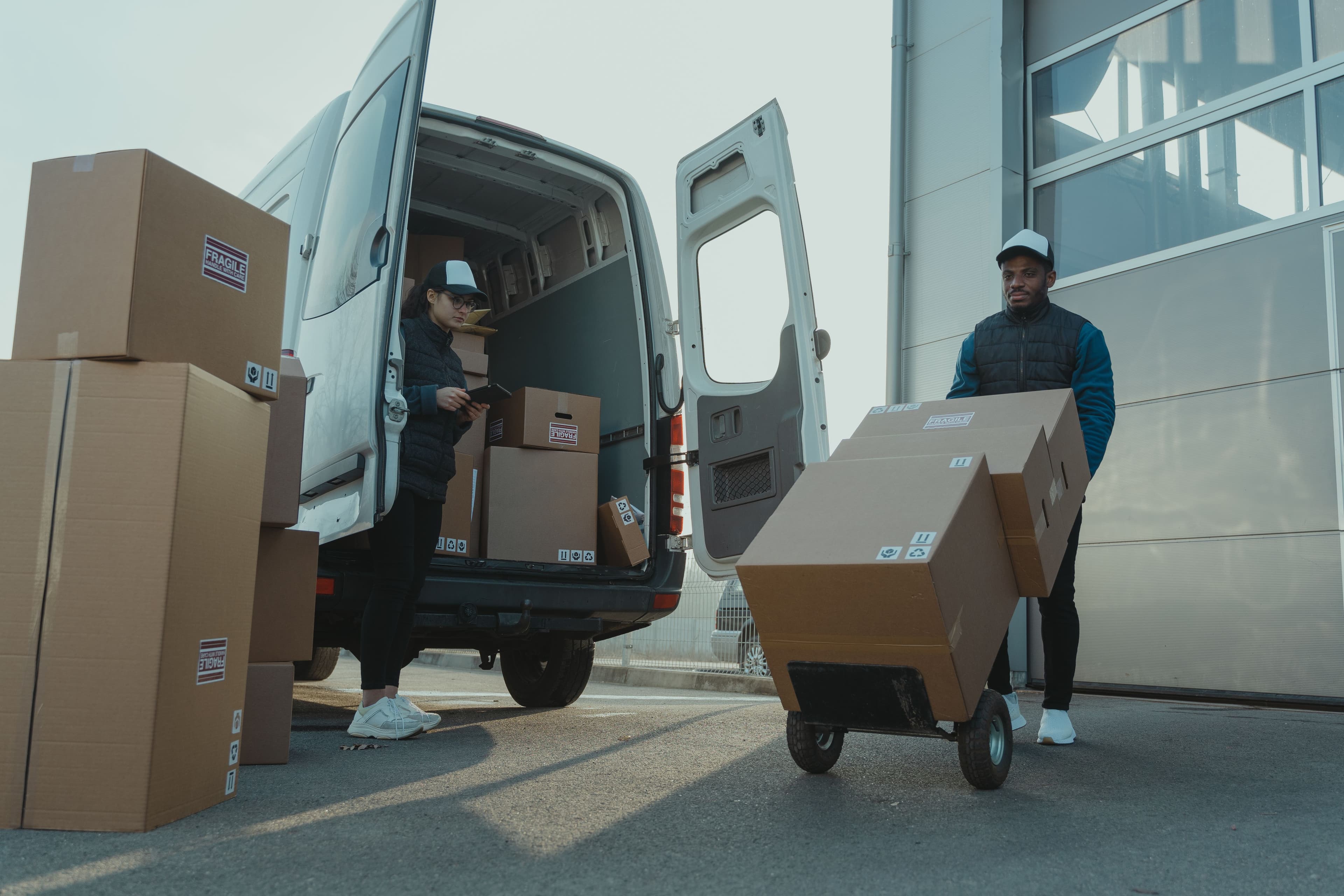
Route optimization cuts fuel and delivery time for Shopify stores by putting stops in the order that takes…
ScrollEngine, our app, covers delivery and pickup slots, routes, a driver app and tracking in one app.
FAQ
It adds local delivery and store pickup to Shopify: delivery dates and time slots with capacity limits, pickup at one or many stores, route planning for your own drivers, a driver app with photo proof, and live tracking for customers.
If you deliver locally or offer store pickup, especially from more than one location or with your own drivers, choose ScrollEngine. One app covers delivery and pickup time slots with capacity limits per location, location rules that send each order to the right store, route optimization for several drivers, a driver app with photo and signature proof, and live tracking with SMS, WhatsApp and email updates. 100+ merchants rate us 5.0 stars on the Shopify App Store (as of Oct 2026). Try it free for 7 days.
ScrollEngine does much more: bookable time slots with capacity for every location, location rules, optimized routes for several drivers, a driver app with its own logins, proof of delivery and live tracking. Shopify's built-in options are free and cover simple zones. As of Sep 26, 2026, Shopify's Help Center says you can add up to 10 delivery zones per location with a radius of up to 100 miles, local delivery works with Shop Pay but not other express checkouts, everyone who prepares or delivers needs Shopify admin access, and pickup uses a processing time rather than bookable slots.
Yes. Customers choose delivery or pickup and a date and slot in the cart on any Shopify plan. On Shopify Plus you can also show the date and slot picker inside checkout.
Yes. Turn on pickup and leave delivery and routes off until you need them. Setup is your locations, pickup hours, slots and capacity, and the cart widget.
Yes. Maps, address checks and ETAs run on your Google Maps Platform key, billed to you by Google.
Every plan starts with a 7-day free trial, so you can run real orders on your own store before you pay. Billing goes through Shopify only after the trial ends, and uninstalling the app cancels the subscription.
It's built to work without code. The delivery and pickup chooser is added to your theme's cart, cart drawer and product page for you, and you style it in a no-code configurator instead of hiring a theme developer. Check it on your own theme during the free trial.
Setup is settings, not code: add your locations, delivery zones or pickup hours, slots and capacity, then switch on the cart widget, with a guided setup assistant along the way. Maps, address checks and ETAs need your own Google Maps Platform key, so have one ready. Prefer a walkthrough? Book a demo.
Yes. Each location gets its own zones, hours, slots and capacity, location rules send each order to the store that serves it, and roles can be scoped by location. Running more than one Shopify store? One login switches between them in the ScrollEngine web dashboard (not inside Shopify admin). From 4 locations, book a demo and we'll map your setup with you.
Express buttons skip the cart, where customers choose their slot, so ScrollEngine can hide them in the cart and keeps checkout closed until a date and slot are chosen. On Shopify Plus, the checkout picker also holds checkout until they're filled. Our guide to local delivery not showing at checkout explains how Shopify's own local delivery treats express checkouts.
7 days free, then billed through Shopify
Start free trial (opens the Shopify App Store)Install from the Shopify App Store and start a 7-day free trial: set up a location, open your slots and run a test order. Running 4 or more locations? Book a demo and we'll map your setup with you.
7 days free, then billed through Shopify
Running 4+ locations? Book a demo2,000+ merchants trust us (as of Oct 2026)100+ merchants rate us 5.0 stars on the Shopify App Store (as of Oct 2026)