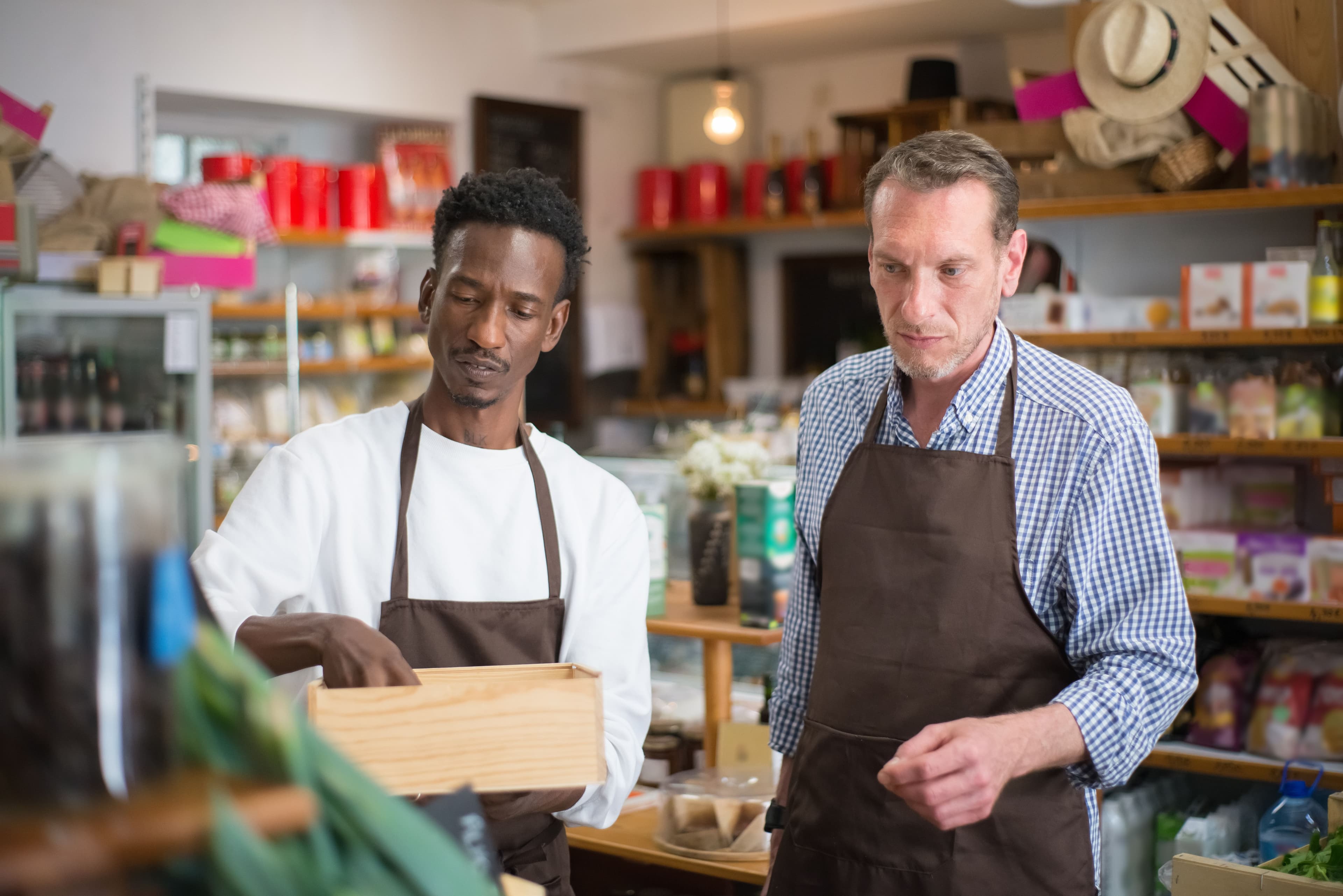
How to Fix Shopify Local Delivery for Online Stores
To fix Shopify local delivery, find where it breaks: checkout, scheduling, routing…
Insights
A Shopify store can offer Amazon-level delivery to local customers by fulfilling from nearby stock: exact dates and time slots at checkout, same-day options, store pickup, optimized driver routes and live tracking.
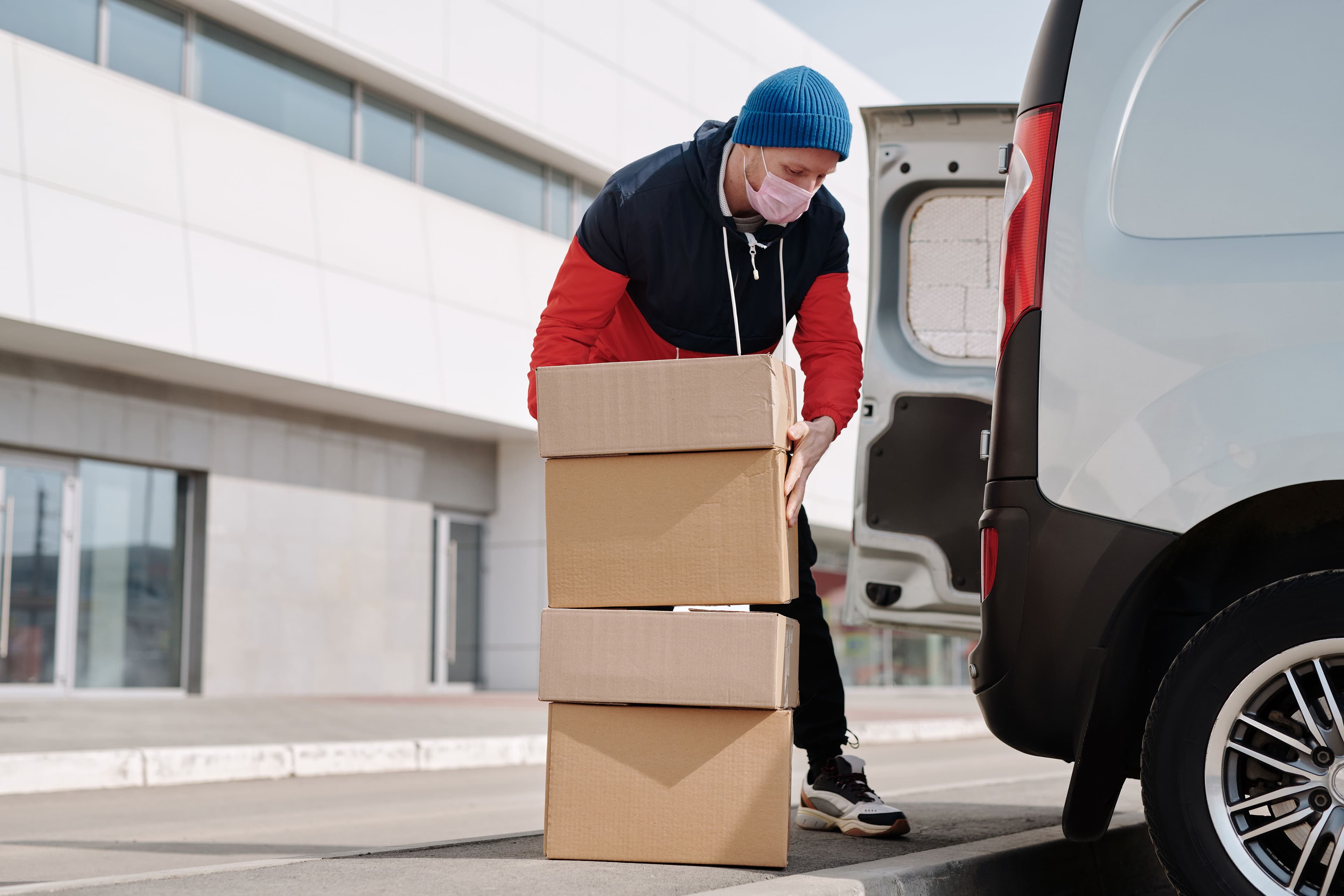
A Shopify store can give local customers Amazon-level fulfillment without Amazon's logistics budget, because it already has what matters most: stock close to the buyer. Set up local delivery and store pickup, show exact delivery dates and time slots in the cart, route your own drivers efficiently and keep customers updated with live tracking. For buyers in your area, that can beat a parcel that has to cross the country.
Giant retailers have reset what shoppers expect from every online order. According to AlixPartners' 2026 Home Delivery Survey, shoppers now expect free delivery in under three days. AlixPartners, 2026 Home Delivery Survey (via Logistics Management) (Jun 2026), say 'under three days' (2.6/2.7 mismatch between sources) What delivery costs the shopper weighs on the sale too. According to AlixPartners' 2026 Home Delivery Survey, 94% of consumers say free shipping affects their purchase decisions. AlixPartners, 2026 Home Delivery Survey (Jun 2026)
For an independent store, meeting those expectations through national carriers is hard. Carrier fees and surcharges eat into margins, and delivery windows are out of your control. Handling local orders by phone and spreadsheet doesn't scale either. You don't need a global shipping network to compete; you need to use the advantage you already have.
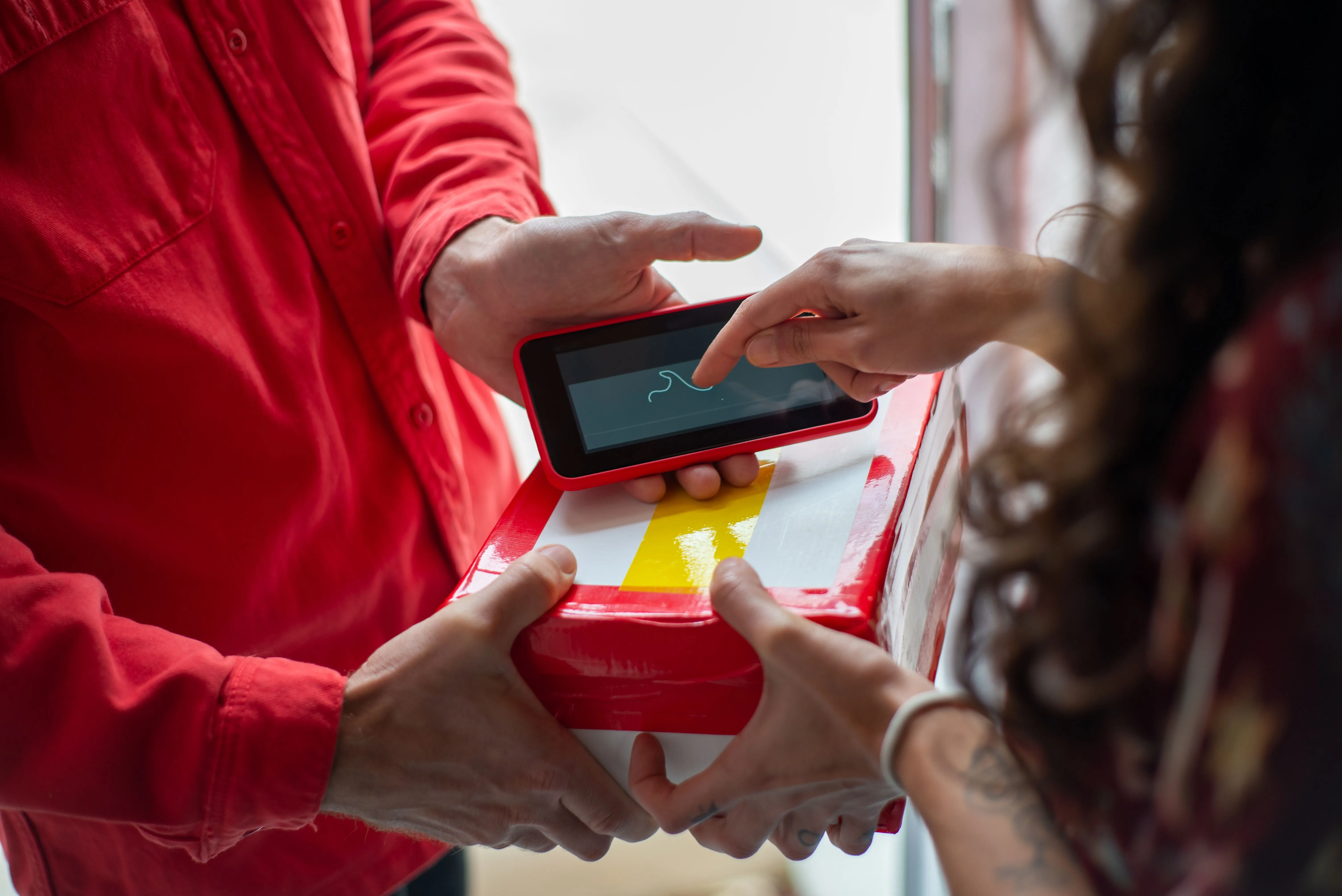
Shoppers don't measure you against Amazon's warehouses. They notice five things:
A local store can deliver all five, often better than a national marketplace can for the same customer.
National retailers have scale. Local merchants have proximity, and proximity wins on speed.
A buyer in your area doesn't want to wait days for a package that has to cross the country, and your stock is already a few miles away. How you use that depends on the kind of store you run:
Start with what Shopify includes. As of October 2026, Shopify's local delivery is free on any plan: you define delivery zones by postal code or by a radius from your location, set a delivery price for each zone (0 for free delivery) and a minimum order price, and add up to 10 zones per location. Delivery staff can use the Shopify Local Delivery app for iOS or Android for directions, status updates and optimized routes. Pickup in store is set up for each location, with a processing time that sets the expected pickup date, and Shopify emails the customer a "Ready for pickup" notification when you mark the order ready (Shopify Help Center and shopify.com).
That's the starting point. Amazon-level delivery goes further: customers book a date and time slot, you set a capacity for each slot, routes are planned for every driver, and customers follow their order live. The steps below add each one with ScrollEngine.
Amazon-level means the buyer knows when the order will arrive before paying. A delivery date picker lets customers check their address and book a date and time slot in the cart, while you control each location's slots, same-day cutoff, prep time, blackout dates and a capacity for each slot and day. With ScrollEngine this works on any Shopify plan, and on Shopify Plus the picker can also appear inside checkout. See the delivery date picker.
Delivery fees weigh heavily on the decision to buy, which is why so many retailers tie free delivery to a minimum order. According to AlixPartners' 2026 Home Delivery Survey, 56% of retailers require a minimum order value for free shipping. AlixPartners, 2026 Home Delivery Survey (Jun 2026) Locally, you control the math:
Once orders are in, turn them into routes. ScrollEngine plans optimized routes for several drivers at once, around each customer's delivery window, each driver's shift and each vehicle's capacity. Drivers open the driver app for iOS and Android to see their stops in order, update each status, collect cash on delivery where you offer it, and capture photo and signature proof of delivery.
Customers get email, SMS or WhatsApp updates with a link to a branded tracking page that shows the driver's live ETA. Updates that match the driver's real progress help cut "Where is my order?" calls and make the experience feel as polished as any marketplace.
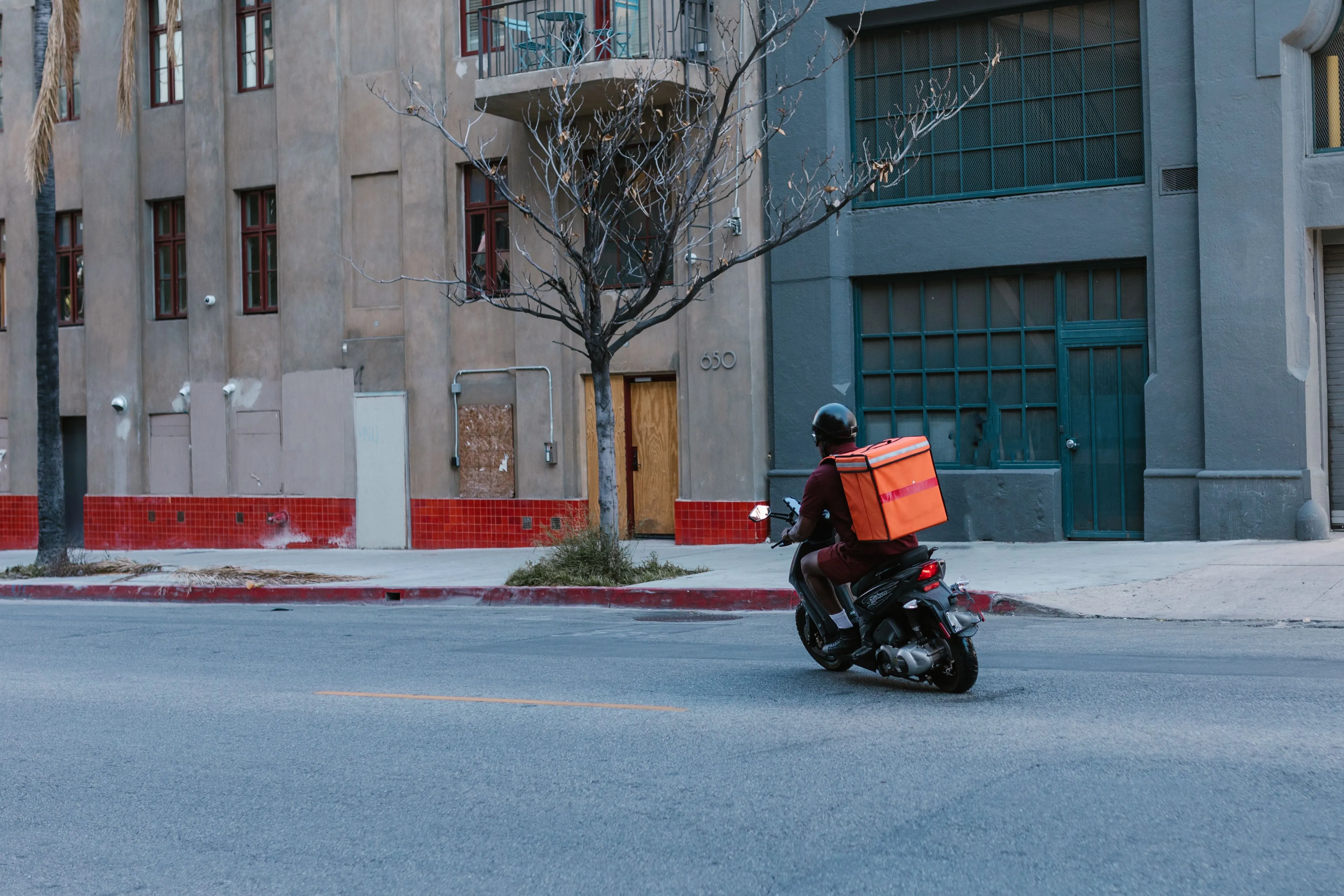
Modern retail means one consistent experience at every touchpoint. Whether a buyer finds you on social media, walks into your shop or orders from your website, fulfillment should feel the same:
When your delivery, pickup and customer messages run from one system, your brand builds trust at every step. If you are still weighing whether local delivery pays off, read how local delivery services shape business growth. For the bigger operating decisions across several stores, see the retail guide to local delivery and pickup in 2026. To compare the ways of getting orders to customers the same day, see same-day delivery solutions compared; for parcels that leave your area, see 3PL vs in-house fulfillment for Shopify.
Local delivery only drives sales if customers know about it. Make it part of your value proposition on every channel.
Segment your customer list by ZIP code and send local customers a campaign about delivery windows, fees and same-day options. Remind them they can skip the wait for a parcel, order online and have it at home the same day.
Share behind-the-scenes clips of orders being packed and loaded, spotlight your pickup counter and feature customer reviews. Real people delivering in the neighborhood build trust that a faceless marketplace can't.
Put local delivery and pickup where shoppers decide: a homepage banner, a badge on product pages and the next available slot in the cart. When buyers see clear fulfillment choices early, there are fewer surprises at checkout.
Local fulfillment isn't just an operational task. It is one of your strongest tools for loyalty and growth. When buyers get their orders on time, can see where they are and hear from you along the way, they come back.
With ScrollEngine's Local Delivery + Pickup Date:S app running your local delivery, your store can make every nearby customer a clear delivery promise and keep it.
Give your shoppers the convenience they expect. Try ScrollEngine's Local Delivery + Pickup Date:S today to book delivery slots, optimize your routes and run local delivery your customers can count on.
Editor's note: first published July 22, 2026. Updated October 2, 2026: added what Amazon-level delivery means for a local store and a five-step Shopify setup with current Shopify details.
FAQ
For customers near your store, often yes. Delivering from local stock with your own drivers, or offering same-day pickup, can be faster than a parcel shipped from a distant warehouse. The key is a specific promise (a date and time window), kept every time, with updates along the way.
Yes. As of October 2026, Shopify's local delivery is free on any plan. You set delivery zones by postal code or by a radius from your location, a delivery price and minimum order for each zone, and up to 10 zones per location, and your delivery staff can use the Shopify Local Delivery app.
Through a delivery date and time slot app. With ScrollEngine, customers check their address and pick a delivery date and slot in the cart on any Shopify plan; on Shopify Plus the picker can also appear inside checkout. You set each location's slots, cutoffs, prep time, blackout dates and capacity.
Offer it above an order value that covers your cost to deliver, and charge a flat fee below it, so delivery pays for itself as orders grow. Show the threshold in the cart, with how much more the shopper needs to add, so they know how close they are.
With local delivery, you (or a courier you choose) bring the order to nearby addresses, usually the same day or on a date the customer books. With shipping, a carrier collects the parcel and delivers it through its own network, which usually takes longer.
From the blog
To fix Shopify local delivery, find where it breaks: checkout, scheduling, routing…
ScrollEngine, our app, covers delivery and pickup slots, routes, a driver app and tracking in one app.
Most Shopify stores need five local delivery tools: zones and rates, a date and time slot picker with limits…
Book a demo and we'll walk you through the platform set up like your stores, or request a quote for your locations and how you deliver.
2,000+ merchants trust us (as of Oct 2026)100+ merchants rate us 5.0 stars on the Shopify App Store (as of Oct 2026)