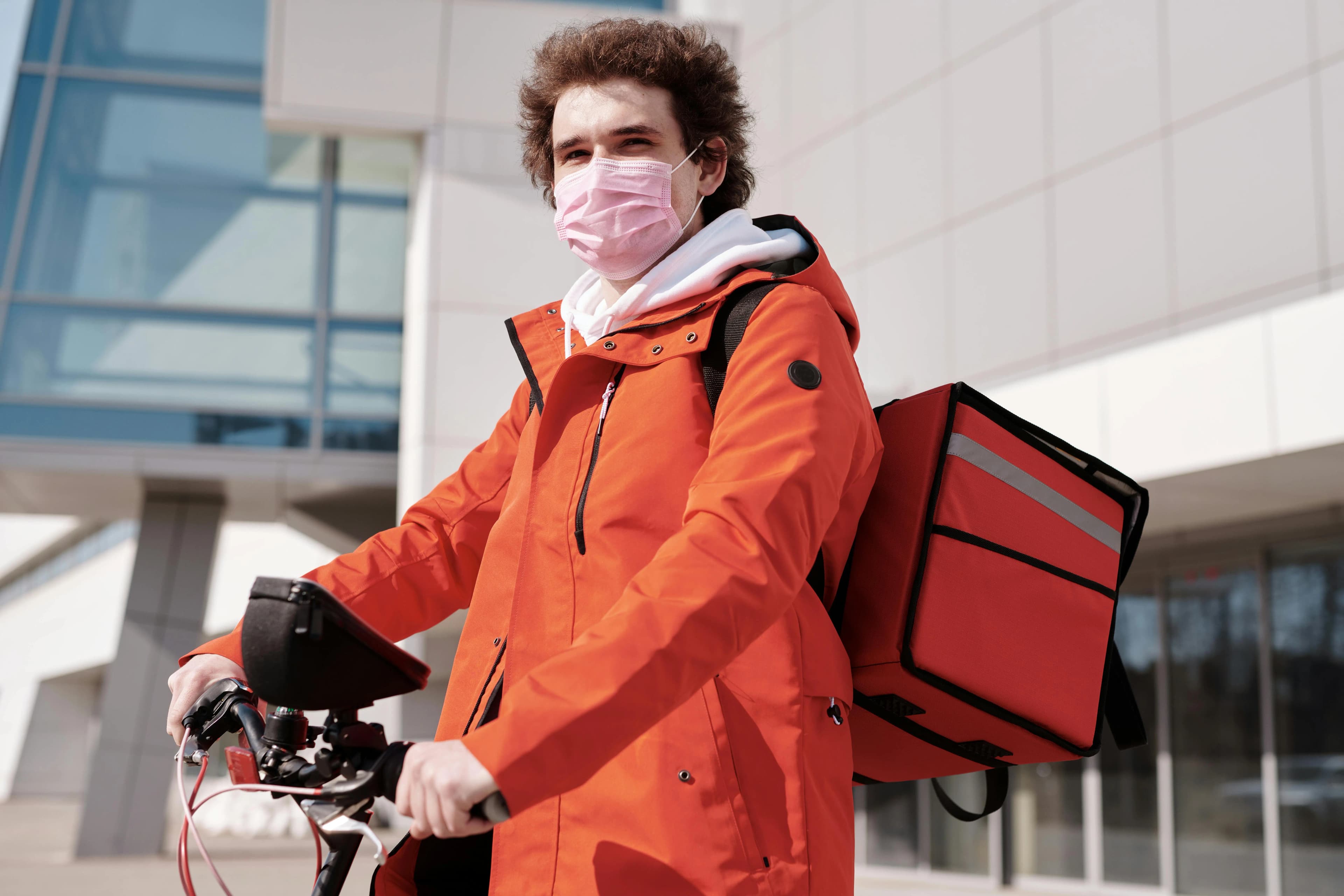
How Local Delivery Services Shape the Growth of Modern Businesses
Local delivery helps a business grow by reaching customers beyond walk-in traffic, converting more shoppers…
Insights
Retailers win at local delivery and pickup in 2026 by making one clear promise at checkout and meeting it: real dates and slots per store, pickup ready on time, efficient routes and updates customers never have to ask for.
In 2026, local delivery and store pickup succeed or fail on one thing: whether the shopper can trust the promise you make at checkout. The retailers who win show only the options a nearby store can really fulfill, offer a specific date and time window instead of "soon", have pickup orders ready when they said they would, and send updates before the customer has to ask.
This guide covers what shoppers expect this year, the six decisions every retailer has to get right, and a checklist for running delivery and pickup as one operation.
Expectations have moved again, and they now apply to the corner shop as much as to national chains.
The thread running through all four: shoppers want to know what is available, how fast they can get it and what happens next. Brands that answer those questions clearly earn repeat orders.
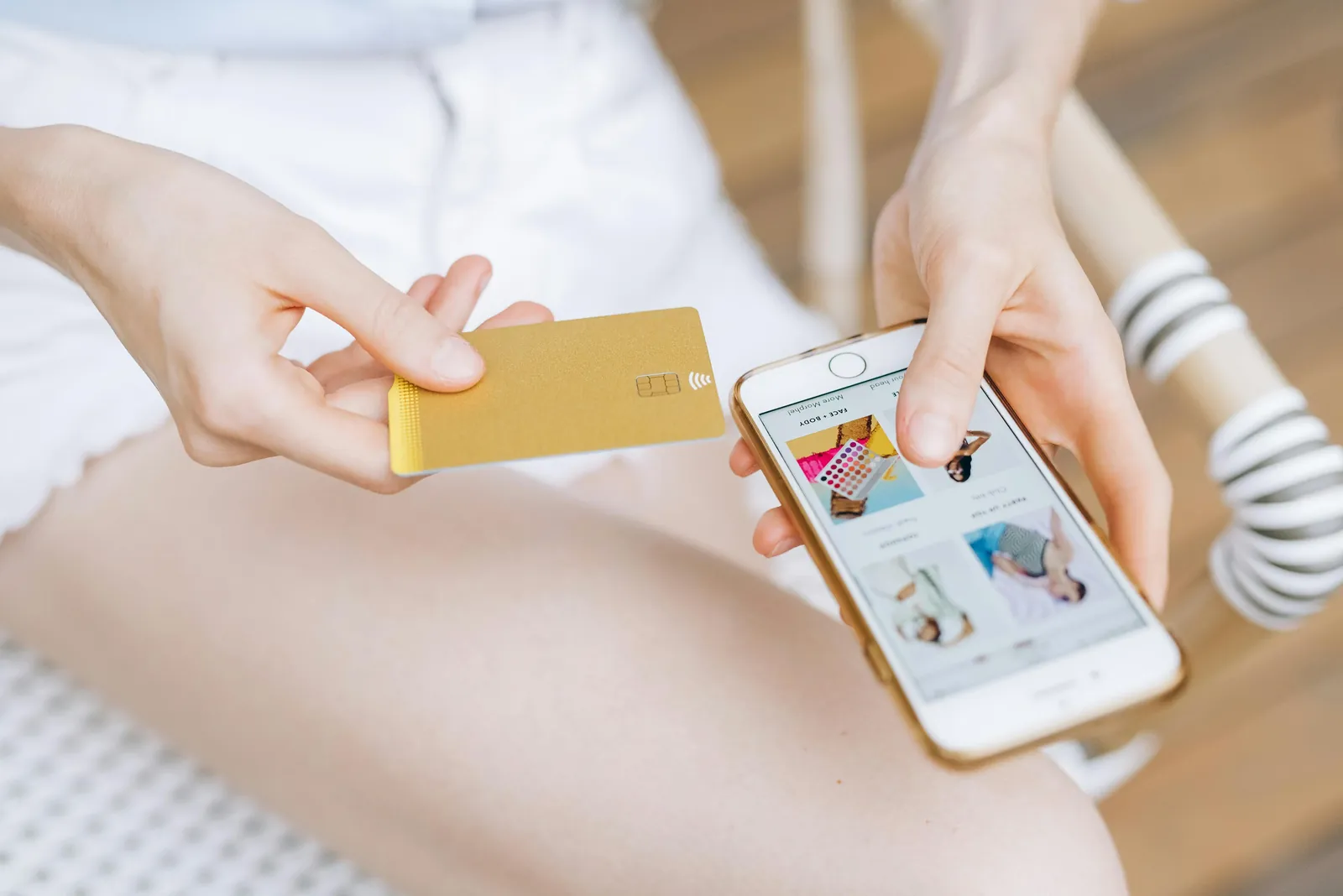
Most local shopping decisions are practical and time-bound. A customer ordering dinner wants to know what can arrive tonight. A shopper buying home goods wants to know what is in stock at the store nearest them. Someone choosing pickup wants the store hours, the address and clear instructions before they pay.
Good retail design answers three questions on the product page or in the cart, before checkout:
Answering these up front removes the guesswork that makes shoppers hesitate. Good design doesn't keep people browsing longer; it helps them finish faster and feel sure of their choice.
Customers don't think in "delivery flows" and "pickup flows". They think about getting their order. A shopper may start with delivery, see that pickup is faster today and switch. They expect the same products, the same order details and the same kind of updates either way.
When delivery and pickup run in separate tools, the cracks show:
Running both from one order record, one list of locations and one set of customer messages keeps every channel in sync. Customers never have to guess what happens next.
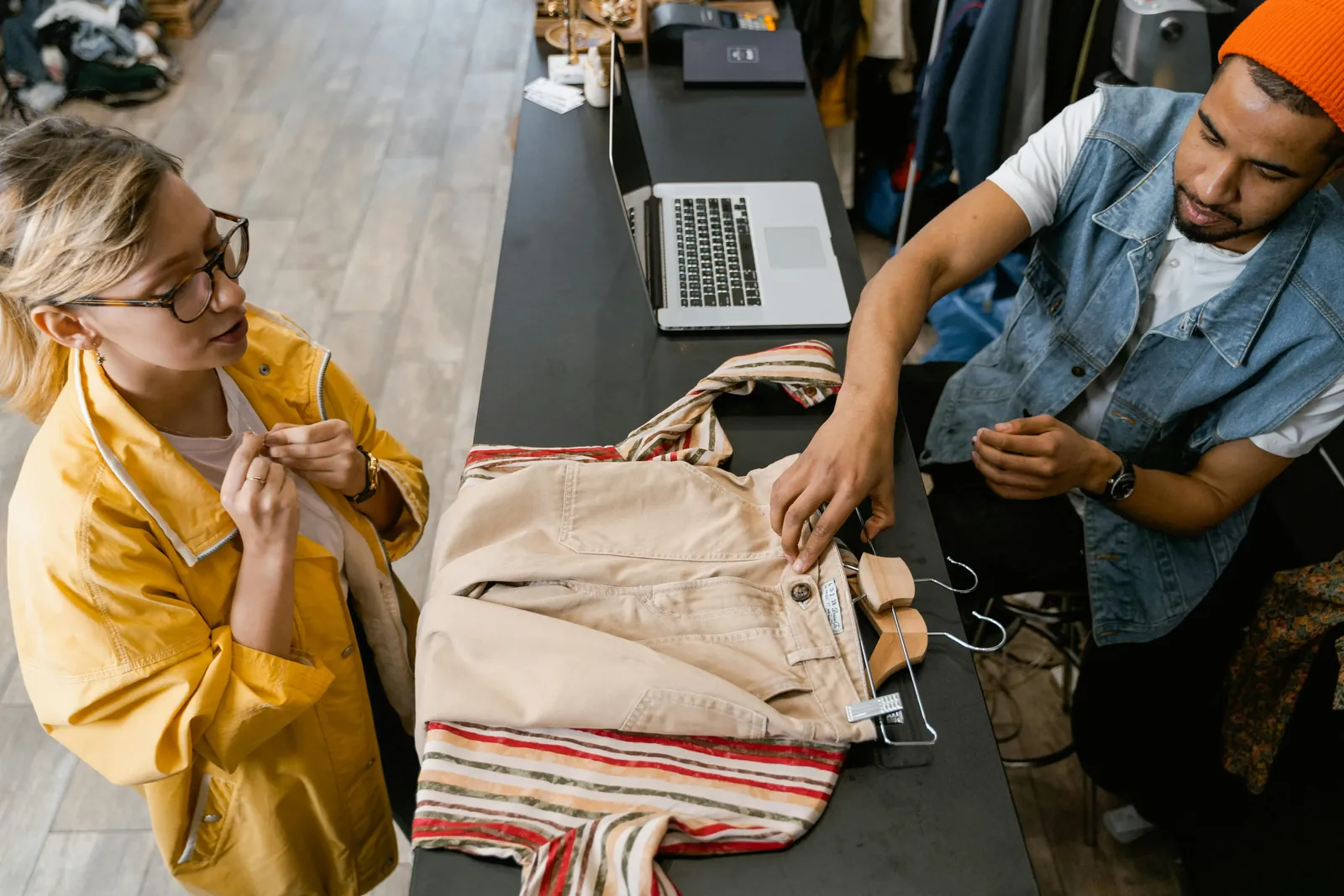
Draw delivery zones a driver can cover inside one delivery window: a list of ZIP codes, a radius around the store or an area drawn on a map. With several locations, decide which store serves which zone, and what happens when the nearest store can't fill the whole cart. Rules that send each order to the right location replace the morning ritual of re-assigning orders by hand. Our multi-location page shows how this works across stores.
Replace "delivered soon" with a date and a time window. For each store, set a same-day cutoff, the prep time an order needs, and blackout dates for holidays and closures, in that store's own time zone. Then give each slot and each day a capacity your team can really handle, so you aren't promising a busy Saturday more deliveries than your drivers can make. A delivery date picker puts these rules in front of the shopper.
Pickup feels effortless when the customer books a pickup time the store can handle, the order is ready at that time, and a "ready for pickup" message arrives with the address, hours and what to bring. Give associates a clear view of what is due and when, so orders are prepared before customers walk in. See how store pickup handles slots, prep time and ready messages.
Decide whether your own drivers deliver, an on-demand courier does, or a mix of both. Each option has a different cost and level of control; we compare them in same-day delivery solutions compared.
With your own drivers, plan routes for all of them at once around delivery windows, shifts and vehicle capacity. Give them an app with their stops in order, photo and signature proof of delivery, and a way to call or message the customer.
Send updates at the moments that matter: order confirmed, out for delivery with a tracking link, arriving soon, and delivered with proof. For pickup, the "ready" message is the one that counts. DigitalGenius customer data from 2023 shows that around one in five e-commerce support queries asks "Where is my order?", rising to up to 40% at peak (vendor data). DigitalGenius, What is a normal WISMO rate (Mar 2023), vendor data Proactive updates are the simplest way to bring those questions down.
Track a handful of numbers every week:
Great retail experiences are the least noticeable. Orders are quick to place. Updates arrive when expected. Instructions are simple. Timelines are accurate.
These details shape how customers remember your brand. When the process goes smoothly, they come back. When it doesn't, they stop trusting the experience, however good the product is. Clarity isn't about removing features; it's about removing confusion.

Use this list to check where your operation stands today:
If you are still deciding whether local delivery is worth the effort, start with how local delivery services shape business growth. If you sell on Shopify and want to match big-retailer delivery, read local delivery for Shopify: power Amazon-level fulfillment.
ScrollEngine's Local Delivery + Pickup Date:S app runs local delivery and store pickup on Shopify from one place. Shoppers check their address and book a date and time slot in the cart. Each location has its own zones, slots, cutoffs and capacity, and location rules send every order to the store that serves it. Dispatchers plan optimized routes for several drivers, drivers capture photo and signature proof in the driver app for iOS and Android, and customers follow a branded tracking page with email, SMS and WhatsApp updates. The live driver map and driver scorecards run in the ScrollEngine web dashboard.
In 2026, your fulfillment is your brand. When local delivery and pickup feel shaky, customers lose trust. When they feel effortless, customers return, and they tell their neighbors.
👉 Explore ScrollEngine’s app, Local Delivery + Pickup Date:S, on the Shopify App Store today.
FAQ
With local delivery, your own drivers or a courier bring the order from a nearby store or warehouse to the customer's door, usually the same day or on a date the customer books. With store pickup (click and collect), the customer orders online and collects the order at a store at a time you've confirmed. Many retailers offer both from the same stores and the same stock.
Give each store its own delivery zones (ZIP codes, a radius or a drawn area) and route each order to the store that serves the customer's address and has the items. When two stores could serve an order, set a priority so the choice is consistent instead of decided by hand every morning.
No. With a delivery and pickup app, customers can check their address and book a delivery date and time slot in the cart on any Shopify plan. On Shopify Plus you can also show the date and slot picker inside checkout itself.
The store name and address, opening hours, where to go inside or outside the store, what to bring (the order number or the confirmation email) and how long the order will be held. Send it the moment staff mark the order ready, not when it is placed.
Track the share of deliveries completed inside the promised window, the share of pickup orders ready by the promised time, deliveries that failed on their first attempt, "Where is my order?" contacts per hundred orders, and how full each slot and day runs. Review them weekly and adjust zones, slots and staffing.
From the blog
Local delivery helps a business grow by reaching customers beyond walk-in traffic, converting more shoppers…
ScrollEngine, our app, covers delivery and pickup slots, routes, a driver app and tracking in one app.
Most Shopify stores need five local delivery tools: zones and rates, a date and time slot picker with limits…
Book a demo and we'll walk you through the platform set up like your stores, or request a quote for your locations and how you deliver.
2,000+ merchants trust us (as of Oct 2026)100+ merchants rate us 5.0 stars on the Shopify App Store (as of Oct 2026)