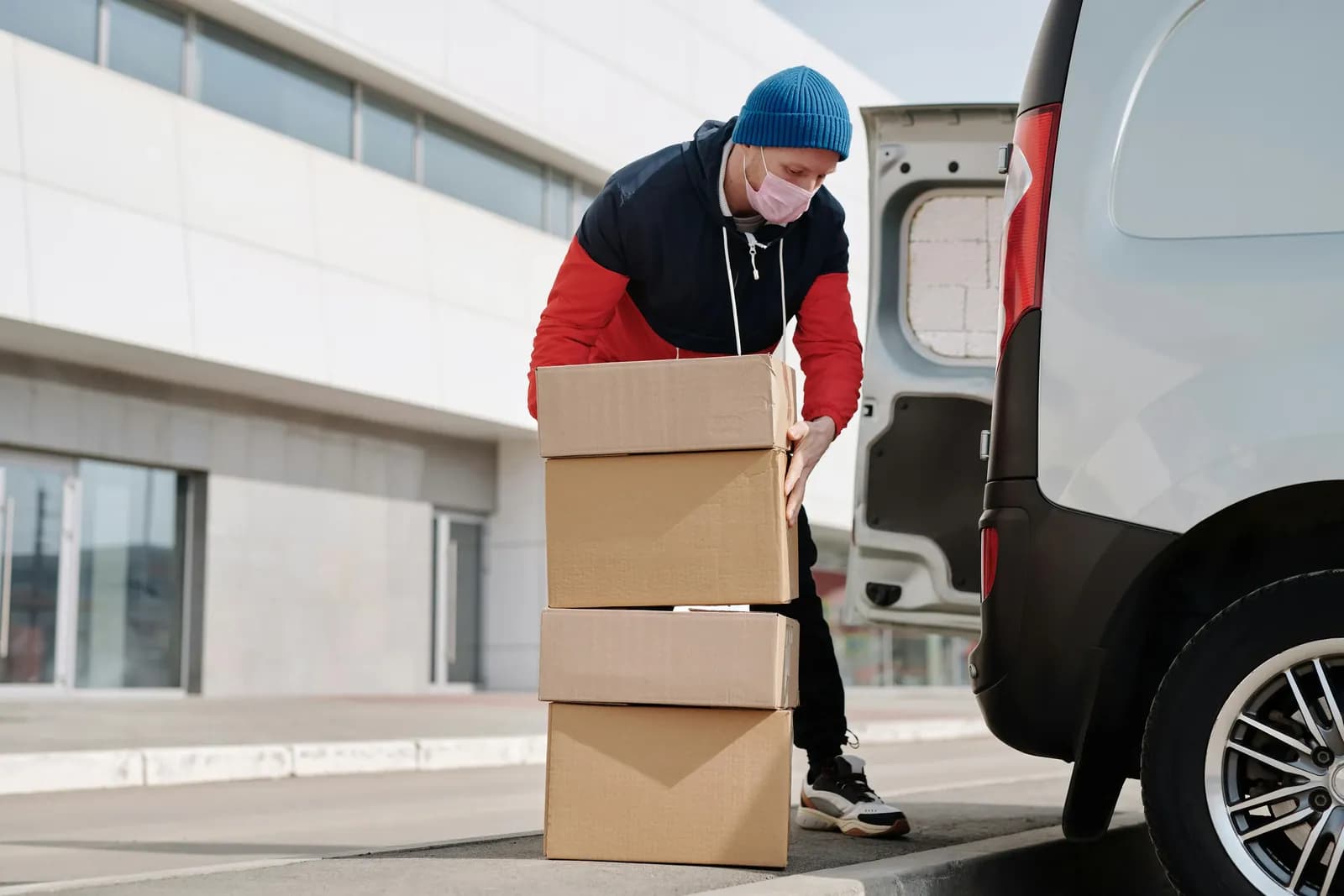
Why Poor Local Delivery and Pickup Hurts Your Brand
Poor local delivery and pickup hurts your brand because customers blame the store, not the driver.
Insights
To fix Shopify local delivery, find where it breaks: checkout, scheduling, routing, drivers or customer updates. Then add the missing piece: delivery slots with capacity, location rules, route optimization, a driver app and live tracking.
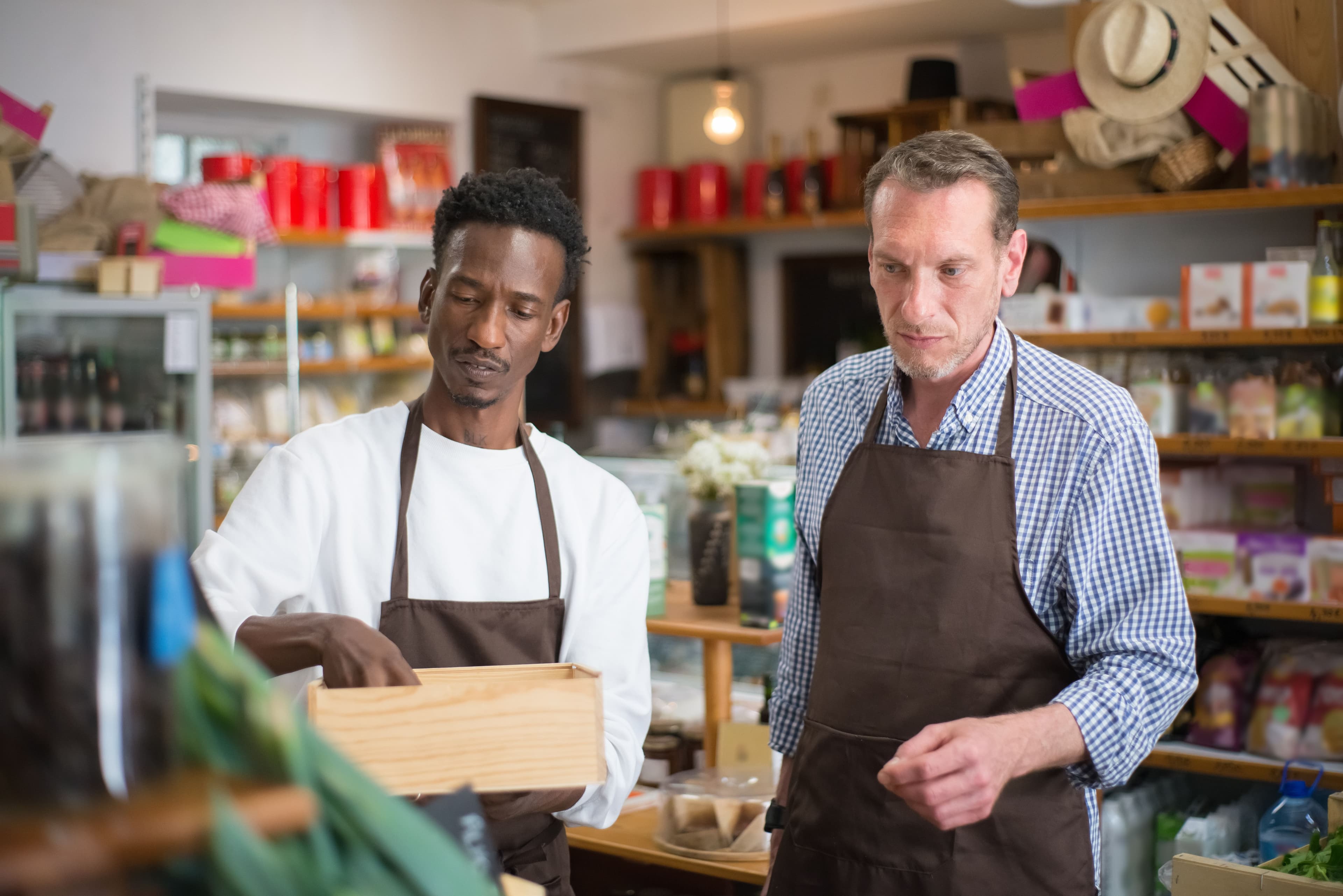
To fix Shopify local delivery for an online store, find which part of the chain is breaking (checkout, scheduling, routing, drivers or customer updates) and add the missing piece. Growing stores tend to hit the same limits: customers want to choose a delivery time, too many orders land on the same day, routes are planned by hand, drivers work from text messages, and customers keep asking where their order is.
The stakes are highest for stores selling everyday goods. According to AlixPartners' 2026 Home Delivery Survey, shoppers expect grocery and food orders in 0.9 days. AlixPartners, 2026 Home Delivery Survey (Jun 2026) That leaves little room for a delivery that slips a day, or for an order that arrives when nobody's home.
Shopify's built-in local delivery is a sensible starting point. According to Shopify's Help Center (checked October 2, 2026):
Sources: Local delivery and Fulfilling local delivery orders, Shopify Help Center.
That covers simple zones, and Shopify's free Local Delivery app adds route planning for up to 100 stops (App Store listing, checked October 2, 2026). ScrollEngine does more in one app: delivery dates and time slots with a limit on orders per slot and day, routes for several drivers built around those booked slots, a driver app with photo and signature proof, and a live tracking page for every customer.
Symptom: customers in your area say they can't select local delivery.
Fix: check the address against your zones, then the cart. The usual causes are an address outside the zone, an address Google can't verify, a cart that one location can't fulfill on its own, an order below the zone's minimum, or an express checkout other than Shop Pay. Our guide to Shopify local delivery not showing at checkout walks through all nine causes in order.
Symptom: "When will it come?" emails, and drivers arriving when nobody's home.
Fix: let customers pick a delivery date and time slot. A delivery date picker adds the choice to the cart, the cart drawer and the product page; on Shopify Plus, a date and time picker can also sit in checkout and block checkout until it's filled. Set cutoffs, prep time, blackout dates and each location's time zone, so the calendar matches how you actually work.
Symptom: quiet mornings, impossible afternoons, and late deliveries on your busiest days.
Fix: set daily and per-slot capacity for each location with capacity-aware slots, and use a preparation planner so the team packing orders can see what's due and when.
Symptom: a store across town gets an order the nearest store could have delivered in minutes.
Fix: use location rules to send each order to the right store or warehouse by ZIP code, drawn zone, radius, region, order tags or location priority, and fulfill from the location that matched.

Symptom: someone spends an hour each morning ordering stops on a map, and drivers still double back.
Fix: use route optimization to plan multi-stop routes for several drivers at once, around time windows, vehicle capacity, shifts and breaks. A route planner also previews distance and time before you dispatch; constraints such as traffic, tolls and shifts depend on your plan.
Symptom: addresses copied into messages, status updates that never happen, and no record of what was delivered.
Fix: give drivers an app for iOS and Android with their route, order details, status buttons, proof of delivery and cash-on-delivery tracking. Drivers sign in with their own access, separate from your Shopify admin, and can call or WhatsApp the customer from the app.
Symptom: a support inbox full of WISMO questions on delivery days.
Fix: send an email, SMS or WhatsApp update at each milestone, with a link to a branded tracking page showing the driver's position and a live ETA. Delivery transparency: how real-time tracking builds customer trust explains which messages to send and when.
Symptom: drivers return with undelivered orders, and customers say orders never arrived.
Fix: combine booked slots and address checks with an arrival alert and proof of delivery at every stop. How to stop missed Shopify local deliveries covers the full checklist.
Many local customers would rather collect their order and skip the delivery fee. Pickup works best when it's run like delivery, with the same discipline:
Offering both lets customers choose what suits them on each order. See store pickup for the setup.
Running your own drivers gives you control over the whole handoff: when deliveries happen, how fresh or fragile goods are handled, and how the customer is treated at the door. That matters most for groceries, flowers, food, pharmacy and high-value orders, and for dense areas close to your stores. A courier can make sense for low volumes or addresses far from any store. Many stores do both and decide per order. Whichever you choose, the fixes above still apply: a booked window, a clear address, a tracking link and proof of delivery.
Work through this list once, then review it each quarter:
Local Delivery + Pickup Date:S adds what Shopify's built-in local delivery leaves to you, in one app:
Try Local Delivery + Pickup Date:S on the Shopify App Store and fix local delivery one step at a time.
Editor's note: first published July 7, 2026. Updated September 27, 2026: we fixed a broken App Store link and matched the feature list to what ScrollEngine does today. Updated October 2, 2026: rewritten as a diagnosis and setup guide, with Shopify's rules quoted from its Help Center.
FAQ
Usually one of three things. The option doesn't show at checkout (the address is outside your zones, one location can't fulfill the whole cart, the cart is under the minimum, or the customer used an express checkout other than Shop Pay); the store can't schedule or cap deliveries; or orders reach drivers and customers without routes or tracking. Find which part is failing before you change anything.
Not with the built-in method alone. Shopify's Help Center page on local delivery covers zones, prices, minimum orders and a delivery message, not delivery dates or time slots (checked October 2, 2026). A delivery date picker app adds date and time slot booking to the cart.
Shopify's local delivery help pages (checked October 2, 2026) cover zones, prices, minimum orders and marking orders ready for delivery and delivered; they don't describe route planning. Stores with more than one driver usually add a route planner that orders stops around time windows and vehicle capacity.
Shopify's Help Center says you can add up to 10 delivery zones per location, with a maximum radius of 160 kilometers (100 miles) and postal code lists of up to 3,000 characters (checked October 2, 2026).
Your own drivers give you control over timing, handling and how the handoff feels, which matters most for fresh, fragile or time-sensitive orders and for dense areas near your stores. A courier can make sense for low volumes or distant addresses. Many stores do both and decide per order.
From the blog
Poor local delivery and pickup hurts your brand because customers blame the store, not the driver.
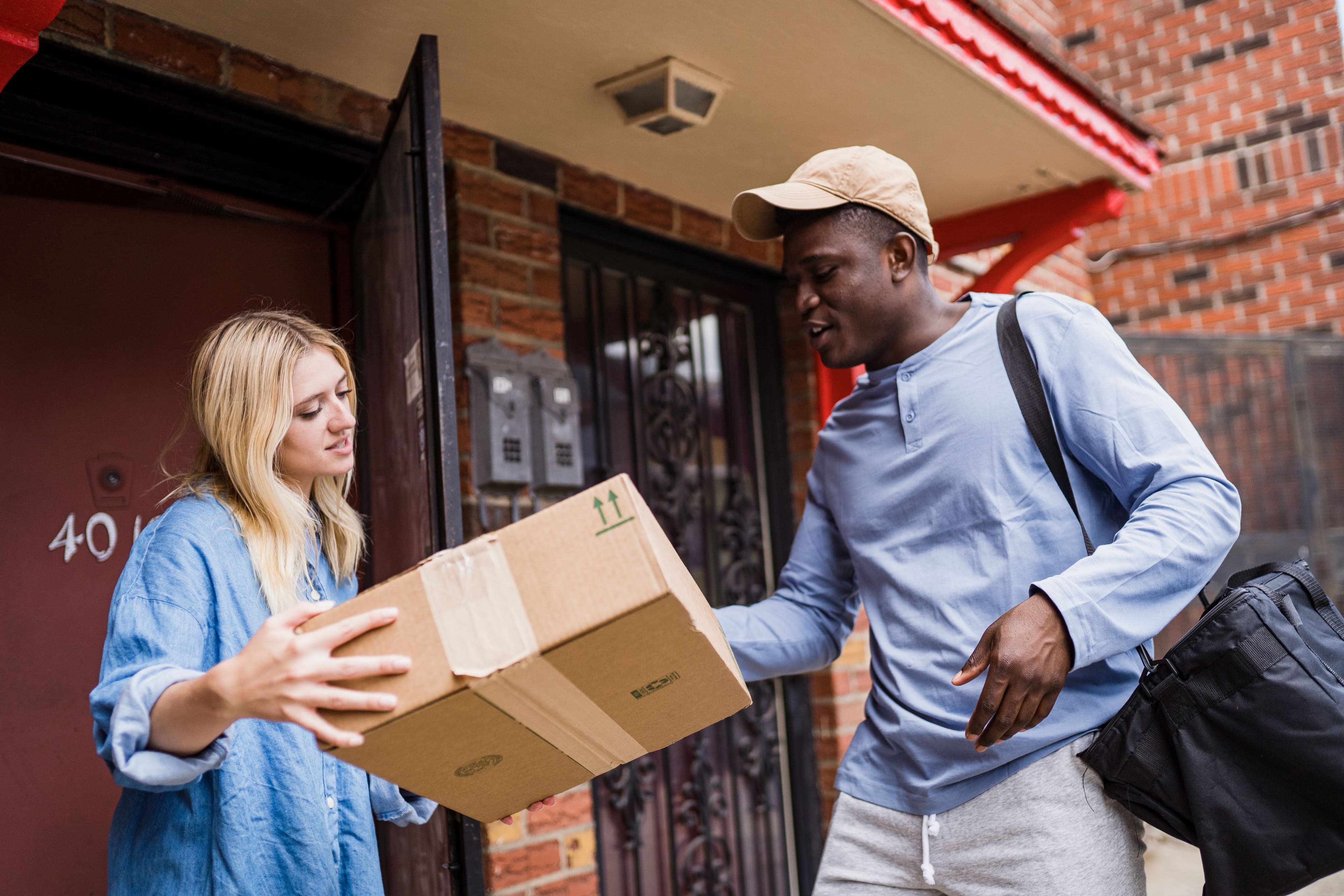
To stop missed Shopify local deliveries, let customers book a delivery window…
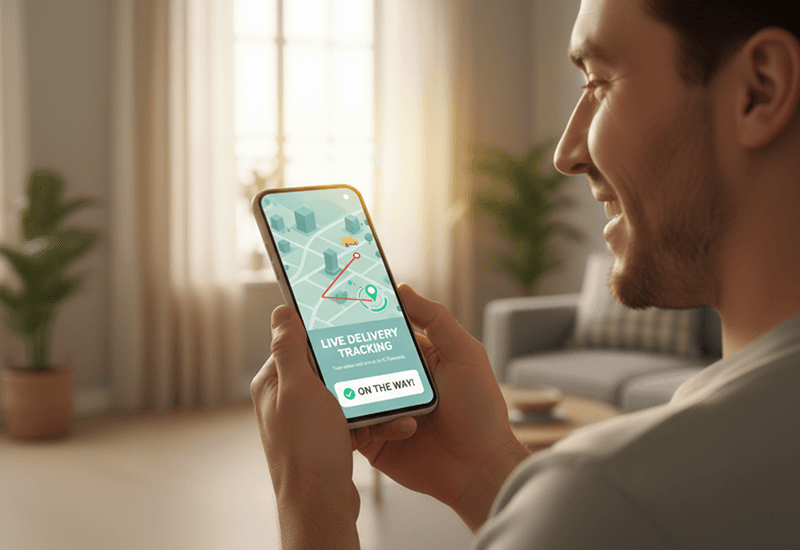
Delivery transparency means customers can see where their order is, when it will arrive and what changed…
Book a demo and we'll walk you through the platform set up like your stores, or request a quote for your locations and how you deliver.
2,000+ merchants trust us (as of Oct 2026)100+ merchants rate us 5.0 stars on the Shopify App Store (as of Oct 2026)