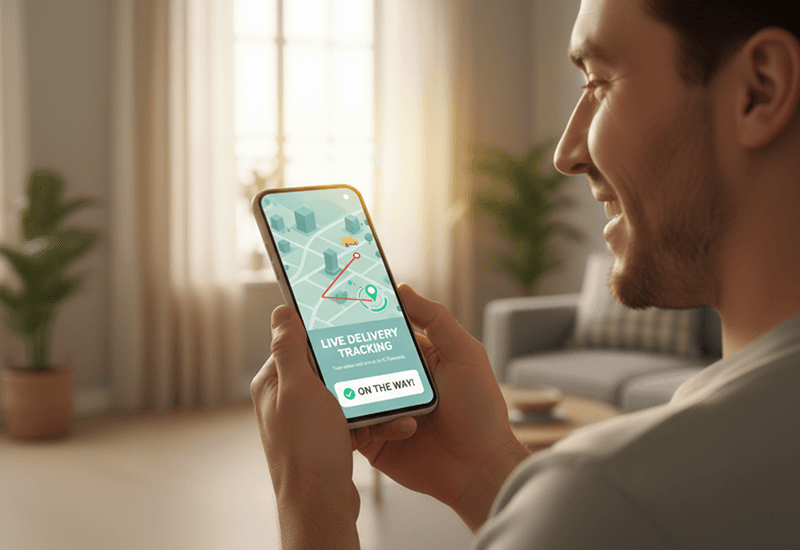
Delivery Transparency: How Real-Time Tracking Builds Customer Trust
Delivery transparency means customers can see where their order is, when it will arrive and what changed…
Insights
To stop missed Shopify local deliveries, let customers book a delivery window, check the address before checkout, send a tracking link and an arrival alert, give drivers a way to reach the customer, and capture proof at the door.
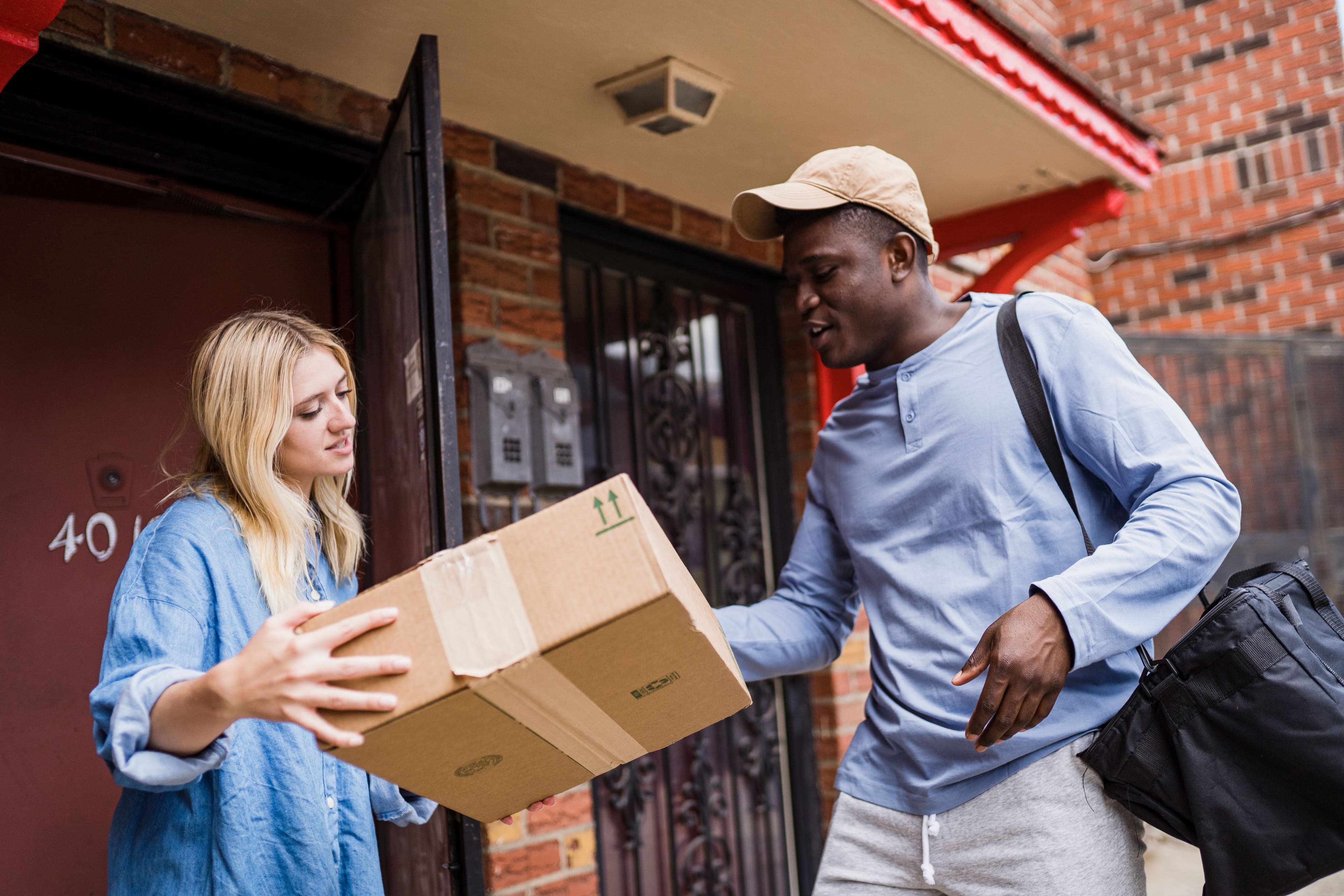
To stop missed Shopify local deliveries, remove the reasons they happen: customers who don't know when the driver is coming, addresses the driver can't find, orders from outside your area, routes that run late, and handoffs nobody can prove. Let customers book a delivery window, check the address before checkout, send a tracking link when the driver sets off and an alert when they arrive, and capture proof at the door. When a delivery still fails, reschedule it quickly instead of retrying blind.
A missed delivery costs you twice: once in the wasted trip and the second attempt, and again in the customer's patience. Loqate's 2020 survey found that 8% of domestic first-time deliveries fail, costing retailers an average of $17.20 per order. Loqate (GBG), Fixing Failed Deliveries 2021 (Dec 2020), 2020 fieldwork Customers don't give many second chances either. According to AlixPartners' 2026 Home Delivery Survey, 52% of shoppers will stop buying from a retailer after just one or two missed deliveries. AlixPartners, 2026 Home Delivery Survey (Jun 2026) That's why poor local delivery and pickup hurts your brand, not just your margins.
Before fixing anything, find out which of these is behind your missed drops:
Go through your last few weeks of missed drops and tag each one with a cause. Start with the two or three causes that come up most.
The most reliable way to make sure someone is home is to let them choose when. Shopify's built-in local delivery lets you set zones, prices, minimum orders and a delivery message; its Help Center page doesn't describe delivery dates or time slots (Local delivery, checked October 2, 2026). A delivery date picker adds a date and slot choice to the cart, the cart drawer or the product page, and the calendar follows your cutoffs, prep time and blackout dates.
Catch bad addresses in the cart, not on the doorstep. A serviceability check by ZIP code, full address or map pin tells the customer straight away whether you deliver to them, and map-pin capture at checkout gives drivers an exact location for hard-to-find drops. Define each location's area by ZIP list, radius, a drawn zone or a KML file. Ask for unit numbers, buzzer details and gate codes in the delivery instructions.
Late routes create missed deliveries: the customer waited, gave up and went out. Capacity-aware slots let you set daily and per-slot limits for each location. Set each limit to the number of drops your team can actually make in that window, not the number you hope to make.
A route built by hand rarely respects every window. Route optimization plans multi-stop routes for several drivers at once, taking time windows, vehicle capacity, shifts and breaks into account. Routes stay editable after they start, with ETAs recalculated, so a late order can be moved before it misses its window.
When the driver starts the route, send the customer a message by SMS, WhatsApp or email with a link to a branded tracking page showing the driver's position and a live ETA. Customers who can see the driver coming plan to be there. Delivery transparency: how real-time tracking builds customer trust covers which updates to send at each stage.
A clear "your driver is here" message prevents the classic missed knock in apartment buildings and offices. Automatic arrival detection marks the stop as arrived when the driver comes within a set radius of the address, and the arrival can trigger a message to the customer. Read why arrival visibility matters in last-mile delivery for how to set it up.
Drivers working from a text thread or a printed list can't fix a problem at the door. A driver app for iOS and Android puts the route, each stop's order details and the status buttons in one place, and lets the driver call or WhatsApp the customer without leaving it. If the location is unclear, send the customer a pin-drop link so they confirm exactly where the driver should go.
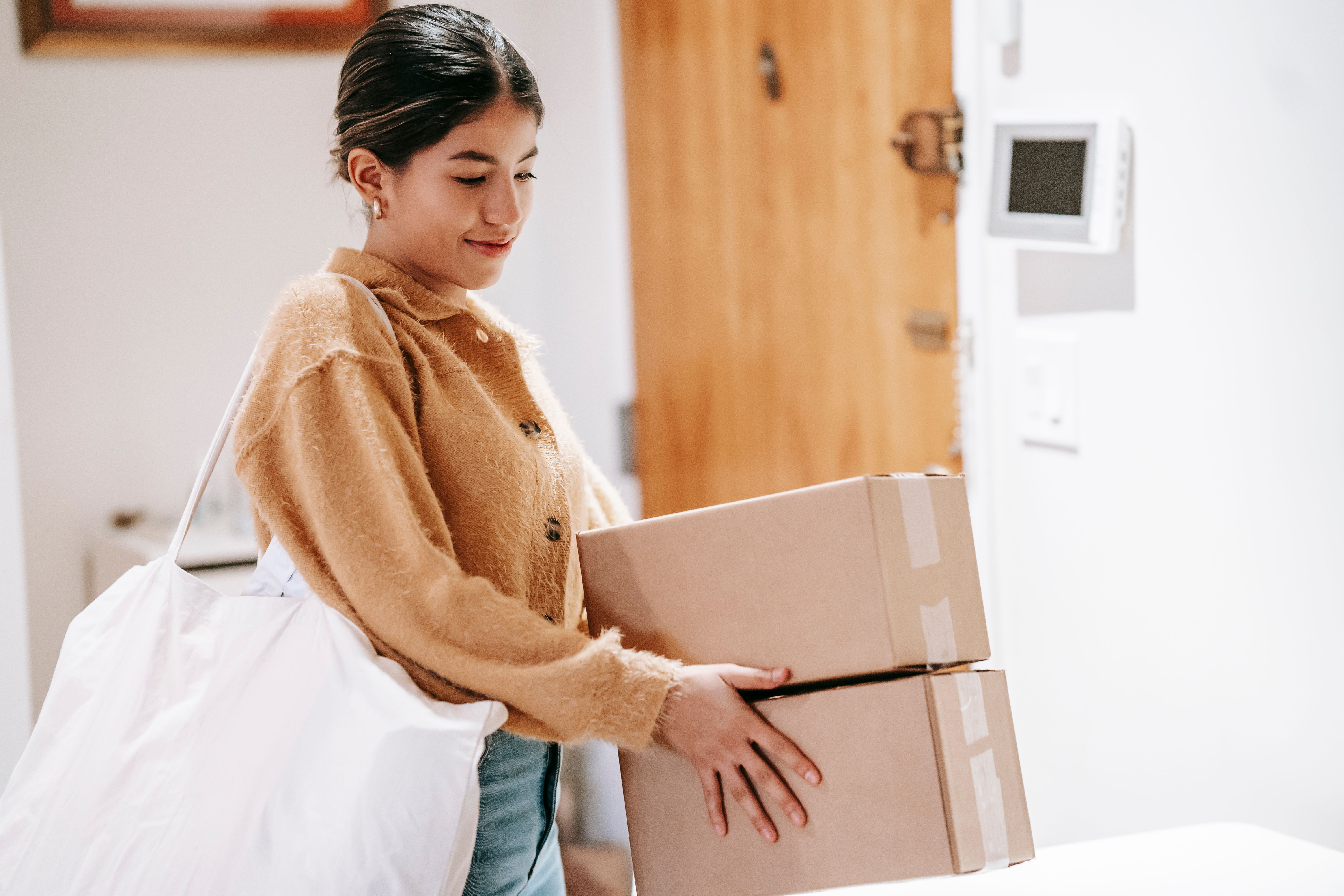
Proof of delivery won't stop a missed drop, but it stops a completed one from being counted as missed. Have drivers take a photo, collect a signature or add a note at every stop; per-store driver rules can make the photo mandatory. Include the proof in the delivery email so the customer sees it straight away. See how to capture proof of delivery.
No setup prevents every miss. What matters is how fast you recover:
You can't improve what you don't measure. Track:
Review it every week. A cluster of misses in one zone usually points to address quality; in one slot, to overbooking; with one driver, to training or route design. CSV reports of shipments and routes make this a quick export rather than a spreadsheet project.
Local Delivery + Pickup Date:S connects your Shopify store to your drivers and your customers:
If missed drops are one symptom of a wider setup problem, start with how to fix Shopify local delivery for online stores.
Try Local Delivery + Pickup Date:S on the Shopify App Store and give every order a booked window, a tracking link and proof at the door.
Editor's note: first published June 30, 2026. Updated September 27, 2026: the app name now comes from our product record, and one delivery claim was updated to match the product. Updated October 2, 2026: rewritten as a step-by-step checklist with sourced figures.
FAQ
Most missed local deliveries come from a handful of causes: the customer didn't know when to expect the driver, the address or pin was wrong or incomplete, the order was outside your delivery area, the route ran late because too many drops were booked, or the driver couldn't reach the customer at the door.
Let customers book a delivery date and time slot, check the address before checkout, limit how many orders each slot takes, optimize routes around the windows, send an out-for-delivery message with a tracking link and an arrival alert, and have drivers capture proof of delivery.
Call or message the customer from the driver app before leaving, follow any delivery instructions, and record what happened. Then reschedule the order to a new date and slot and tell the customer, or offer store pickup if you have a store nearby.
Check the address before the order is placed, with a serviceability check by ZIP code, full address or map pin. Ask for unit numbers, buzzer details and gate codes in the delivery instructions. If a location still looks unclear before the route starts, send the customer a pin-drop link so they can confirm exactly where the driver should go.
Yes. A photo, signature or note captured at the door, with the time of delivery, gives you and the customer a record of the handoff. Sending it in the delivery email often answers the question before it becomes a dispute.
From the blog
Delivery transparency means customers can see where their order is, when it will arrive and what changed…
To fix Shopify local delivery, find where it breaks: checkout, scheduling, routing…
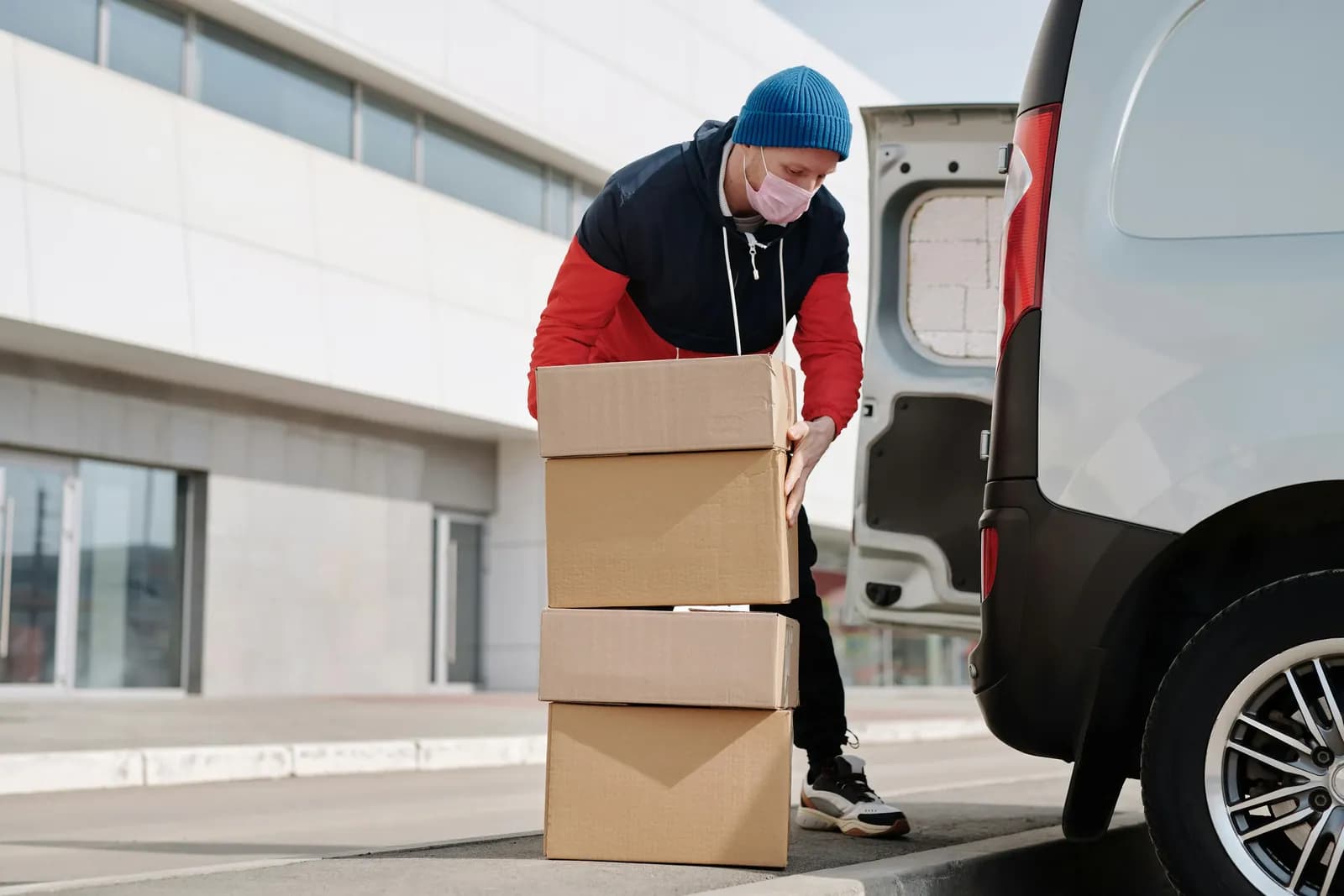
Poor local delivery and pickup hurts your brand because customers blame the store, not the driver.
Book a demo and we'll walk you through the platform set up like your stores, or request a quote for your locations and how you deliver.
2,000+ merchants trust us (as of Oct 2026)100+ merchants rate us 5.0 stars on the Shopify App Store (as of Oct 2026)