How to Stop Missed Shopify Local Deliveries: 8 Fixes
To stop missed Shopify local deliveries, let customers book a delivery window…
Insights
Delivery transparency means customers can see where their order is, when it will arrive and what changed, without asking. A booked window, milestone updates, a live tracking page and early delay messages build that trust.
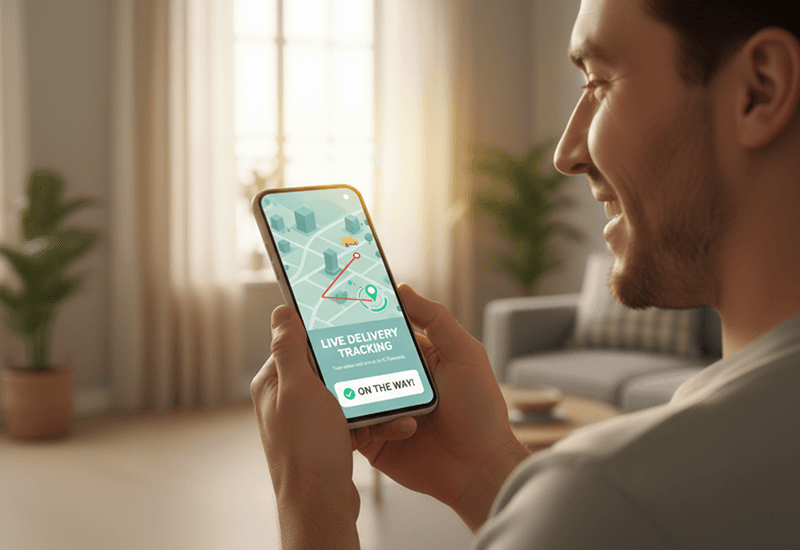
Delivery transparency means your customer never has to ask where their order is. They book a delivery window at checkout, get a message at each milestone, follow the driver on a live tracking page with an up-to-date ETA, and hear from you first if anything changes. Real-time tracking builds trust because it replaces waiting and guessing with facts the customer can check for themselves.
For Shopify stores that deliver with their own drivers, this has to be built on purpose. Shopify's Help Center puts it plainly: "Local delivery orders don't generate carrier tracking events in Shopify, so these notifications don't apply to local delivery." Out of the box, the customer gets a delivery confirmation email when you mark the order delivered; the Out for delivery and Delivered notifications, which carrier tracking events trigger, don't apply (Fulfilling local delivery orders, Shopify Help Center, checked October 2, 2026).
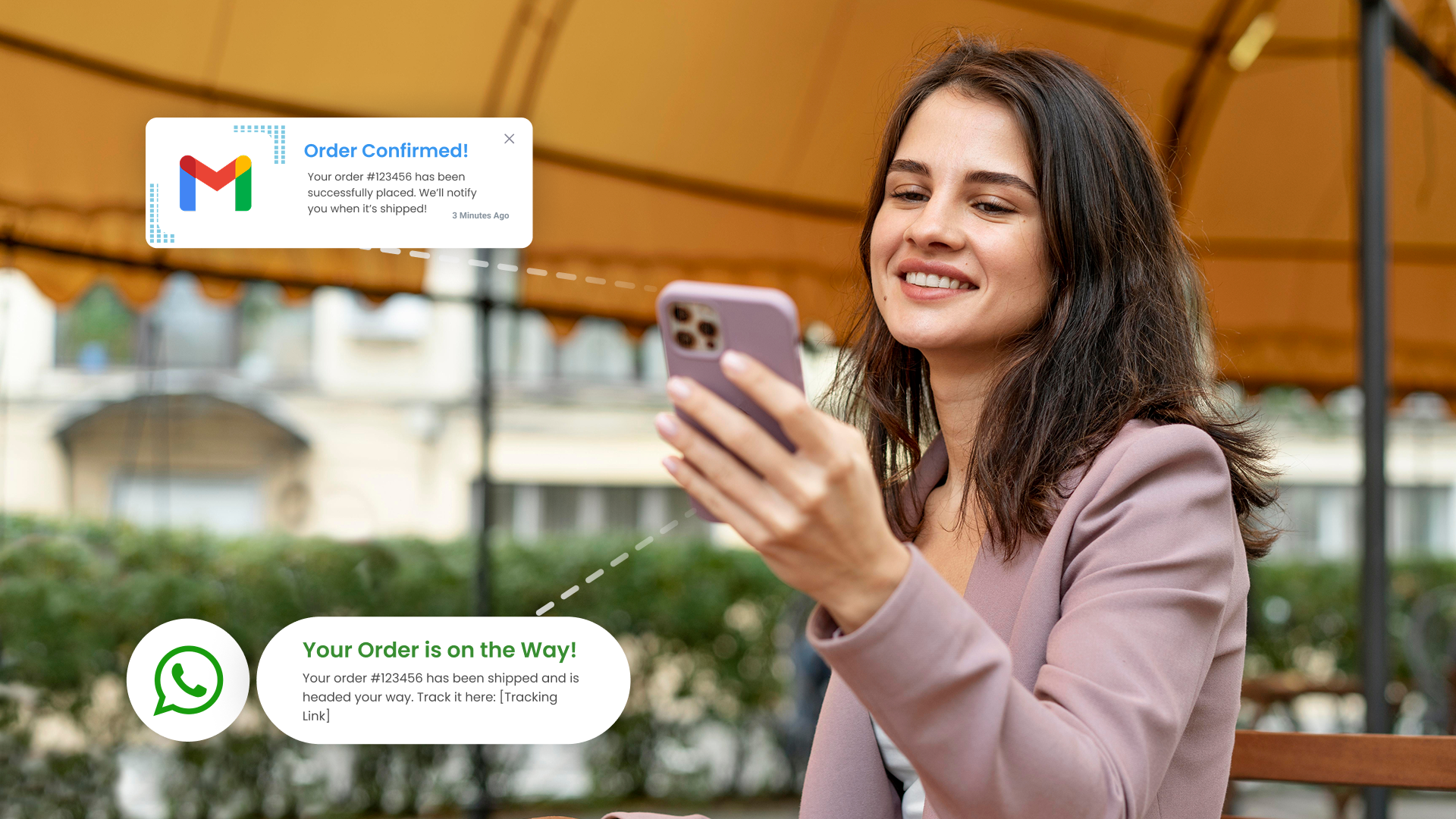
Uncertainty is what turns a happy order into a support ticket. Once an order is placed, the customer's question is simple: where is it, and when will it get here? If the answer isn't easy to find, they ask you by email, chat or phone. DigitalGenius customer data from 2023 shows that around one in five e-commerce support queries asks "Where is my order?", rising to up to 40% at peak (vendor data). DigitalGenius, What is a normal WISMO rate (Mar 2023), vendor data
Trust is also fragile when deliveries slip. According to AlixPartners' 2026 Home Delivery Survey, nearly 90% of shoppers say a late delivery weakens or ends their relationship with the retailer, even after an apology. AlixPartners, 2026 Home Delivery Survey (via Mondaq) (Jun 2026) You can't prevent every delay, but you can decide whether the customer hears about it from you, early and with a new time, or finds out by waiting at the door.
Transparency pays off in three places:
A transparent delivery lets the customer answer three questions without contacting you:
That takes four things working together: a delivery window promised at checkout, proactive updates at each milestone, a live tracking page, and a plan for delays.
Tie every message to a real event, not to a fixed schedule. A practical sequence for local delivery:
Start with out for delivery, delivered and rescheduled. Add more only when a message answers a question customers actually ask. Set up customer notifications walks through choosing the events and channels.
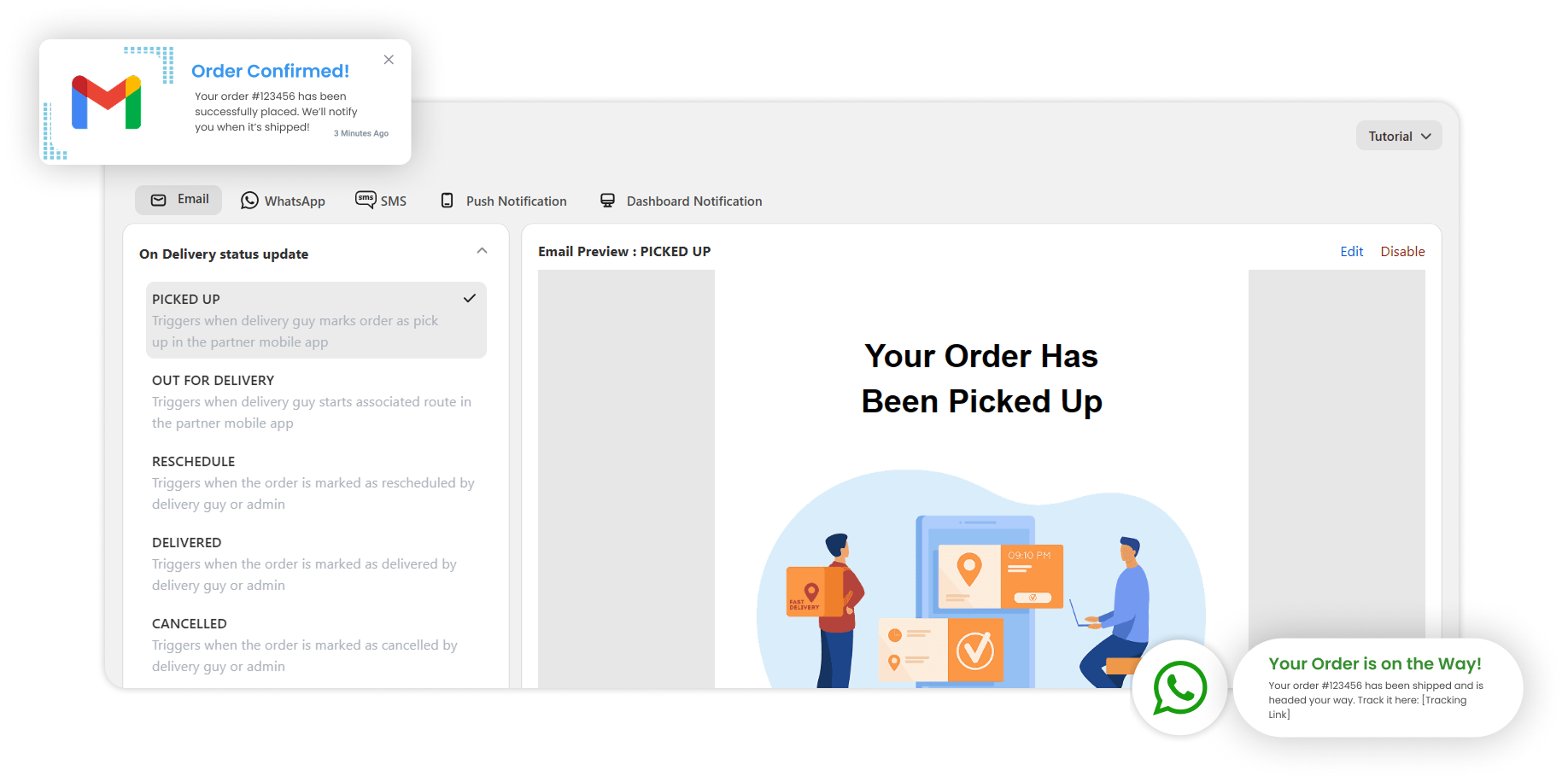
The tracking link is where transparency becomes visible. A page customers trust shows:
Customize the tracking page shows how to brand it and put it in every update.
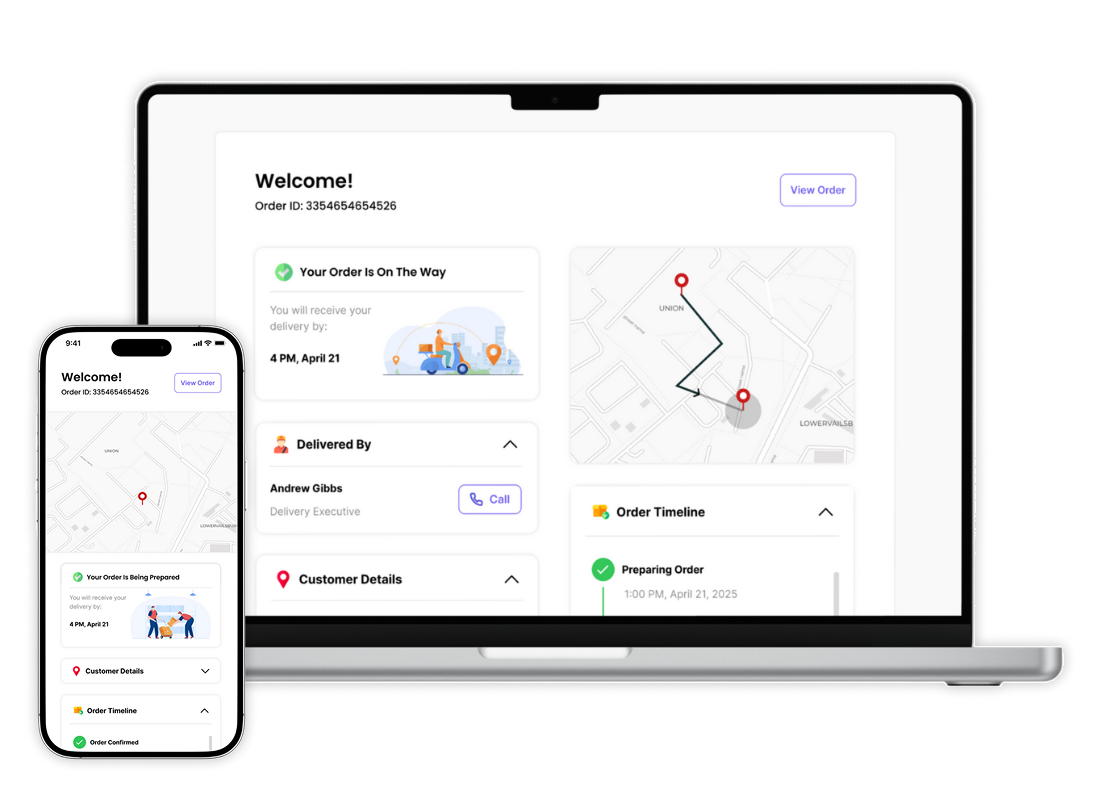
Delays are where transparency earns its keep. The rule is simple: the customer should hear about a delay from you before the window they booked has passed.
You don't need to rebuild your operation. Work through these in order:
Missed handoffs are the other half of the problem. How to stop missed Shopify local deliveries covers the prevention side.
Local Delivery + Pickup Date:S gives your team and your customers the same view of every delivery:
See how the pieces fit on Tracking and updates, or read the story of how ScrollEngine upgraded its delivery notifications to reduce WISMO.
Fast delivery gets attention. Transparent delivery earns loyalty. When customers can see their order moving toward them, know when it will arrive and hear from you first when plans change, they trust your store with the next order too.
Try it free for 7 days: Local Delivery + Pickup Date:S on the Shopify App Store.
FAQ
Delivery transparency means customers can see where their order is, when it will arrive and what changed, without contacting you. In practice it combines a delivery window promised at checkout, proactive updates at each milestone, a live tracking page and honest delay messages sent before the window passes.
Most "Where is my order?" questions come from uncertainty. A tracking link sent when the driver starts the route, with the driver's live position and an ETA that updates as they move, answers the question before the customer asks it. An arrival message and a delivered confirmation with proof close it.
Not carrier tracking updates. Shopify's Help Center says local delivery orders don't generate carrier tracking events, so the Out for delivery and Delivered notifications don't apply; the customer gets a delivery confirmation email when you mark the order delivered (checked October 2, 2026). A delivery app adds a live tracking page and milestone updates.
Your branding, the driver's live position once the route starts, a live ETA next to the window the customer booked, the order's status, a way for the customer to confirm their exact location, and a feedback prompt after delivery.
Start with three: out for delivery (with the tracking link), delivered (with proof of delivery) and rescheduled. Add an arrival message once those work. Use SMS or WhatsApp for time-sensitive updates and email for confirmations customers may look up later.
From the blog
To stop missed Shopify local deliveries, let customers book a delivery window…

Arrival visibility means knowing the moment a driver reaches the delivery address…
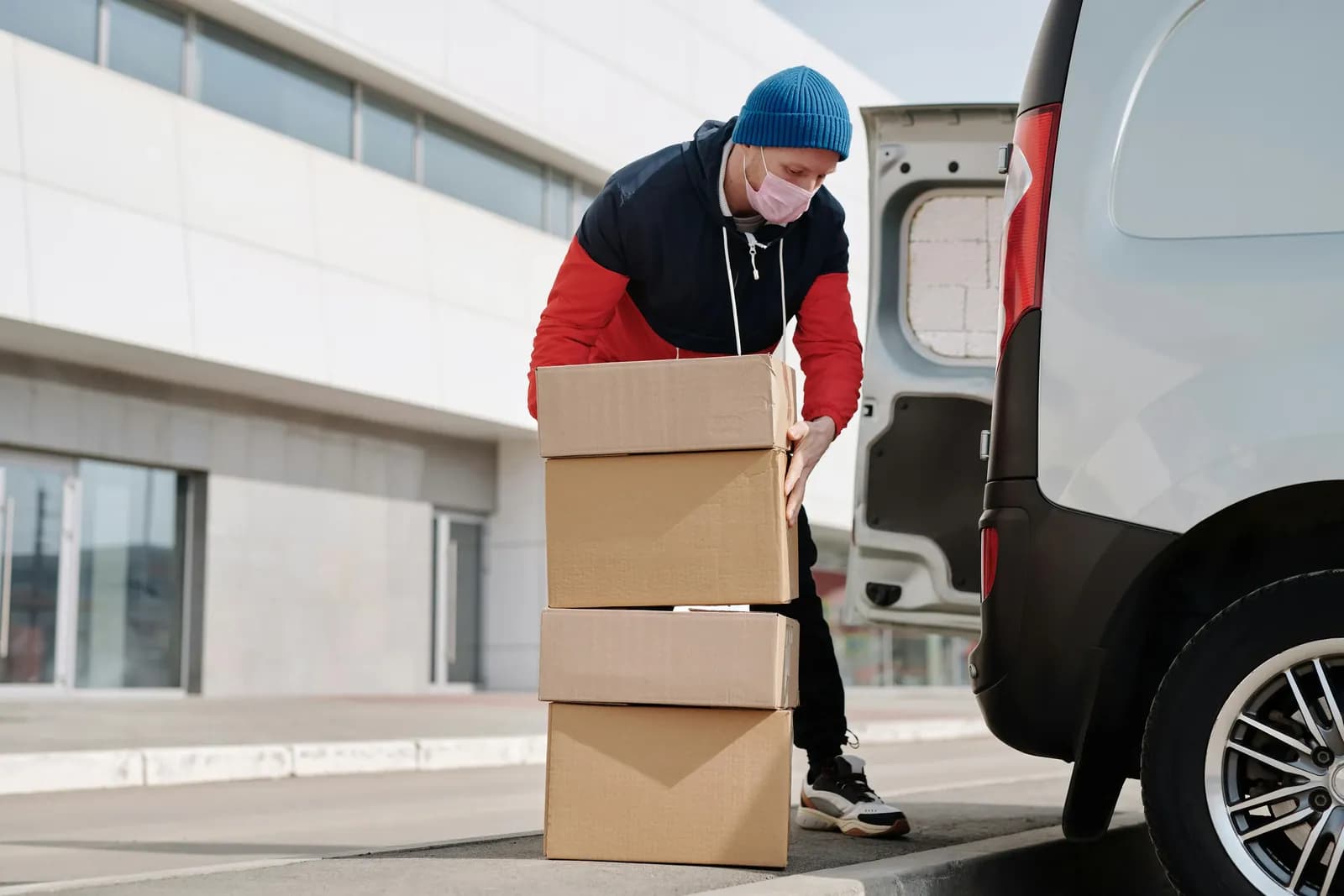
Poor local delivery and pickup hurts your brand because customers blame the store, not the driver.
Book a demo and we'll walk you through the platform set up like your stores, or request a quote for your locations and how you deliver.
2,000+ merchants trust us (as of Oct 2026)100+ merchants rate us 5.0 stars on the Shopify App Store (as of Oct 2026)