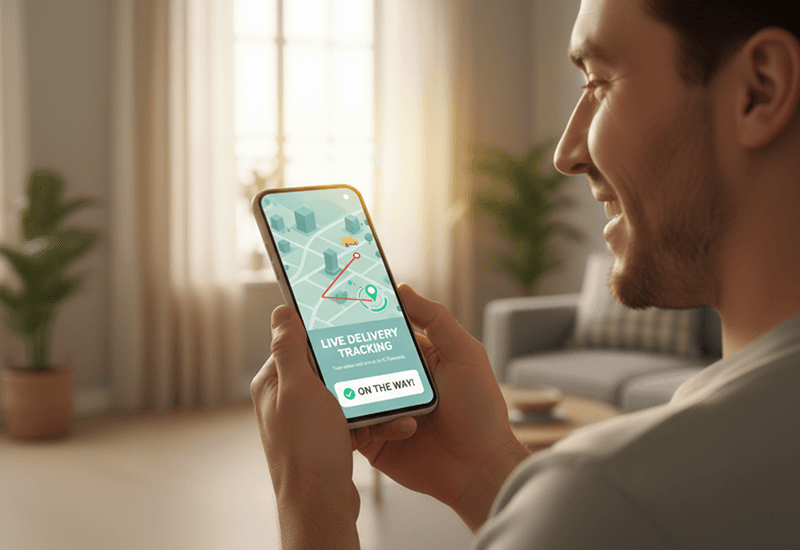
Delivery Transparency: How Real-Time Tracking Builds Customer Trust
Delivery transparency means customers can see where their order is, when it will arrive and what changed…
Insights
Arrival visibility means knowing the moment a driver reaches the delivery address, not guessing from a dot on a map. A geofence around each stop records the arrival automatically, so customers get ready and your team sees where time goes.

Arrival visibility is knowing, as a clear event, that a driver has reached the delivery address. Live tracking shows where a driver is at any moment; arrival detection tells the customer and your team that the driver is here. It matters because the last few hundred meters are where handoffs succeed or fail: the customer is at the door or not, the driver waits or doesn't, and dispatch either knows the delivery has reached its final stage or has to call and ask.
Many local delivery teams already send customers a live tracking link. Arrival visibility is the next step: turning a stream of location data into a milestone people can act on.
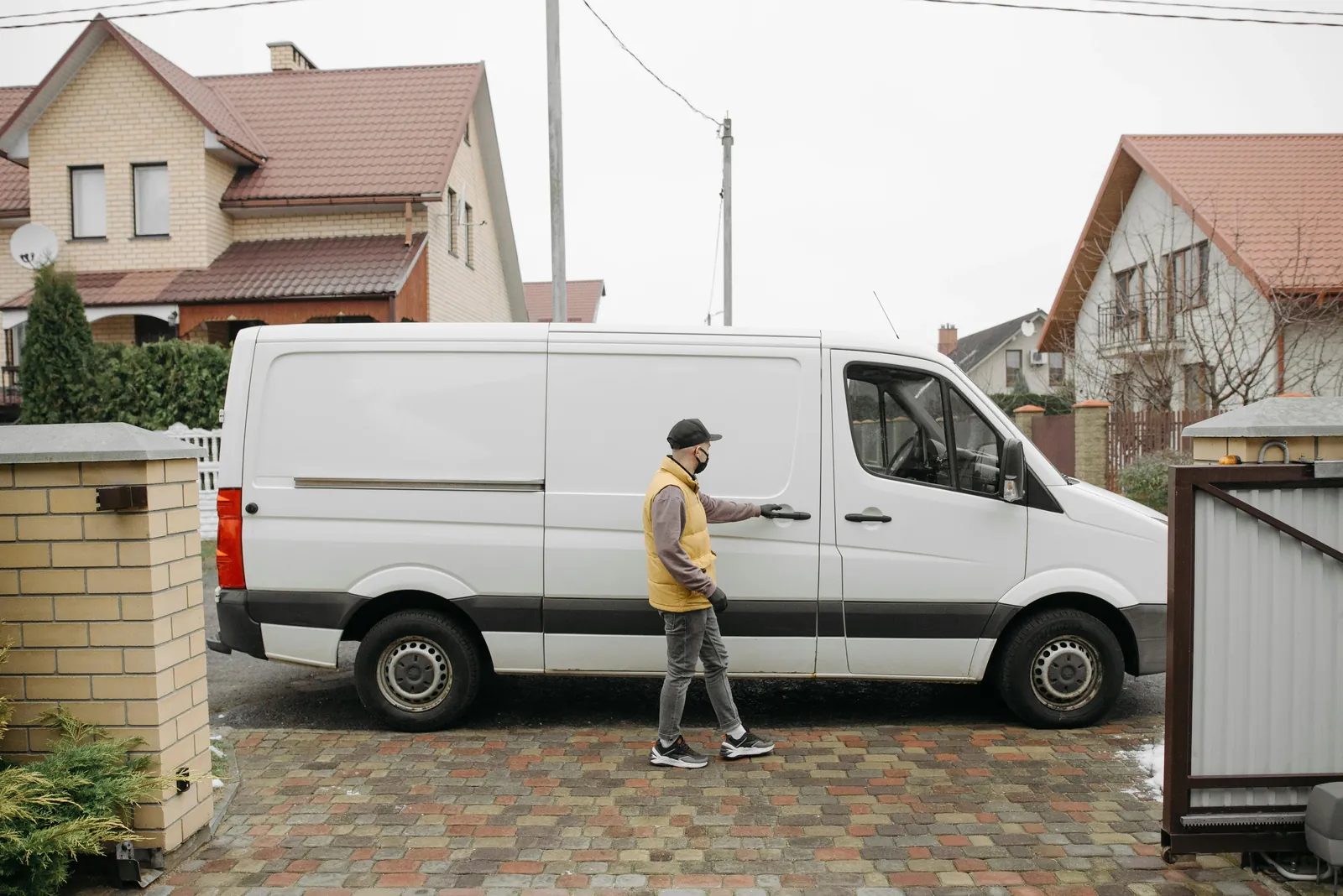
Live tracking links have changed how deliveries are experienced and managed.
Customers can:
Operations teams can:
What tracking doesn't do on its own is say when the driver has arrived. The move from "in transit" to "at the door" stays implicit. Customers read proximity off a map, refresh the tracking page as the dot gets close, and guess when to be ready. Dispatchers can see a driver is nearby but have no definite signal that the delivery has reached its final stage. The data is there; the event isn't.
The gap shows up in three ways:
When the customer misses the knock, a delivery that reached the door still fails. Arrival visibility is one of the fixes for missed Shopify local deliveries, alongside booked time slots, address checks and proof of delivery.

Arrival detection adds a structured arrival signal on top of live tracking. It uses GPS geofencing: a circle of a set radius around each delivery location.
Because the event comes from the driver's position rather than a button, status updates stay reliable on busy routes where drivers forget to tap.
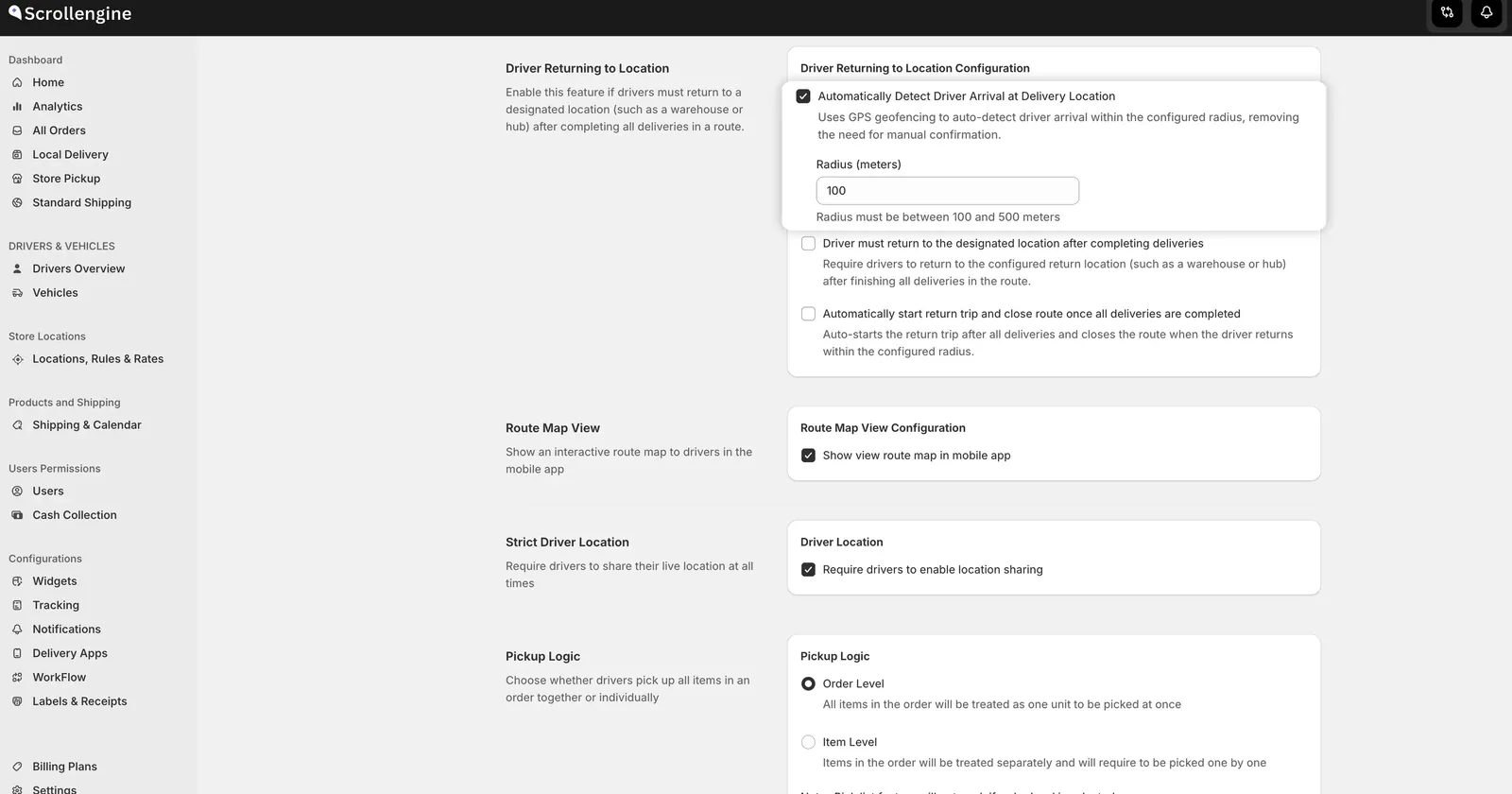
The radius decides what "arrived" means for your deliveries. One radius covers every stop, so there's no single right number; choose it for the kind of address most of your deliveries go to:
Test it for a week. Compare the arrival time with the delivered time in each order's history. If the gap is long on most stops, the radius may be catching drivers too early; if arrivals are missing, it may be too tight, or drivers' location may be switching off.
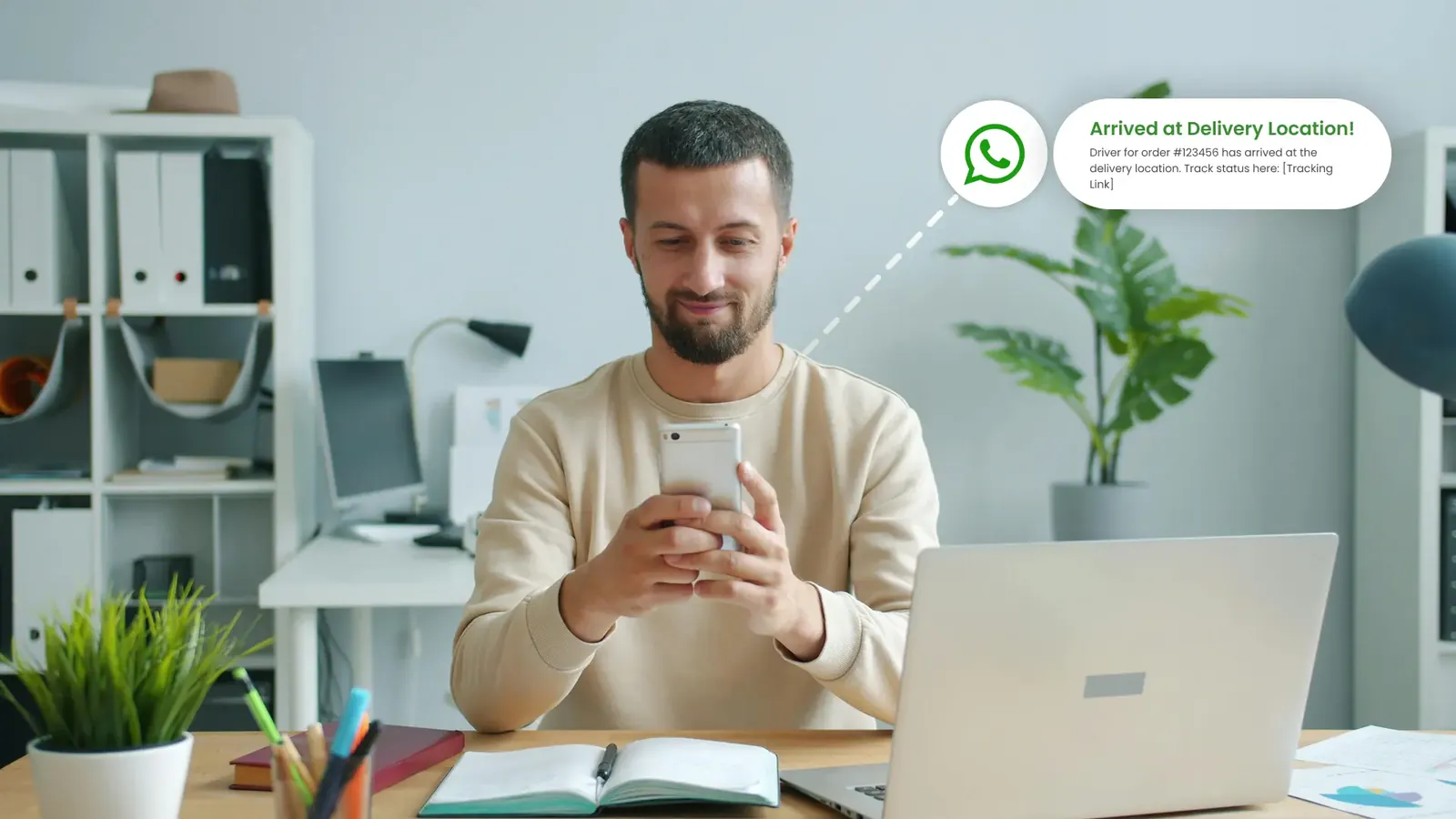
For customers, the main change is that they stop interpreting a map. Instead of inferring proximity from a tracking page, they get a clear signal that the driver is close and the delivery is about to happen.
That helps customers get to the door or the lobby on time, need fewer calls from the driver, and check the tracking link less often. The delivery feels predictable. Arrival messages work best as part of a wider update plan; Delivery transparency: how real-time tracking builds customer trust lays out which messages to send at each stage.
For dispatchers and operations managers, arrival detection adds precision to delivery monitoring:
Companies such as HomeRun and Instamandi use arrival-based tracking to reduce last-mile uncertainty and enable more reliable handoffs.
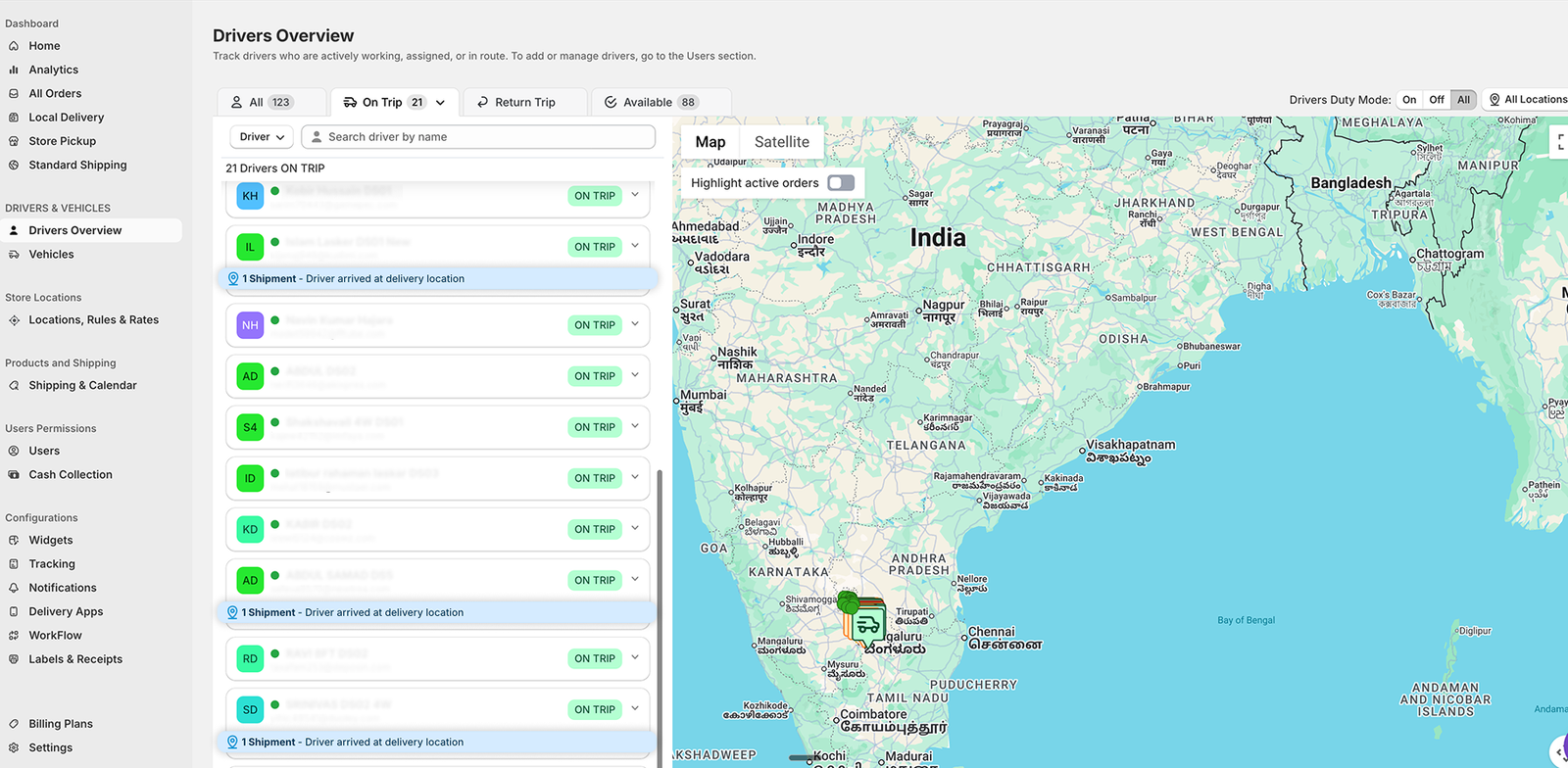
These three work together, and each answers a different question:
As delivery operations grow, small gains in visibility add up. The moment a driver goes from nearby to arrived is brief, but it decides whether the handoff works first time, how long the driver waits and how much your team has to chase. Arrival detection adds that precision to real-time tracking without adding work for drivers.
For teams that want structured visibility in their last-mile operations, Local Delivery + Pickup Date:S brings real-time tracking, automatic arrival and departure detection, customer updates and a driver app with proof of delivery into one workflow. See Tracking and updates, or install the app on the Shopify App Store.
FAQ
Arrival visibility means knowing, as a recorded event, that a driver has reached the delivery address. Live tracking shows where the driver is; arrival visibility tells the customer and your team that the driver is here, so the customer can come to the door and dispatch can see the delivery has reached its final stage.
You choose a radius, and it applies around every delivery location. The driver app shares the driver's position, and when the driver enters that circle the system marks the stop as arrived and records the time, with no button for the driver to tap. Leaving the circle is recorded the same way, as a departure.
Use a smaller radius where stops are close together, such as dense city blocks, so arrived means at the building. Use a larger one for suburban, rural or large sites, where the driver may park well before the door. In ScrollEngine one radius, set between 100 and 500 meters, applies to every stop, so choose it for the kind of address most of your orders go to.
No. Arrival detection records that the driver reached the address. Proof of delivery records that the order was handed over, with a photo, signature or note. Used together, they show when the driver got there and when the delivery was completed.
Yes. In ScrollEngine an arrival fires a "driver reached customer location" workflow trigger, which can send the customer an arrival message on WhatsApp, SMS or email, alongside the live tracking page they already have.
From the blog
Delivery transparency means customers can see where their order is, when it will arrive and what changed…
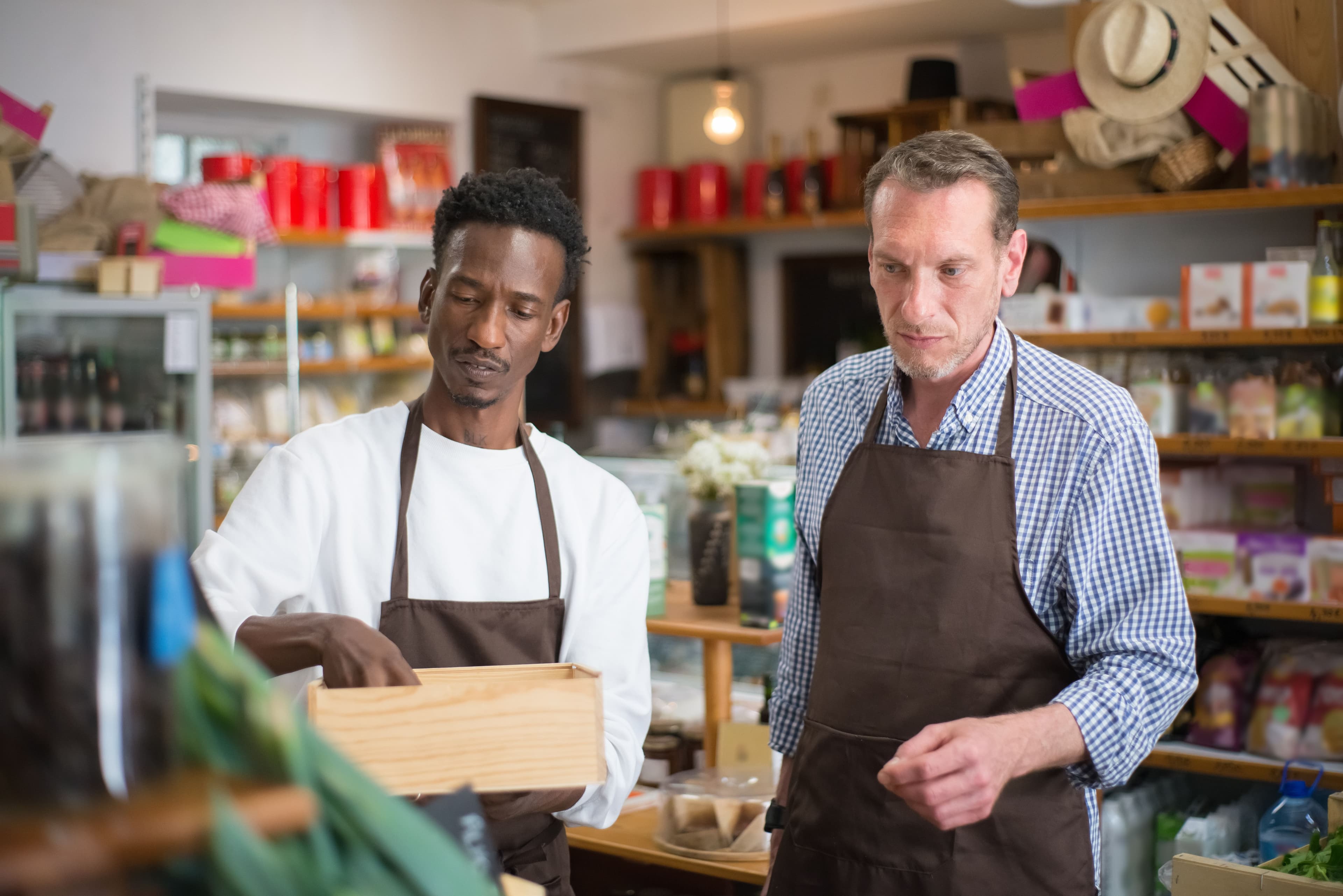
To fix Shopify local delivery, find where it breaks: checkout, scheduling, routing…
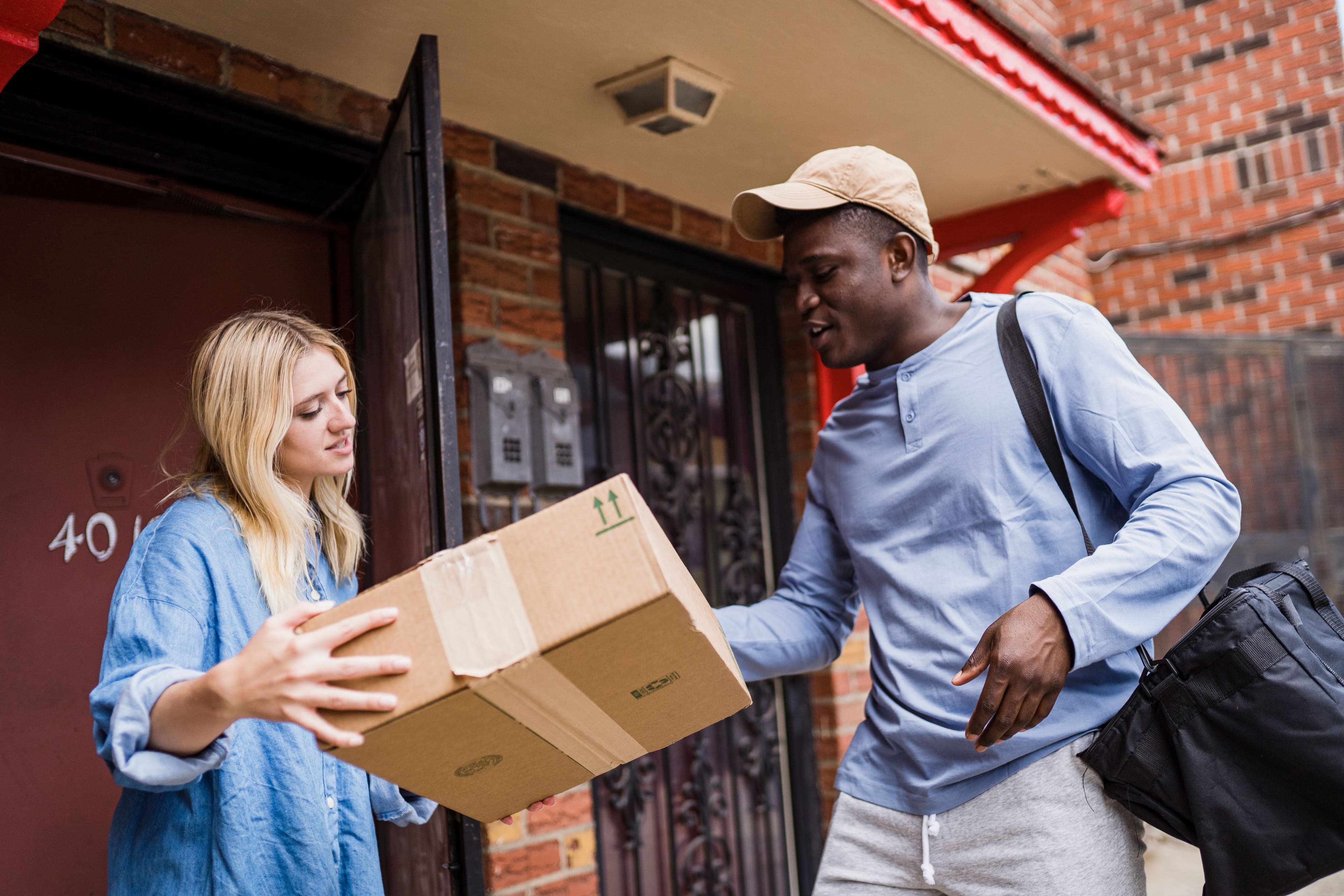
To stop missed Shopify local deliveries, let customers book a delivery window…
Book a demo and we'll walk you through the platform set up like your stores, or request a quote for your locations and how you deliver.
2,000+ merchants trust us (as of Oct 2026)100+ merchants rate us 5.0 stars on the Shopify App Store (as of Oct 2026)