The Shopify Local Delivery Tools You Actually Need
Most Shopify stores need five local delivery tools: zones and rates, a date and time slot picker with limits…
Insights
Scale Shopify local delivery by fixing the promise before adding drivers: zones and slot limits per location, rules that send each order to the right store, optimized multi-driver routes, a driver app with proof and automatic tracking.
Scaling Shopify local delivery means growing order volume without growing chaos. The stores that scale well do it in a set order: they define what they can promise (zones and slot limits for each location), automate where each order goes, plan routes with optimization instead of a map app, and let customers track deliveries without calling support. This guide walks through nine strategies in that order, with the signs that tell you it's time for each.
Manual delivery works when you have a handful of orders a day. It starts to crack long before a van becomes a fleet. Watch for these signs:
If three or more of these sound familiar, another driver won't fix it. The process has to change first.
| Stage | Typical setup | What breaks first | What to put in place |
|---|---|---|---|
| One store, one or two drivers | Shopify local delivery, a map app, phone calls | Planning time, missed delivery windows | Delivery zones, time slots with limits, route optimization |
| One store, a growing fleet | Spreadsheet dispatch, group chats | Driver coordination, "it never arrived" disputes, WISMO tickets | A driver app with proof of delivery, live tracking, automatic updates |
| Several stores, or a warehouse plus stores | Each store runs its own process | Wrong-store orders, uneven workloads, no shared view | Location rules, a calendar per location, one operations dashboard |
The nine strategies below follow the same order. Jump to your stage, but don't skip the foundations: routes are only as good as the promises they're built from.
Before you add drivers, decide exactly where each location delivers. In ScrollEngine, a zone can be a list of ZIP codes, a radius or an area drawn on the map (KML files import too), and delivery rates can be set per zone or rule. Tight zones keep routes short; widen them as the fleet grows.
Growth breaks local delivery when checkout promises more than your team can deliver. Offer dates and time slots at checkout, and give each slot and each day a limit that matches the drivers and prep staff you actually have. ScrollEngine's capacity-aware slots apply those limits per location, together with cutoffs, prep time and blackout dates. Raise a limit when you add a driver, not before. Setup steps: set slot capacity limits.
With more than one location, assigning orders by hand becomes the bottleneck. Location rules send every order to the store or warehouse that should fill it, by ZIP code, drawn zone, radius, region, order tags or location priority, including orders you create by hand or import from a CSV file. Here's how it works for multiple Shopify locations.
A map app sequences one driver's stops. Route optimization plans the whole day: it splits orders across several drivers and orders each route around delivery windows, shifts, breaks, traffic and vehicle capacity. In ScrollEngine you build routes from the slots customers booked, preview the distance and time, and send each route to a driver's phone. More on the delivery route planner.
Group chats and paper run sheets stop working after a couple of drivers. A driver app gives each driver their stops in order, a status for every stop and a way to call or message the customer, and it captures a photo, a signature and notes as proof of delivery. Per-store rules can make the photo mandatory, so "it never arrived" disputes come down to evidence instead of memory.
More orders mean more last-minute changes: a cancellation, a rush order, a driver who calls in sick. Choose a setup where routes stay editable after drivers leave, with ETAs recalculated, so a dispatcher can move stops instead of rebuilding the day. ScrollEngine also flags deliveries at risk of missing their window, so your team can act before the customer notices. It matters: According to AlixPartners' 2026 Home Delivery Survey, 52% of shoppers will stop buying from a retailer after just one or two missed deliveries. AlixPartners, 2026 Home Delivery Survey (Jun 2026)
Every delivery you add also adds questions. Send each customer a branded tracking page with a live ETA, plus updates by email, SMS or WhatsApp at each step: confirmed, out for delivery, delivered. Customers can follow an order without contacting support, so your team can spend its time on the deliveries that need a person.
If you have a store, pickup is capacity you already own. Offer pickup slots next to delivery at checkout, each with its own limit, so shoppers who can't get the delivery slot they want have another option. A pickup workflow (preparing, ready, picked up) tells customers the moment their order is ready, so nobody arrives early and waits.
You can't scale what you don't measure. Once a week, compare orders placed with shipments created, check where shipments stall, and look at each driver's deliveries, distance and on-time rate. ScrollEngine's operations analytics cover orders, shipments, route status and the delivery-versus-pickup mix over the last day, week or month, and driver scorecards are in the ScrollEngine web dashboard. Our guide to local delivery analytics covers which numbers to watch and what to do about each.
The more orders you run, the more every manual handoff costs. A delivery tool that connects directly to Shopify removes them:
Running delivery and pickup in two separate apps adds handoffs of its own. We weigh the trade-offs in why one app beats two.
Growth isn't a straight line. Holidays and sales events bring your busiest days, and they expose every weak point at once. Hire and onboard drivers early, because the pool is always moving: The U.S. Bureau of Labor Statistics projects about 152,700 openings a year for delivery truck drivers and driver/sales workers over the decade, mostly to replace workers who leave. U.S. Bureau of Labor Statistics, Occupational Outlook Handbook: Delivery Truck Drivers and Driver/Sales Workers (2025) Before your biggest weekend, rehearse a full day with real orders. Our BFCM delivery playbook walks through it week by week.
Scaling local delivery is mostly about order of operations: fix the promise, then the assignment, then the routes, then the communication, and measure as you go. ScrollEngine's app, Local Delivery + Pickup Date:S, runs all of it on Shopify: delivery and pickup slots with limits, location rules, route optimization, a driver app with proof of delivery, live tracking and customer updates.
👉 Explore Local Delivery + Pickup Date:S on the Shopify App Store and start with the stage you're in today.
FAQ
Work in order. Define delivery zones and slot limits for each location, use rules to send every order to the right store, plan routes with route optimization instead of by hand, put drivers on an app with proof of delivery, automate tracking updates and review your delivery numbers every week. Adding drivers before these are in place usually adds cost without adding reliability.
Shopify's local delivery settings cover delivery zones by postal code or radius, delivery prices, minimum order amounts and delivery instructions. As of October 2026, Shopify's help page for local delivery doesn't describe letting customers choose a delivery date or time slot, which is why growing stores add a scheduling and routing app.
Switch when you run more than one driver, when you promise delivery windows, or when planning routes takes someone more than a few minutes each morning. Route optimization splits orders across drivers and orders each route around time windows, shifts, breaks, traffic and vehicle capacity, which a map app can't do.
Give each location its own zones, delivery and pickup slots, slot limits and hours, then use location rules to send every order to the store that should fill it, by ZIP code, drawn zone, radius, region, order tags or location priority. Staff can be limited to their own location, while managers see every location in one dashboard.
Your own drivers give you control over timing, service and the customer experience, and suit steady local volume in a defined area. A third-party service suits unpredictable volume or addresses outside your zones. Many growing stores keep their own drivers for core zones and send overflow to a service.
From the blog
Most Shopify stores need five local delivery tools: zones and rates, a date and time slot picker with limits…
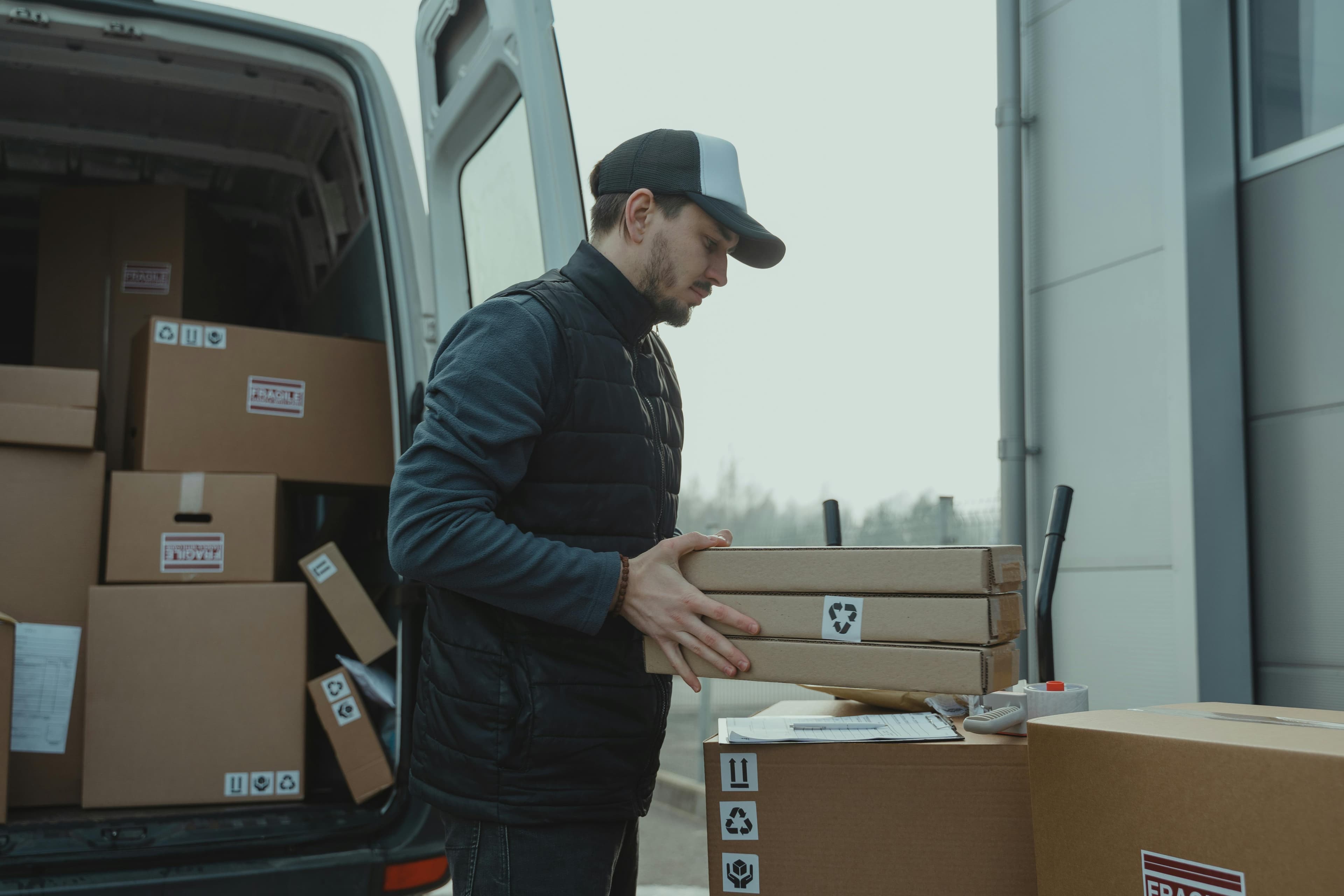
ScrollEngine, our app, does the whole job in one app: delivery slots at checkout…
To lower local delivery costs on Shopify, deliver to each zone on set days, offer store pickup…
Book a demo and we'll walk you through the platform set up like your stores, or request a quote for your locations and how you deliver.
2,000+ merchants trust us (as of Oct 2026)100+ merchants rate us 5.0 stars on the Shopify App Store (as of Oct 2026)