How to Fix Shopify Local Delivery for Online Stores
To fix Shopify local delivery, find where it breaks: checkout, scheduling, routing…
Product news
For Shopify stores that deliver or offer pickup, one app beats two: one checkout widget, one calendar with limits per location, routes built from booked slots, a driver app and one tracking flow, with nothing to sync.
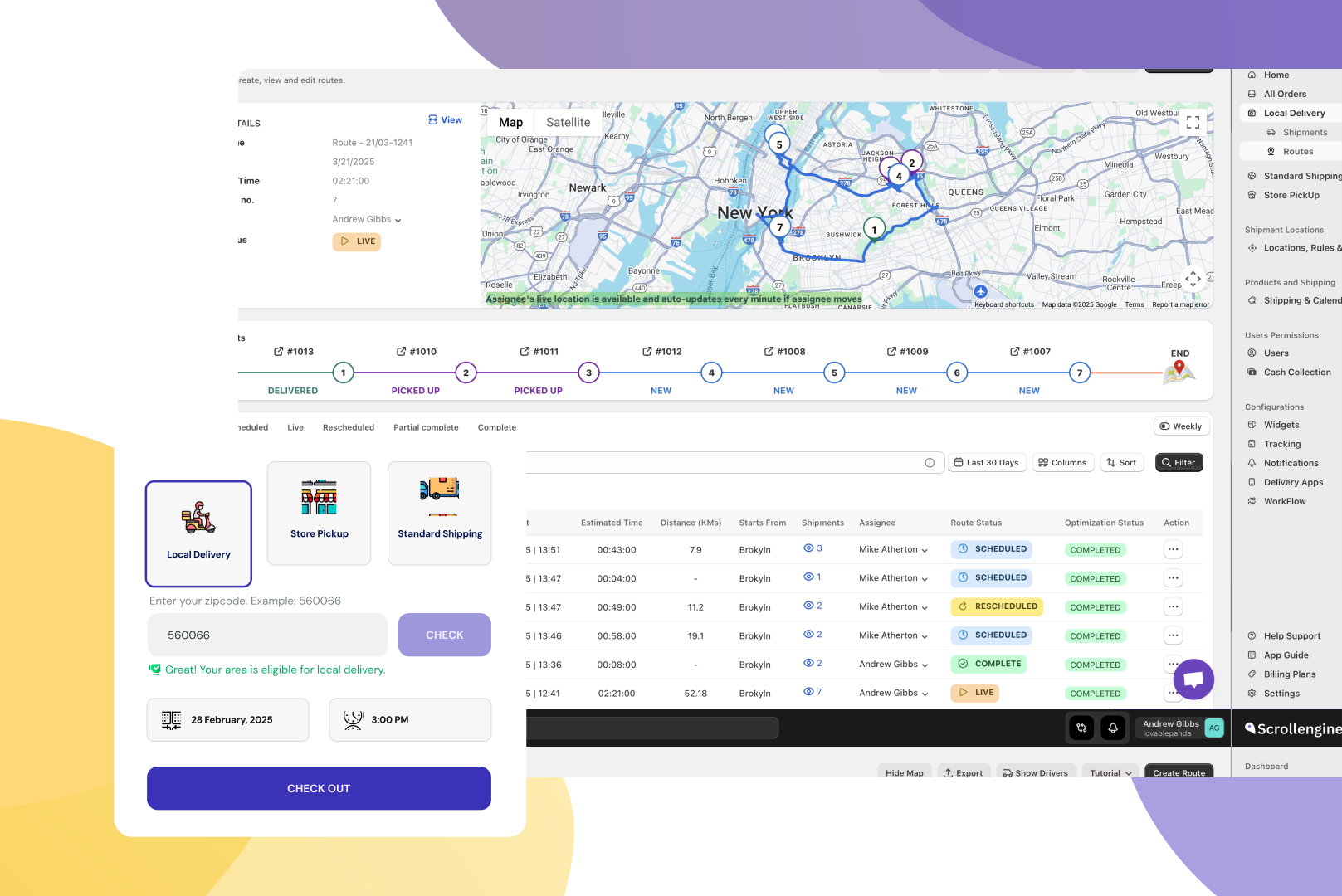
One app beats two for Shopify local delivery and pickup: the slots customers book at checkout become the routes your drivers run, with nothing to sync in between. A two-app stack (a scheduling app for checkout plus a separate route planner) puts a handoff between those steps, and every handoff is a place where orders, capacity and customer updates drift apart. Here's where the split costs you, how ScrollEngine runs the whole flow in one app, and how to switch.
Shopify's built-in options are free and a fair place to start. As of October 2026, Shopify's help pages describe local delivery as zones by postal code or radius, with delivery prices, minimum order amounts and delivery instructions, and local pickup as a list of locations with a processing time chosen from a drop-down. Neither page describes letting customers choose a delivery or pickup date and time slot.
So stores add a scheduling app for checkout. When the number of vans grows, they add a route planner. A common pairing on the Shopify App Store, as of October 4, 2026:
Both are well-reviewed apps that do their own job well. The cost is in the gap between them, and it grows with every driver and location you add.
None of this is a fault of either app. It's what happens whenever two tools have to share one order.
| Job | Scheduling app + routing app | ScrollEngine, one app |
|---|---|---|
| Checkout options | From the scheduling app | One widget for delivery, pickup and shipping, styled without code |
| Slot limits | Set in the scheduling app, apart from your drivers | Set per slot and day at each location, for delivery and pickup |
| Routes | Built in the routing app from imported orders | Built from the slots customers booked, for several drivers at once |
| Driver app and proof of delivery | From the routing app | Built in: photo, signature and notes |
| Customer updates | Split across two systems | One branded tracking page, plus email, SMS and WhatsApp |
| Pickup workflow | In the scheduling app | Same dashboard as delivery, with a ready-for-pickup message |
| Apps, setups and support teams | Two | One |
ScrollEngine's app, Local Delivery + Pickup Date:S, covers the whole local flow on Shopify:
2,000+ merchants trust us (as of Oct 2026), and 100+ merchants rate us 5.0 stars on the Shopify App Store (as of Oct 2026). Serving merchants since 2021. See how the pieces fit for local delivery on Shopify.
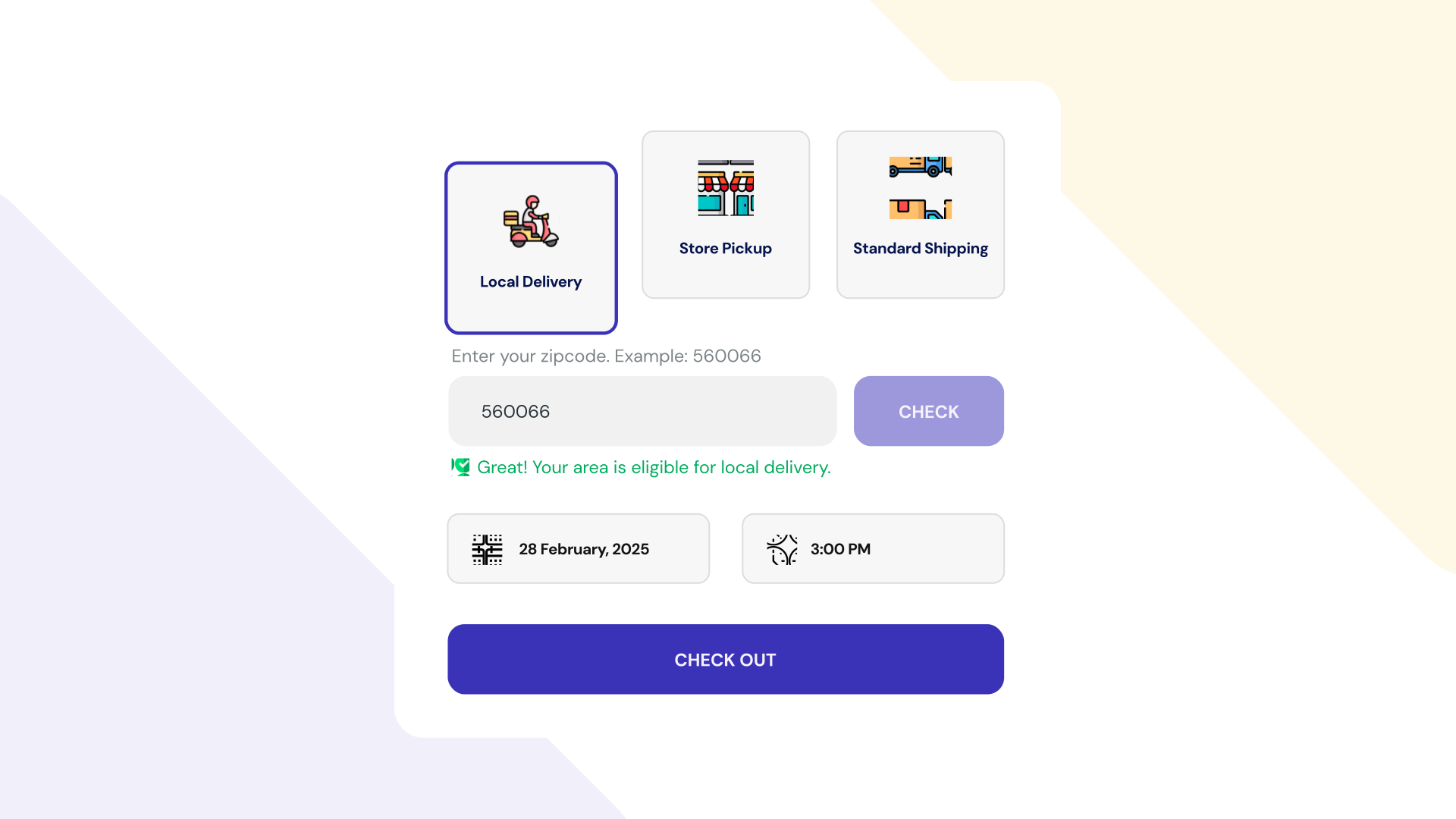
The widget is more than convenience. In Baymard Institute's checkout research (list updated September 22, 2025), 20% of shoppers who abandoned an order during checkout said delivery was too slow, and 12% said they couldn't see or calculate the total order cost up front (Baymard Institute). Showing the method, date, slot and delivery fee in the cart answers "when will it arrive?" and "what will it cost?" before checkout begins, and the same answers flow straight into your routes.
One app doesn't mean switching everything on at once:
Comparing specific apps? See Zapiet vs ScrollEngine, EasyRoutes vs ScrollEngine and Pickeasy vs ScrollEngine.
Three or more "yes" answers point to one app. As you grow, the case gets stronger; our local delivery scale strategies show why.
Want a hand? Book a migration call and we'll plan the move with you, including orders that are already booked.
If you deliver with your own drivers or offer store pickup, especially from more than one location, one app is the simpler way to run it. With ScrollEngine you get:
Take the next step: install Local Delivery + Pickup Date:S on Shopify, or book a demo to see delivery and pickup running in one app.
ScrollEngine is our product; competitor details were checked on their own pages on October 4, 2026.
FAQ
Yes. ScrollEngine offers both in one cart widget, each with its own dates, time slots and limits per location. It then plans delivery routes from the booked slots and runs them in its own driver app, with photo and signature proof of delivery and live customer tracking, so there's no second app to keep in sync.
Yes, and it's free. Shopify's local delivery covers zones by postal code or radius, delivery prices, minimum orders and delivery instructions, and its local pickup covers pickup locations, a processing time and pickup instructions. As of October 2026, Shopify's help pages don't describe letting customers choose a delivery or pickup date and time slot, or limiting orders per slot. That's the part ScrollEngine adds, along with routes, a driver app and tracking.
Yes. As of October 4, 2026, the EasyRoutes Local Delivery listing names Zapiet among the apps it works with, and Zapiet's route optimization page lists EasyRoutes as a partner. Used together, they are two separate apps, each with its own plan, settings and support: Zapiet for the checkout date and time picker, EasyRoutes for routes and the driver app. ScrollEngine does both jobs in one app, from the same orders and slots. See Zapiet vs ScrollEngine and EasyRoutes vs ScrollEngine.
Two plans, two setups and two support teams, plus the staff time spent keeping orders, slot limits and drivers consistent between tools. When you compare, price both apps' plans at your real order volume, driver seats and locations, then add those hours. ScrollEngine covers both jobs in one app, with one setup and one support team, and every paid plan starts with a 7-day free trial.
A delivery and pickup chooser in the cart, an address or ZIP check, dates and time slots with limits per location, cutoffs and prep time, and ready-for-pickup notifications. If you run your own drivers, add route optimization, a driver app with proof of delivery and live customer tracking. ScrollEngine includes all of these in one app.
2,000+ merchants trust us (as of Oct 2026), and 100+ merchants rate us 5.0 stars on the Shopify App Store (as of Oct 2026). Serving merchants since 2021.
From the blog
To fix Shopify local delivery, find where it breaks: checkout, scheduling, routing…
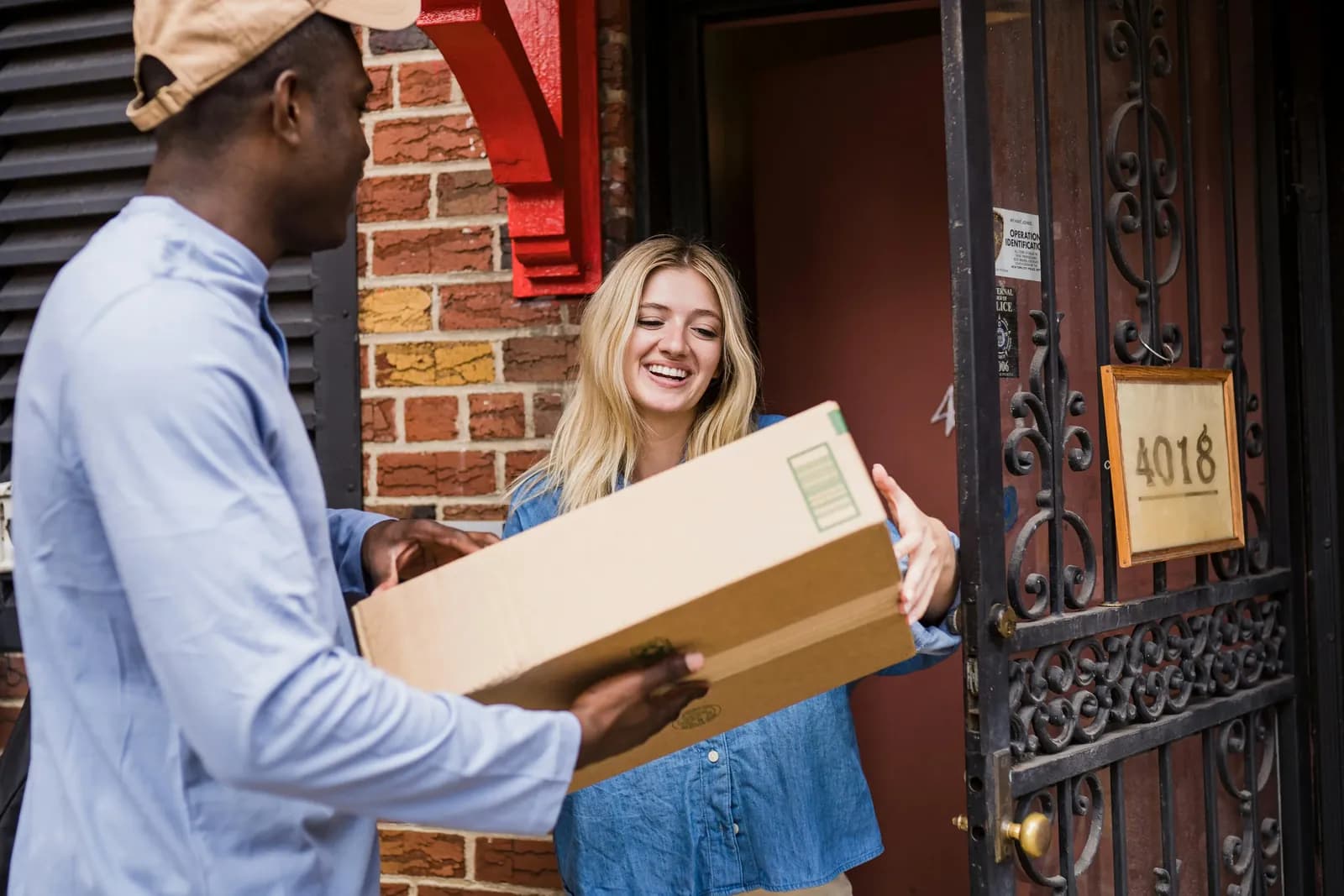
Shopify's built-in settings cover delivery zones and in-store pickup but not bookable dates…
ScrollEngine, our app, covers delivery and pickup slots, routes, a driver app and tracking in one app.
Book a demo and we'll walk you through the platform set up like your stores, or request a quote for your locations and how you deliver.
2,000+ merchants trust us (as of Oct 2026)100+ merchants rate us 5.0 stars on the Shopify App Store (as of Oct 2026)