The Shopify Local Delivery Tools You Actually Need
Most Shopify stores need five local delivery tools: zones and rates, a date and time slot picker with limits…
Insights
Growing Shopify stores scale local delivery and pickup with five strategies: flexible delivery rates by zone, per-store pickup rules, orders grouped by zone into optimized routes, routes edited live, and automatic customer updates.
The five local delivery and store pickup strategies that help a growing Shopify store scale are: flexible delivery rates by zone, store pickup with per-store rules, orders grouped by zone into optimized routes, routes you can edit while drivers are out, and automatic customer updates. Together they replace morning spreadsheets with a repeatable process your team can run every day.
Every growing local store hits the same wall. With a few orders a day, one person can plan deliveries by hand. As volume grows, manual planning eats the morning, drivers cross paths, and customers start calling to ask where their order is. Here is how to get past it.
Pick the strategy that fixes your most expensive problem first.
| If your biggest problem is… | Start with | What to set up |
|---|---|---|
| Low conversion on local orders | 1. Flexible delivery options | Delivery fees by zone and order value, a free-delivery threshold |
| Delivery runs eating your margin | 2. Store pickup | Pickup hours and rules for each store |
| Drivers overlapping on the same streets | 3. Zone grouping and route optimization | Delivery zones, location rules, optimized routes |
| Late orders that break the day's plan | 4. Live route edits | Routes you can change after they start |
| "Where is my order?" calls | 5. Automatic customer alerts | Email, SMS or WhatsApp updates with a tracking page |
A strong local strategy starts at checkout with clear delivery options. Customers buy more readily when they can see whether you deliver to them, what it costs and when it arrives.
Price by zone and order value rather than one flat fee:
Shoppers notice delivery pricing. According to AlixPartners' 2026 Home Delivery Survey, 94% of consumers say free shipping affects their purchase decisions. AlixPartners, 2026 Home Delivery Survey (Jun 2026)
In ScrollEngine, delivery rates can be set by order value or weight, per zone or rule, and a ZIP code, address or map-pin check tells the customer before checkout whether you deliver to them. Our post on delivery scheduling for local stores covers the "when" side of the same choice.
Adding store pickup removes the delivery run for that order entirely. It works whether you have one shop or a local warehouse with a counter, and it brings customers through your door, where they may buy something else.
Make pickup work for the store, not just the customer:
For slot sizing and the counter itself, see how a Shopify pickup date picker improves in-store pickup, or the overview of store pickup for Shopify.
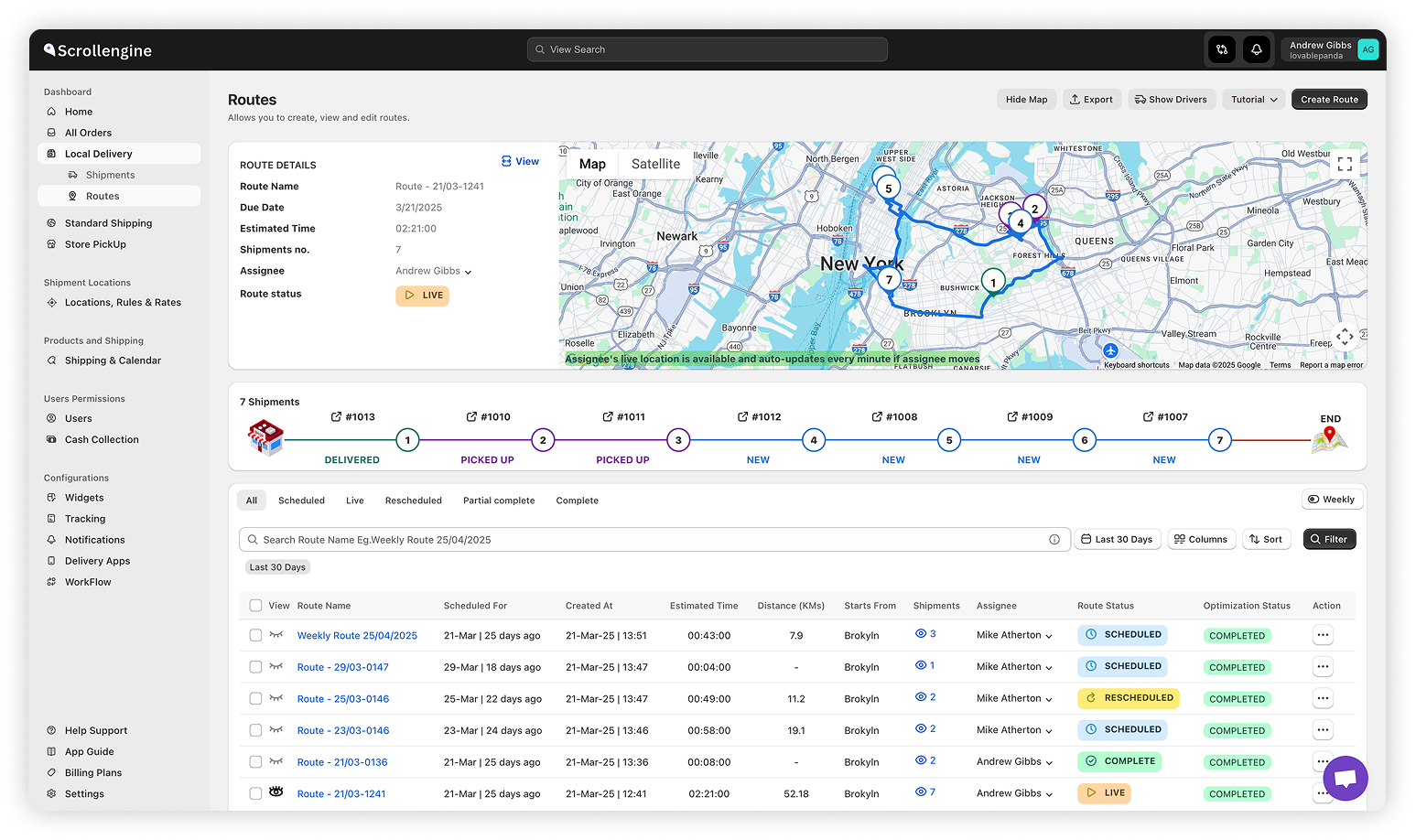
Sorting orders by neighborhood is a quick way to stop sending two drivers down the same street.
ScrollEngine also offers batching nearby orders into one trip Early access, for stores with enough volume that several orders land on the same block.
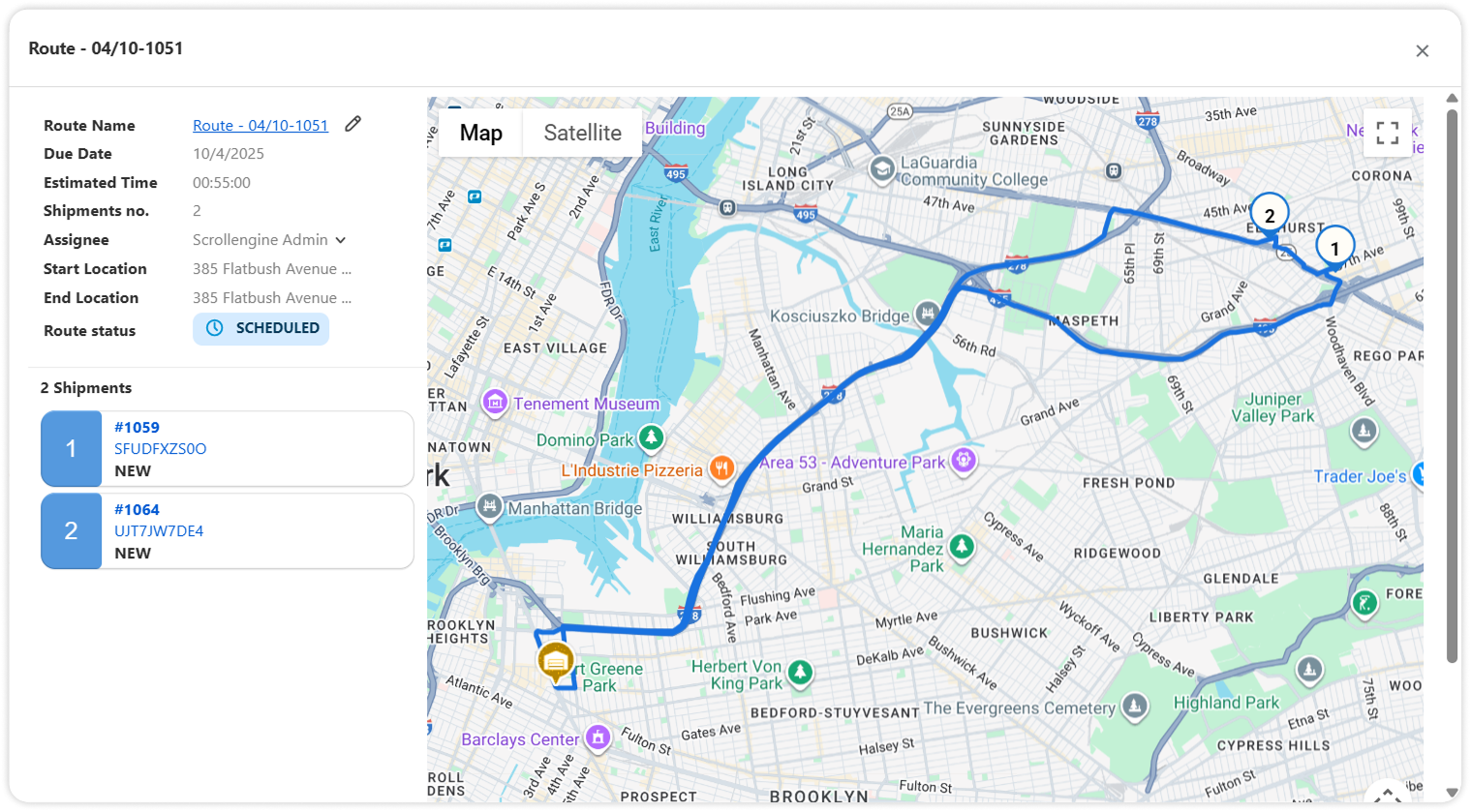
The result is a plan built from your rules and real addresses, not from memory. See the route planner for how it works.
A last-minute order drops in after your driver has left. A customer asks to move to an earlier window. Traffic pushes a route behind. Plans change, and your routes need to change with them.
Handled well, this keeps your own fleet responsive on busy days, which can be faster than handing the order to an outside courier service. For a worked example of a busy weekend, read the Shopify merchant's guide to Mother's Day deliveries.
Buyers want to know what is happening from the moment they order to the moment it arrives. Every status update you send is one less reason for a customer to contact you. DigitalGenius customer data from 2023 shows that around one in five e-commerce support queries asks "Where is my order?", rising to up to 40% at peak (vendor data). DigitalGenius, What is a normal WISMO rate (Mar 2023), vendor data
Set up a message for each step:
ScrollEngine sends these by email, SMS and WhatsApp, and the tracking page carries your branding. Good updates turn delivery into a reason customers come back.
Track a few numbers before and after each change:
If planning time falls and on-time rate rises, the strategy is paying off. If "where is my order?" contacts stay high, look at strategy 5 first.
These five strategies give a local business the kind of delivery operation larger retailers run, with the team you already have. Start with the one that fixes your most expensive problem, then add the next.
In ScrollEngine, they map to delivery rates by zone, ZIP or order value; per-location pickup slots and product availability; zones and location rules with route optimization; routes you can edit after they start; and automated email, SMS and WhatsApp updates with a live tracking page. If you're new to this setup, begin with the Shopify guide to local delivery, pickup and scheduling.
Ready to offer smarter delivery options and lower your delivery costs? 👉 Try ScrollEngine's Local Delivery + Pickup Date:S on the Shopify App Store today.
FAQ
Start small and tight: deliver to the ZIP codes a driver can cover in one window, offer store pickup alongside delivery, and let customers book a date and time slot. Add route optimization and automatic customer updates once you run more than a handful of stops a day.
Often, yes, with a threshold. A free-delivery minimum for nearby ZIP codes and a fee for outer zones keeps the offer attractive while protecting your margin on long trips. Pickup gives price-sensitive customers a free option that costs you no delivery run.
Usually. With pickup the customer makes the trip, so there is no driver time or fuel for that order. You still pay for picking, packing and handing it over, which is why pickup slots and prep time help a busy counter.
Confirm the address is inside your area before checkout, let customers choose a delivery window they will be home for, send updates with a live ETA when the driver is on the way, and capture proof of delivery with a photo or signature.
When planning the day's routes takes a large part of someone's morning, when drivers overlap on the same streets, or when customers regularly ask where their order is. Those are signs that a spreadsheet no longer scales.
From the blog
Most Shopify stores need five local delivery tools: zones and rates, a date and time slot picker with limits…
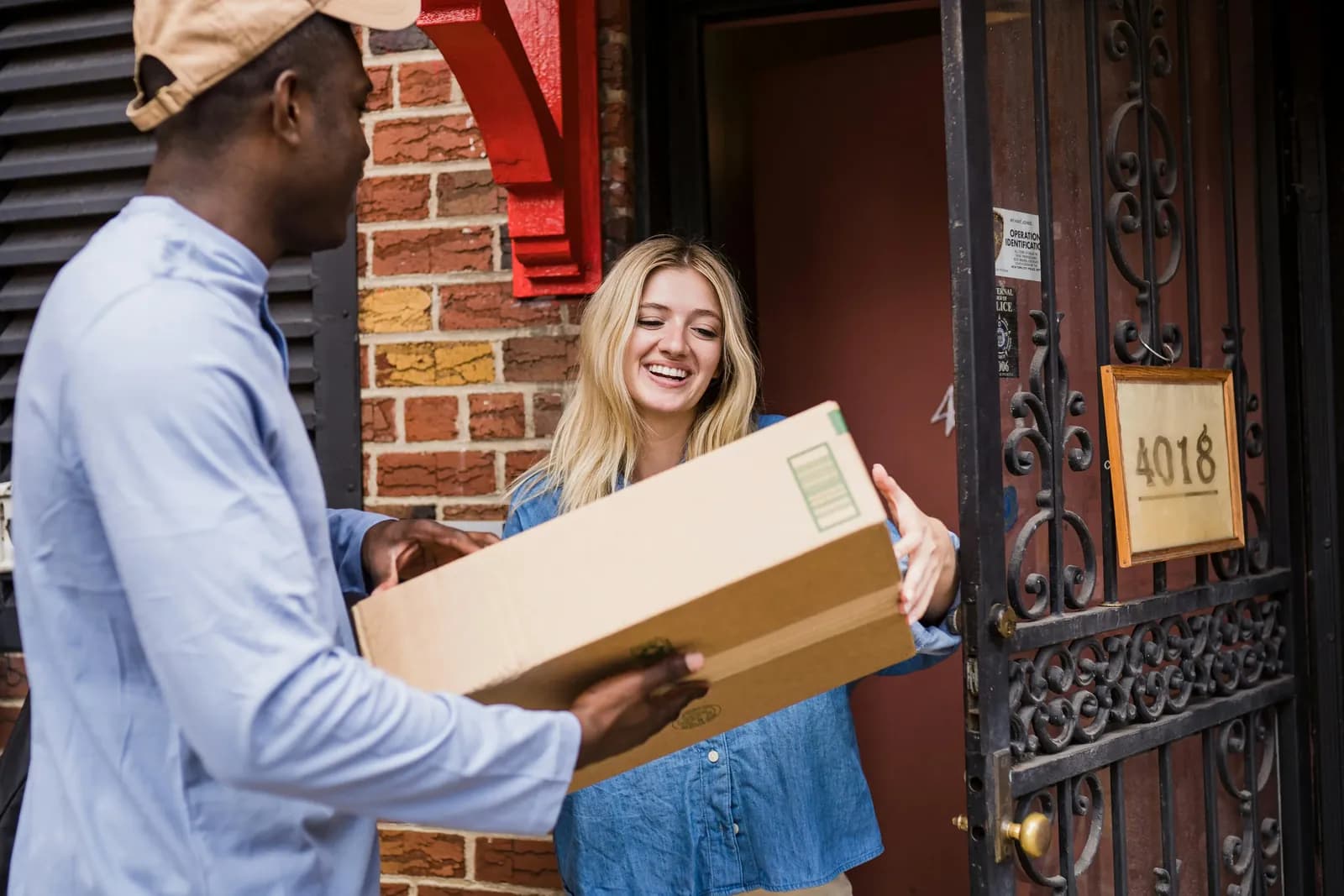
Shopify's built-in settings cover delivery zones and in-store pickup but not bookable dates…
To fix Shopify local delivery, find where it breaks: checkout, scheduling, routing…
Book a demo and we'll walk you through the platform set up like your stores, or request a quote for your locations and how you deliver.
2,000+ merchants trust us (as of Oct 2026)100+ merchants rate us 5.0 stars on the Shopify App Store (as of Oct 2026)