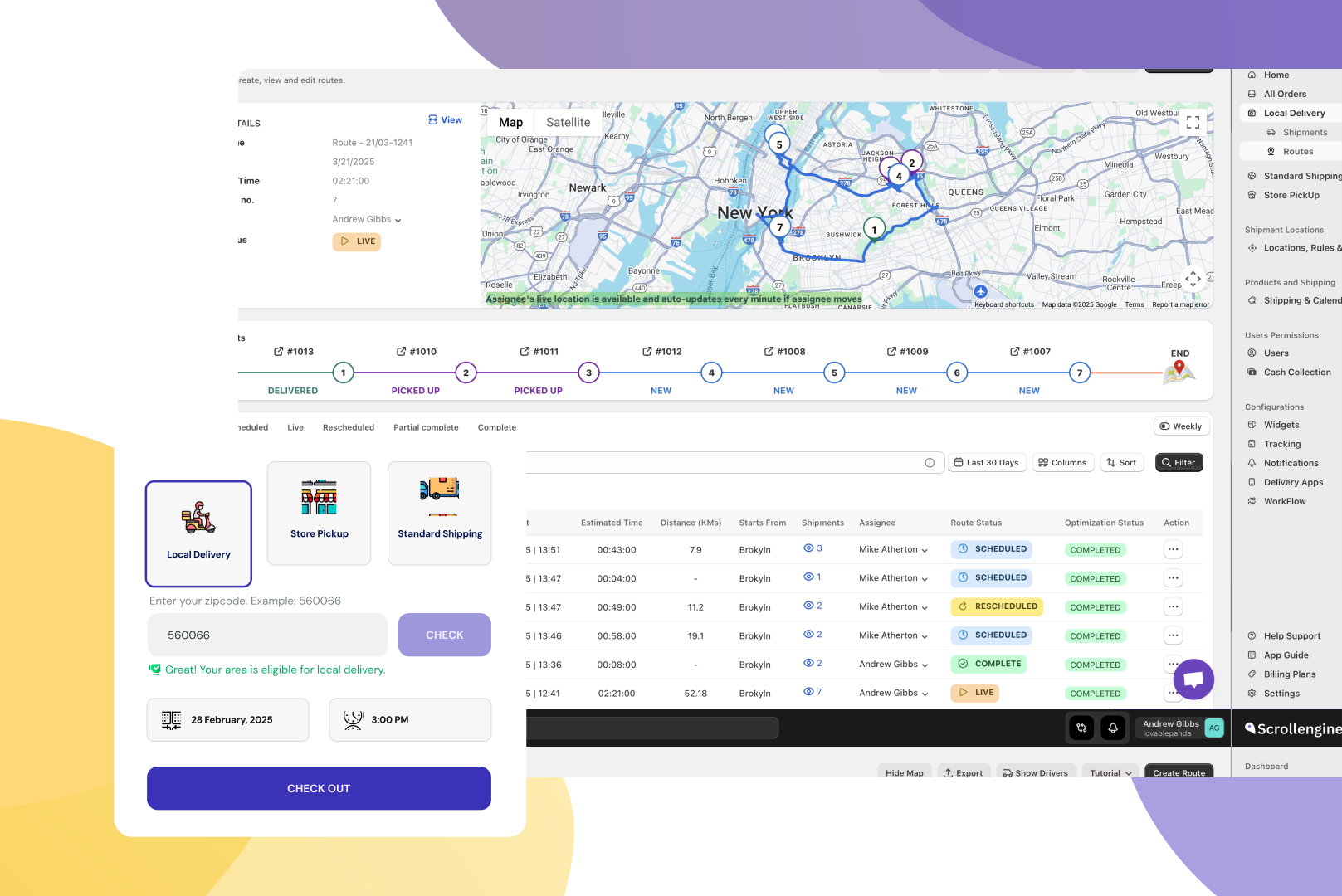
Why One App Beats Two: Simplifying Local Delivery & Pickup in Shopify
For Shopify stores that deliver or offer pickup, one app beats two: one checkout widget…
Company news
Pair Bony Subscriptions for recurring billing with ScrollEngine for local delivery: renewal orders sync from Shopify into ScrollEngine, get routed, delivered with proof and tracked, so subscribers stay happy and subscribed.
To grow a local subscription business on Shopify, you need two jobs done well: recurring billing and reliable delivery. Bony Subscriptions handles the billing, with prepaid and pay-per-delivery plans, a self-serve customer portal and failed-payment recovery. ScrollEngine's Local Delivery + Pickup Date:S handles the delivery: dates and time slots at checkout, route planning, a driver app and live tracking. This guide shows who does what, how a subscription order flows from checkout to the door, and what to check before you launch.
A subscription wins a customer once and earns from them every cycle after that. Every cycle is also a chance to lose them. If a box arrives late because of a bad route, or doesn't arrive at all, the subscriber's next click is often "cancel".
According to AlixPartners' 2026 Home Delivery Survey, 52% of shoppers will stop buying from a retailer after just one or two missed deliveries. AlixPartners, 2026 Home Delivery Survey (Jun 2026) For a subscription brand, one bad delivery can cost every future order from that customer.
When billing and delivery run in separate tools with nothing connecting them, the work falls on your team. Staff end up cross-checking billing dates against routing spreadsheets every week, and the mistakes reach customers.
Local subscription products are especially exposed: coffee, meal kits, fresh food, pet food, flowers. Customers expect them on a set day and in good condition. Sending them through national carriers adds hubs, handling and delay. Delivering them yourself gives you three advantages:
Think of checkout subscriptions and delivery scheduling as two halves of the same customer journey. Each app owns one half:
| Job | Bony Subscriptions | ScrollEngine |
|---|---|---|
| Prepaid and pay-per-delivery plans, billing frequency | Yes | No |
| Customer portal to pause, skip, swap or cancel, and update a payment method | Yes | No |
| Failed-payment recovery (dunning and payment retries) | Yes | No |
| Subscription analytics: MRR, ARPU, LTV and churn | Yes | No |
| Branded widget on the storefront | Subscription widget | Delivery and pickup widget |
| Delivery or pickup date and time slot at checkout | No | Yes |
| Delivery zones and delivery fees | No | Yes |
| Route optimization for your drivers | No | Yes |
| Driver app with proof of delivery | No | Yes |
| Live tracking page and customer notifications | No | Yes |
Bony's features above are as listed on Bony's Shopify App Store page in October 2026, where Bony says merchants can launch prepaid and pay-per-delivery subscriptions in less than five minutes with no coding, and lists the app as free.
Bony and ScrollEngine work side by side through Shopify:
Here's a weekly coffee subscription through both apps:
Before you announce local delivery for subscribers, set up and test these:
Subscriptions only pay off if each delivery does. Two settings matter most:
On Bony's side, failed-payment recovery protects revenue: Bony describes dunning automation and smart payment retries that recover failed billing attempts, so a declined card doesn't quietly end a subscription.
For more ways to keep delivery costs down, read 5 ways to lower local delivery costs.
You shouldn't spend your week on manual delivery planning or delivery complaints as subscription orders grow. With Bony and ScrollEngine side by side, Bony keeps your subscriptions flexible and your billing on track, and ScrollEngine plans, runs and tracks the deliveries. Your subscribers get a local delivery or pickup option that keeps them subscribed, cycle after cycle.
Launch your subscription program with Bony Subscriptions to bring in steady, recurring revenue.
Then plan and run every delivery with ScrollEngine's Local Delivery + Pickup Date:S, with a 7-day free trial, or book a demo to walk through your subscription delivery setup with our team.
First published July 14, 2026.
FAQ
Not through a built-in connector. Bony creates subscription and renewal orders in Shopify, and ScrollEngine syncs every Shopify order in real time, so each Bony order reaches ScrollEngine for delivery planning the same way any other order does.
Renewal orders are created by the subscription app rather than through your storefront cart, so the shopper doesn't pick a new slot each cycle. ScrollEngine dates renewal orders automatically for Recharge, Bold and Recurpay. For Bony renewals, ask our team how dating works for your store before you launch.
Yes. ScrollEngine's widget in the cart offers local delivery or store pickup, each with its own dates and time slots. Pickup orders move through preparing, ready and picked up, and the customer gets a ready-for-pickup notification.
Bony lists its subscription app as free on the Shopify App Store (as of October 2026). ScrollEngine offers a 7-day free trial on the Shopify App Store.
From the blog
For Shopify stores that deliver or offer pickup, one app beats two: one checkout widget…
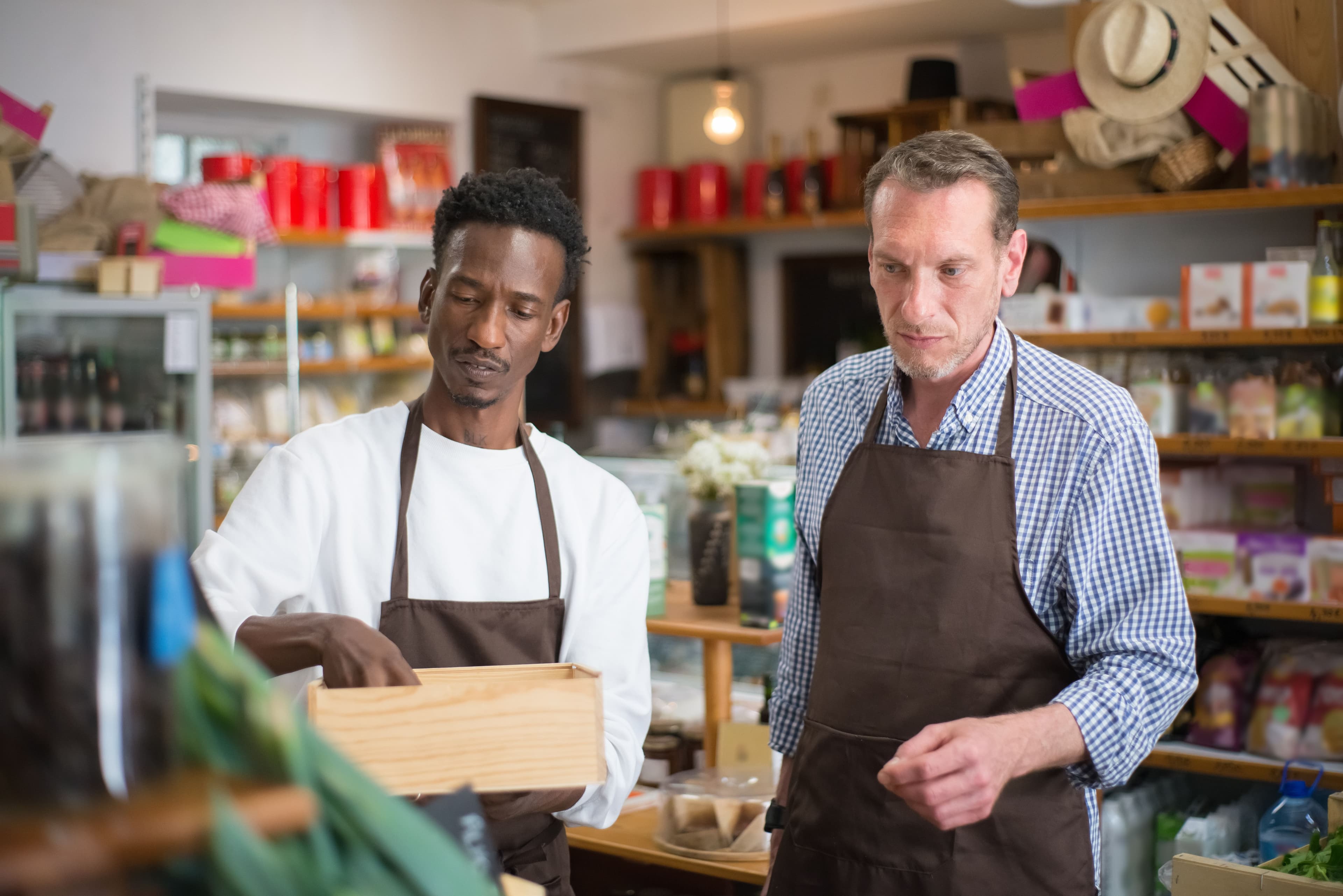
To fix Shopify local delivery, find where it breaks: checkout, scheduling, routing…
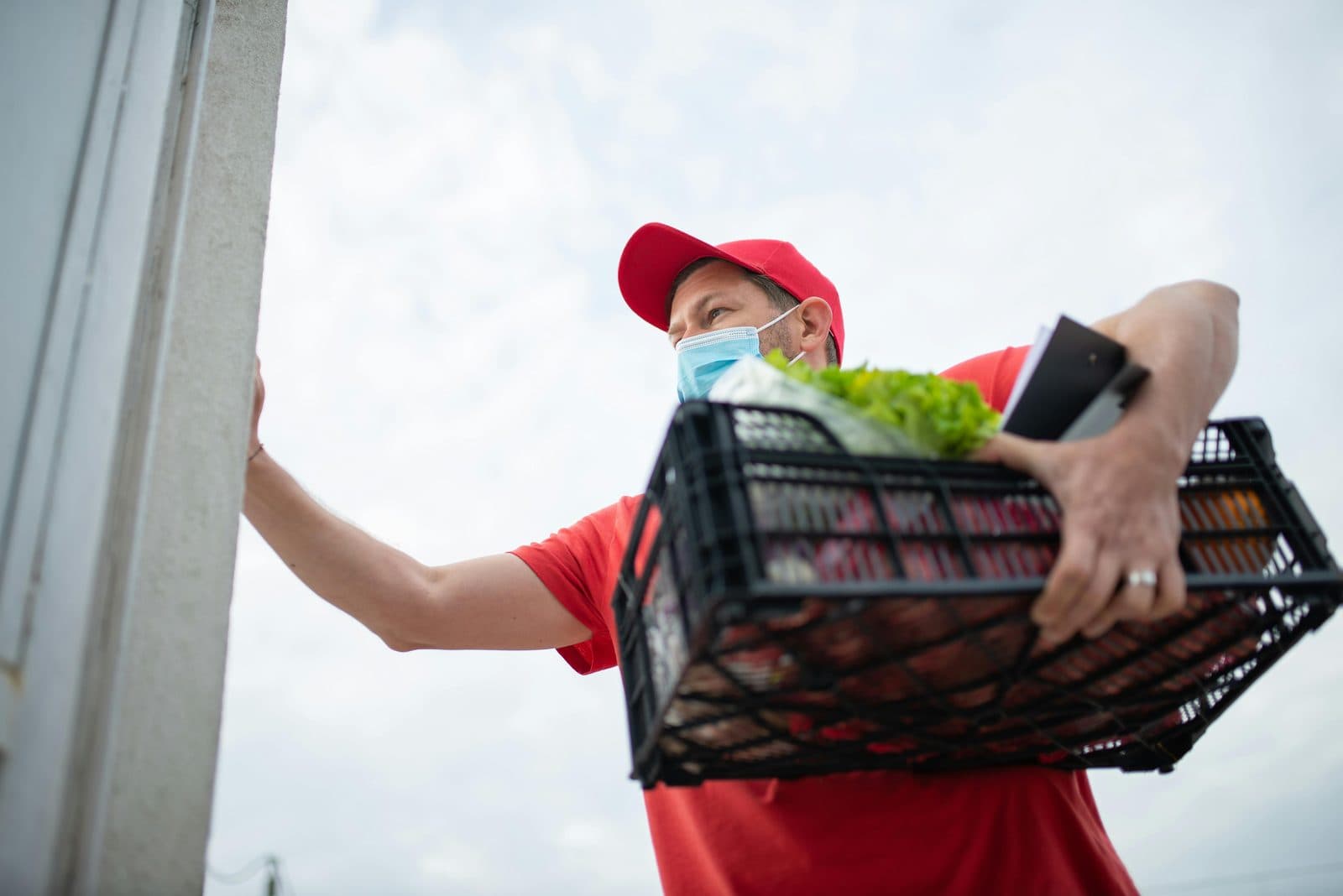
Scale Shopify local delivery by fixing the promise before adding drivers: zones and slot limits per location…
Book a demo and we'll walk you through the platform set up like your stores, or request a quote for your locations and how you deliver.
2,000+ merchants trust us (as of Oct 2026)100+ merchants rate us 5.0 stars on the Shopify App Store (as of Oct 2026)