
Supplier disputes dropped by 98%
As published by ScrollEngine, supplier disputes dropped by 98% after Goswasthya, an organic food brand…
Customer story · Food and meals
House of Chef James Mitchell Inc. prints one pickup list and a delivery list per driver route from ScrollEngine instead of sorting orders by hand each week. Kitchen staff could pull meals faster and with fewer interruptions.
2,000+ merchants trust us (as of Oct 2026)100+ merchants rate us 5.0 stars on the Shopify App Store (as of Oct 2026)
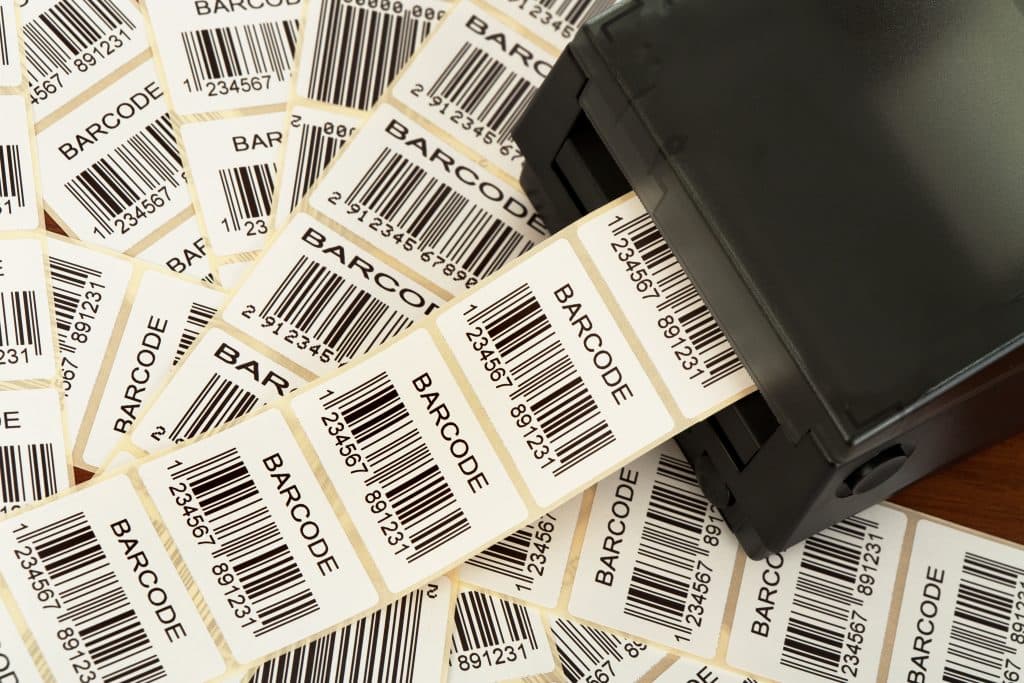
House of Chef James Mitchell Inc., a meal business that prepares a large batch of meals every week, now prints its kitchen lists straight from ScrollEngine: one list of the customers collecting their orders, and one delivery list for each driver route. Kitchen staff could pull meals faster and with fewer interruptions, and pickup and delivery orders are separated without manual sorting.
As local delivery businesses grow, the hard part often moves away from the storefront and into the kitchen and the dispatch room. Orders may flow in smoothly, but turning them into clear preparation steps gets harder as volume rises. For many ScrollEngine customers, the problem surfaced not in routing or scheduling but in something more basic: turning orders into pickup and delivery lists a team can physically work from.
That was especially visible at House of Chef James Mitchell Inc.. Each week the kitchen prepared a large number of meals that had to be split between customer pickups and local deliveries, with deliveries further organized by driver route. ScrollEngine already handled order intake and delivery logic, but there was no reliable way to print lists that matched how the kitchen and drivers actually worked.
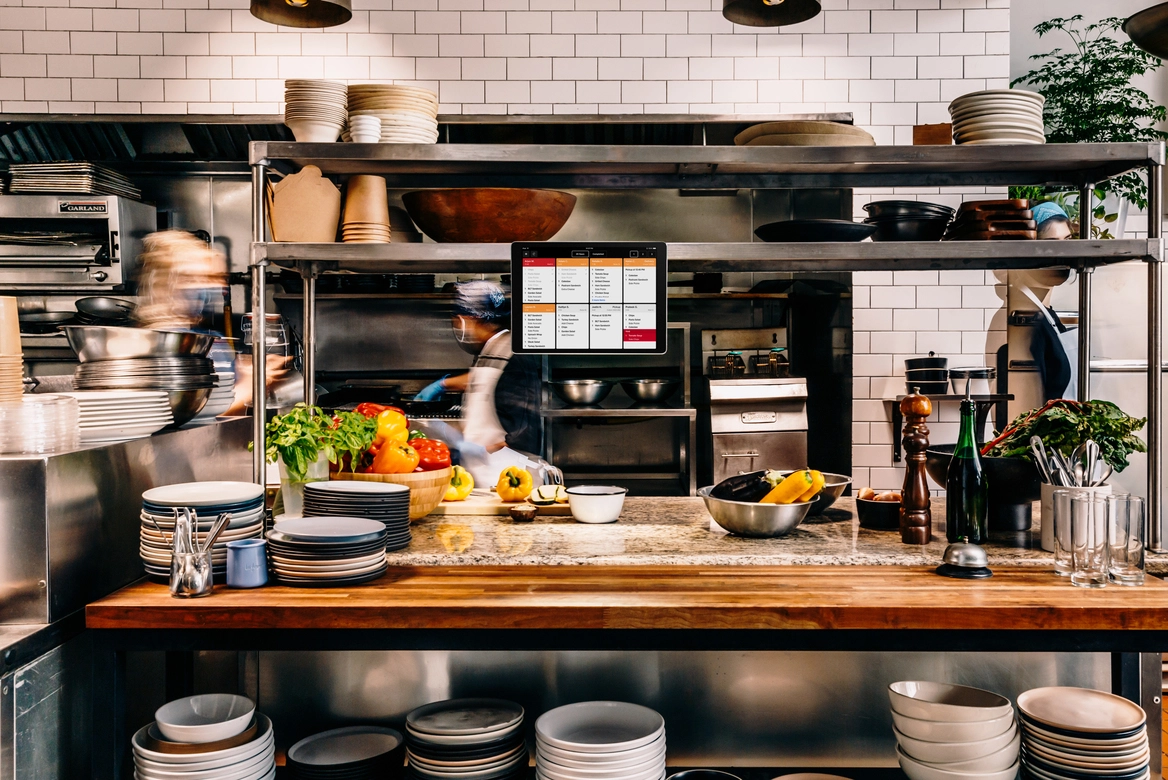
Without structured lists, staff had to interpret order data themselves:
That took time, added mental load and introduced risk at the most time-sensitive stage of the operation. Small mistakes could disrupt the whole run: a missing item, a meal assigned to the wrong driver, or a pickup order packed with the deliveries.
Frequency made it critical. This was not an edge case. The business relied on these lists every single week, and the team made clear that accurate pickup and delivery lists were not a convenience: they were essential for survival.
The outputs that existed at the time, such as labels and generic receipts, were not designed for use inside a kitchen. They lacked the structure preparation needs and mixed fulfillment types together. Pickup and delivery details appeared side by side, so staff had to filter mentally what applied to whom. Driver assignments didn't show in a usable way, so the team reorganized the information by hand before meals could go out.
The order data existed. It just wasn't presented in a form that matched the real-world workflow, so the software stopped one step short of the work.
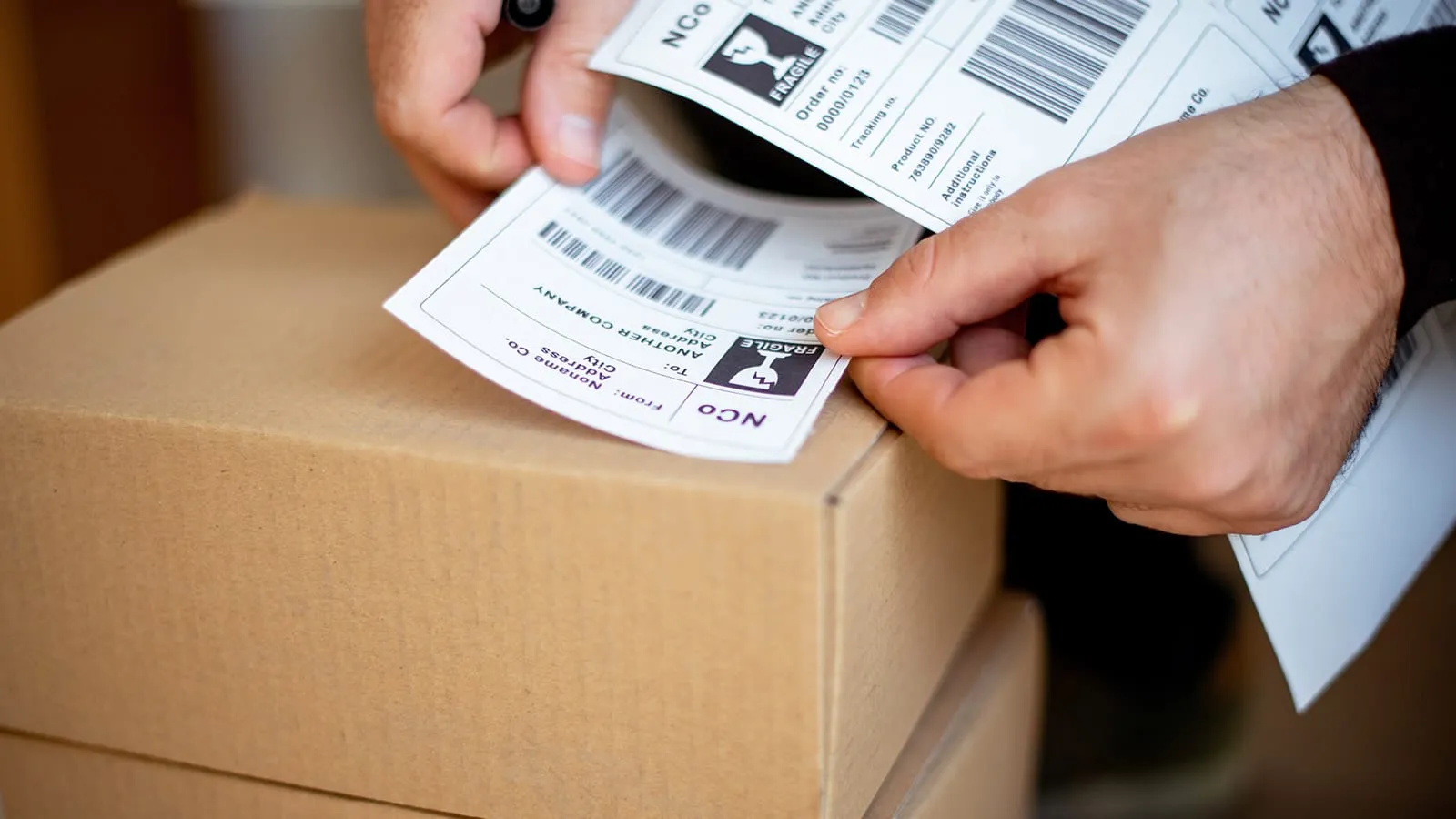
Through direct conversations and examples the customer shared, ScrollEngine mapped how fulfillment really happened on the ground. The kitchen needed two kinds of list:
| List | Who uses it | What it shows |
|---|---|---|
| Pickup list | Kitchen staff preparing collections | Only the customers collecting their order, with each item and its quantity |
| Delivery list, one per route | Kitchen staff packing for a driver, then the driver | The driver's name, then each customer on the route with exact item quantities |
Both had to be printable, repeatable and generated inside the existing system, with no extra tools or exports. That reframed the goal: not just to display information, but to support preparation, sorting and handoff in a fast-moving kitchen.
Because the gap sat at the most fragile stage of fulfillment, ScrollEngine treated list printing as a core operational requirement. Rather than add a new tool, the team extended the existing label-generation flow.
Merchants now choose the list they need at print time:
The lists are built for clarity rather than completeness. Each one shows customer names followed by clearly itemized quantities, so nobody has to interpret or re-sort anything. Driver names stand out on delivery lists, which makes it easy to organize meals before handoff. Designing for busy kitchens and driver handoffs supported speed, accuracy and confidence during preparation.
Once the lists were in place, the impact was immediate and practical:
What had been a stressful, error-prone step became a predictable, repeatable part of the weekly operation.
If you run a weekly meal, bakery or catering cycle, you can set up the same flow in ScrollEngine:
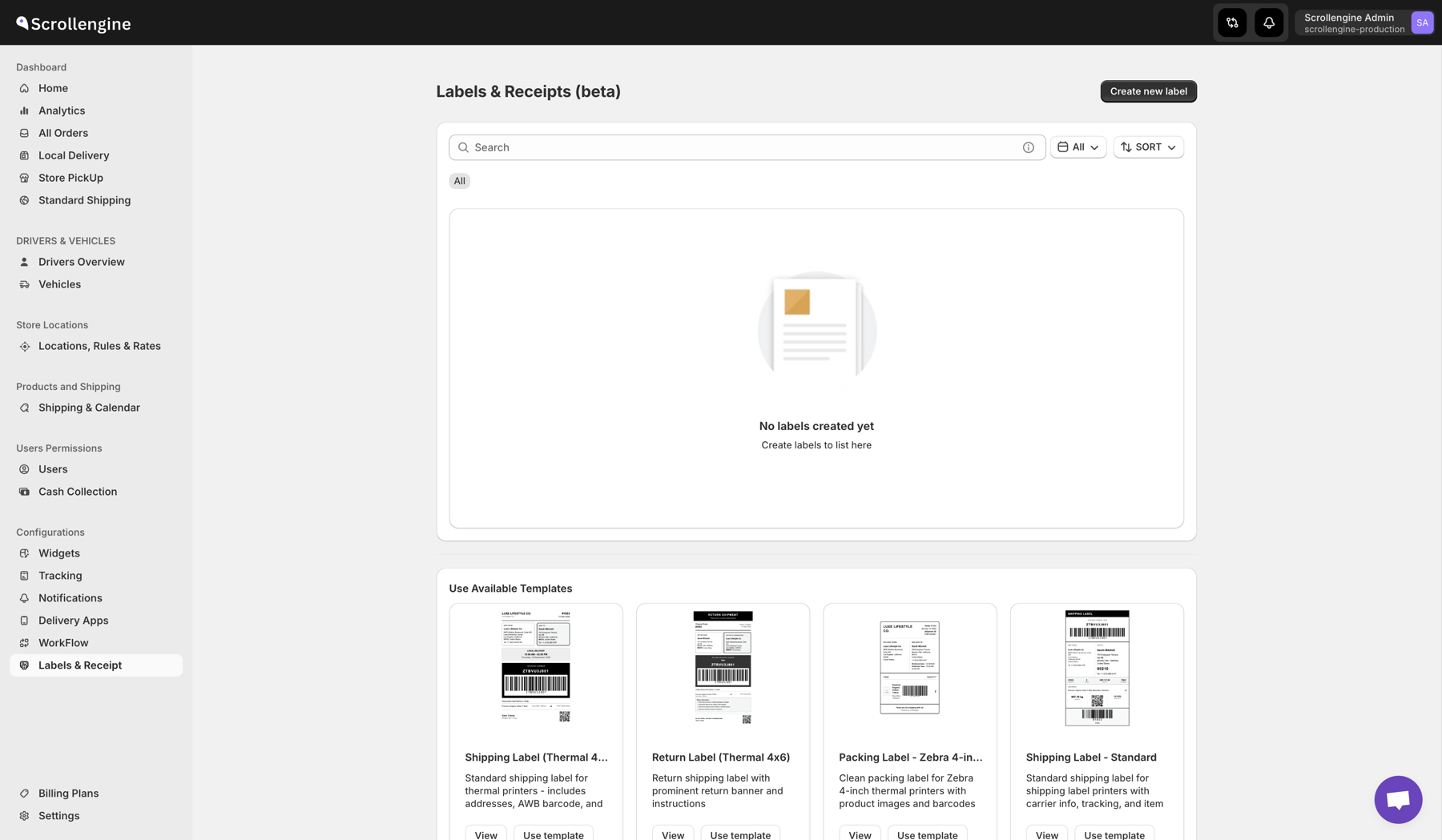
Labels, packing slips and receipts are managed in one place in ScrollEngine.
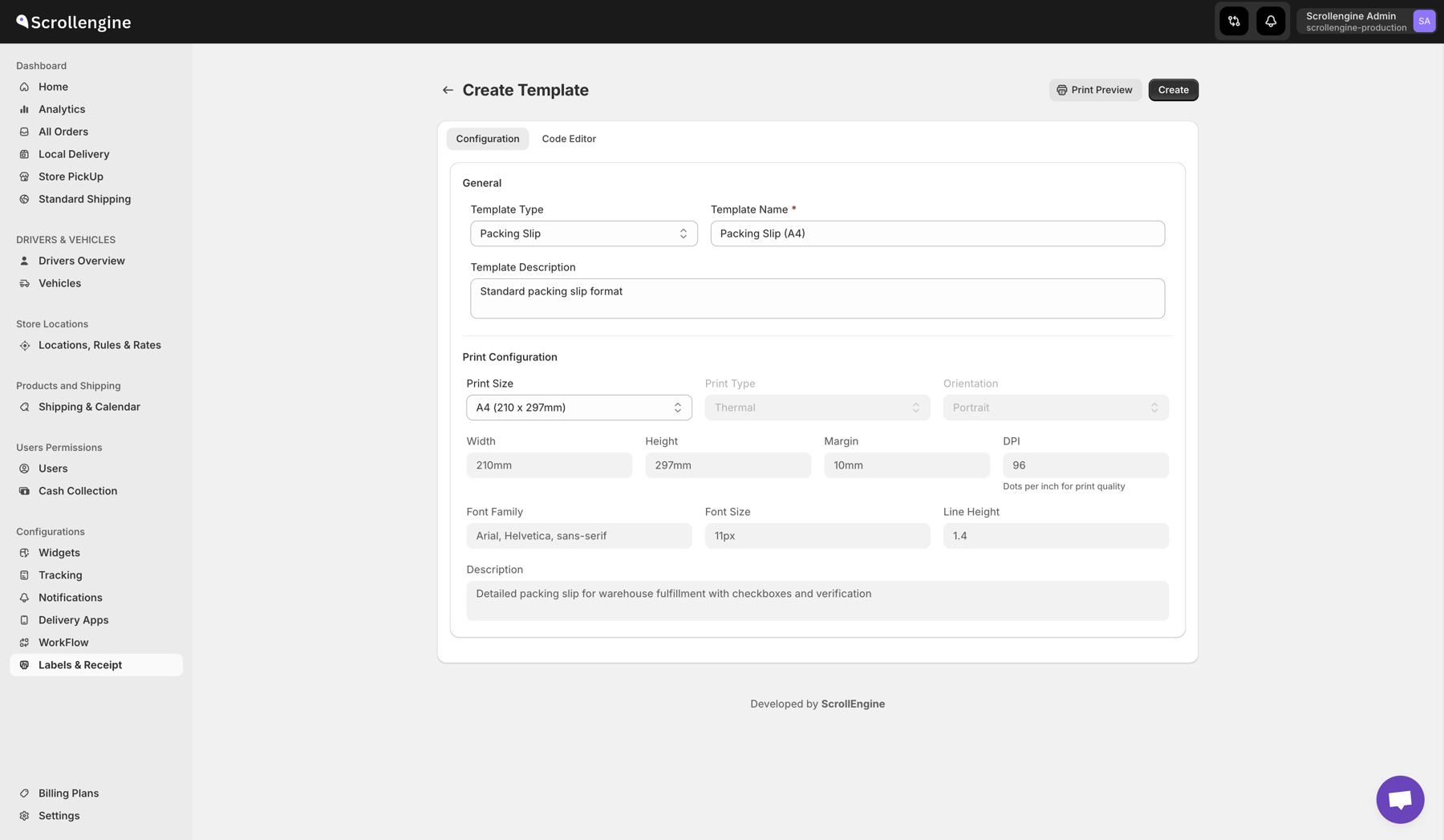
Each template can be adjusted to the kitchen's printing needs.
Even when routing, scheduling and order capture work well, fulfillment can break down if the last tools in the chain don't match real-world work. Printed lists look simple, but they are the bridge between the system and the people packing meals and loading vans.
By listening closely to customer feedback and iterating on a real operational need, ScrollEngine turned a recurring pain point into a built-in capability. As delivery operations scale, details like these let kitchens and drivers keep pace without new sources of friction.
To see how the rest of a pickup operation runs, from slots to ready-for-pickup messages, explore store pickup in ScrollEngine. For another food business that reworked its handoffs, read how Goswasthya streamlined farm-to-table deliveries.
In ScrollEngine, choose the pickup list when you print from the label flow. It includes only the customers collecting their orders, with each item and quantity, so the counter team packs pickups without filtering out deliveries.
Yes. Delivery lists are grouped by driver route, with the driver's name shown clearly and each customer's items and quantities below, so the kitchen can bag meals per driver before handoff.
The customer's name, every item with its quantity, whether the order is a pickup or a delivery and, for deliveries, the driver or route. Leave off anything the kitchen doesn't act on, so staff can scan the list at a glance.
Yes. ScrollEngine's templates print on 4×6 thermal labels or A4 paper, and you can adjust a template's print size, fonts and layout in the editor.
No. The lists come from ScrollEngine's existing label flow and use the same orders, routes and drivers, so there are no exports or extra tools.
Bring the same clarity to your own kitchen or store. Install Local Delivery + Pickup Date:S from the Shopify App Store and print your first pickup and delivery lists.
Each result is quoted exactly as ScrollEngine first published it on scrollengine.com. Its baseline, period and method were not published with it.
Kitchen staff could pull meals faster and with fewer interruptions.
Published on the original case study on scrollengine.com, as seen .
Customer stories
Supplier disputes dropped by 98%
As published by ScrollEngine, supplier disputes dropped by 98% after Goswasthya, an organic food brand…

20% Fewer Delivery Errors
Vendors Brooklyn, which delivers bulk meals and food to corporate offices in Brooklyn, NY…
40% Faster Dispatch
“Excellent speed, customization, updates, and 100% will be the new go-to all-in-one shopify integrated courier-routing/ tracking/ customer success app.”
Request a quote for your stores, or book a demo and we'll map your locations, slots and routes with you.
2,000+ merchants trust us (as of Oct 2026)100+ merchants rate us 5.0 stars on the Shopify App Store (as of Oct 2026)