
Product-specific delivery rules let merchants such as Geelong Flower Farm and Fantasy Bakery give chosen products…
Product story
ScrollEngine's Vehicle Management keeps one record per delivery vehicle, with its type, capacity, registration, owner and assigned driver, so operations teams can see which vehicles are active and who is driving them.
2,000+ merchants trust us (as of Oct 2026)100+ merchants rate us 5.0 stars on the Shopify App Store (as of Oct 2026)
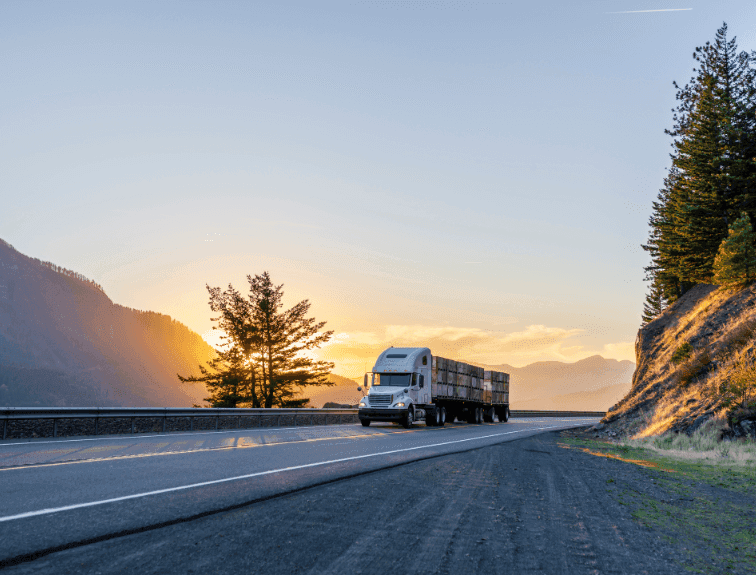
Vehicle management means knowing every vehicle in your delivery fleet: what it is, what it can carry, who owns it and who is driving it. ScrollEngine added Vehicle Management after customers told us their vehicle details still lived in spreadsheets, notes and chats with drivers. Each vehicle now has one record in the ScrollEngine web dashboard, and the driver app reads the same records, so planners and drivers work from the same facts.
As local delivery operations scale, the work behind the scenes often grows faster than the systems meant to support it. For many businesses using ScrollEngine, orders, routing and notifications were already well established. One foundational element still sat outside the system: the vehicles themselves.
Across conversations with several customers, the same pattern kept appearing. Merchants running daily deliveries struggled to track which vehicles were in use, who was using them, and whether vehicles and drivers were fully compliant. Vehicle information was scattered across spreadsheets, internal notes and informal messages with drivers. Compliance documents such as the vehicle's registration certificate (RC), insurance and driving licences were collected by hand and stored separately, which made checks slow and error-prone.
As delivery volumes grew, that fragmented approach hit its limits. Customers wanted vehicles inside the delivery workflow instead of treated as an outside check, and that feedback shaped Vehicle Management.
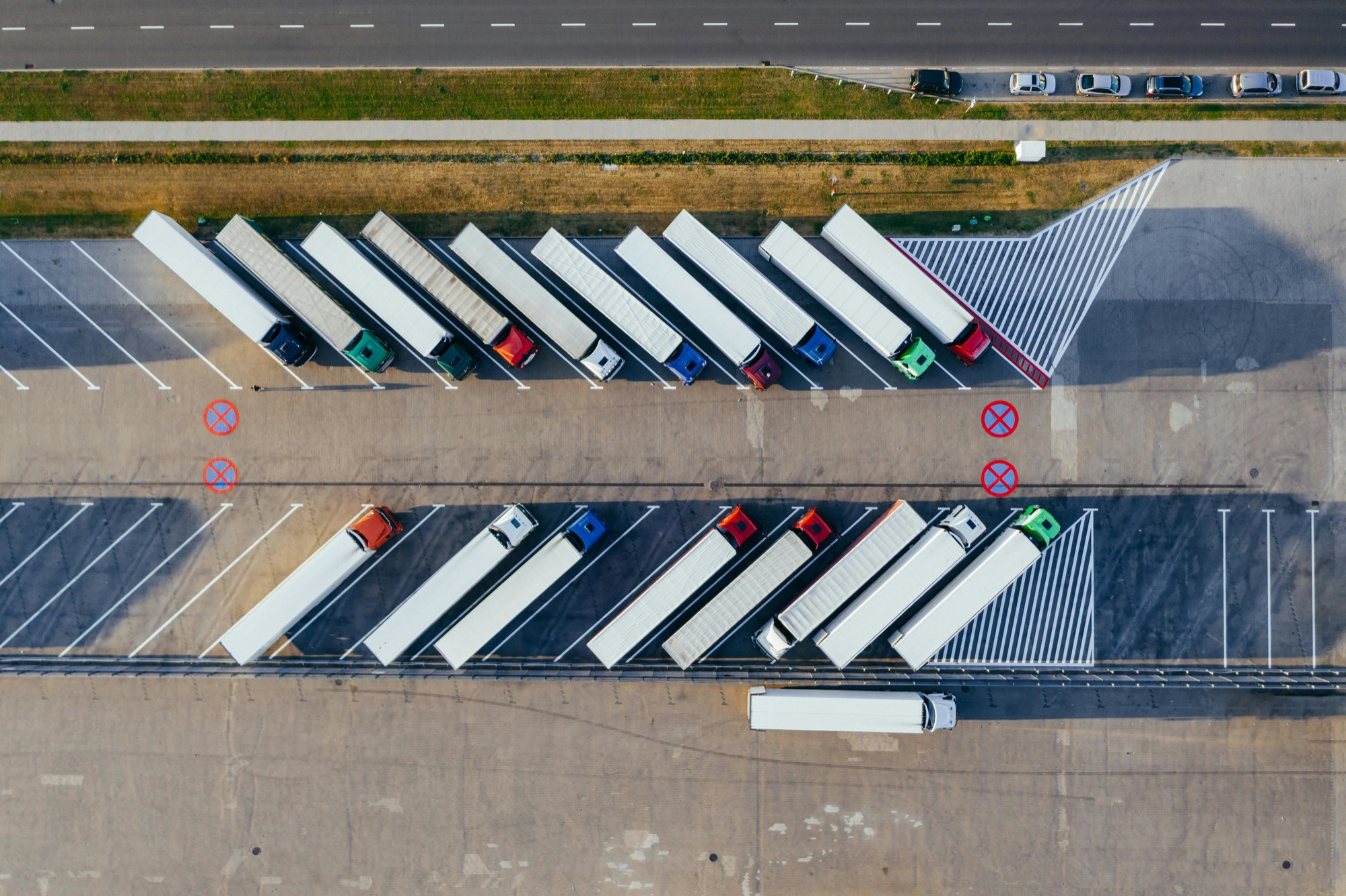
Before Vehicle Management, fleet visibility rested on assumptions rather than structured data. Teams often planned deliveries without a reliable view of which vehicles were active that day or what they could carry. Ownership and usage were known only informally, which led to last-minute questions once deliveries were already underway.
Routes were assigned with certain vehicles in mind, but drivers sometimes arrived with different ones. The mismatches were not always disruptive, but they added friction and uncertainty to an otherwise structured process.
Registration and insurance documents were usually requested over messaging apps or shared ad hoc, while driving licences were handled separately. Making sure both the vehicle and the driver met requirements took repeated manual checks, which got harder to do consistently as operations grew.
ScrollEngine introduced Vehicle Management to make vehicles a core part of the delivery system: a structured, shared source of truth that supports both planning and execution.
In the ScrollEngine web dashboard, operations teams create and maintain a record for each vehicle:
That suits operations that run a mix of owned, rented and personal vehicles.
Because vehicles are structured data, the rest of ScrollEngine can use them:
Operations teams and drivers work from the same data, so plans reflect the vehicles that are actually on the road.
Compliance starts with knowing which registered vehicle ran each route, who owns it and who drove it. Here is where each record lives:
| Record | Where it lives | Why it matters |
|---|---|---|
| Registration number | The vehicle record in ScrollEngine | Ties each delivery to a registered vehicle |
| Owner (business or driver) | The vehicle record in ScrollEngine | Shows who is responsible for the vehicle |
| Assigned driver | The vehicle record in ScrollEngine | Shows who is driving which vehicle |
| Vehicle photos | The vehicle record in ScrollEngine | A quick visual check of the vehicle |
| Insurance, registration certificate and driving licences | Your compliance files | Expiry dates need regular checks |
Check insurance and licence expiry dates against the registration number and owner on each vehicle record before you assign routes. If you need those documents held alongside the vehicle in ScrollEngine, talk to us about your fleet's requirements.
With vehicles inside ScrollEngine, customers gained clearer visibility into their delivery operations. Operations teams could see which vehicles were active and who was using them, which cut manual follow-ups and helped them plan deliveries with more confidence.
Above all, delivery execution became more predictable. Knowing which vehicle and driver would actually be used closed the gap between planning and reality, so routes, load planning and delivery expectations could be set more accurately.
For many ScrollEngine customers, vehicles had been an implicit dependency rather than an explicit part of the delivery workflow. Bringing vehicles and ownership into the system moved teams away from reactive checks toward a structured, dependable process. Vehicles and drivers stopped being an outside variable and became part of the operation.
Vehicle Management was built in direct response to customer feedback and real operational problems. Centralized vehicle setup and clear ownership strengthen an essential layer of local delivery operations, so deliveries can be planned and run with more clarity and confidence as customers scale.
Vehicles connect to everything else in routes and dispatch, from the route planner to the driver app your team uses on the road.
It is one place to record every delivery vehicle, with its type, registration, capacity, owner and driver, so dispatchers plan routes around the vehicles that will actually be on the road instead of a spreadsheet.
Yes. A vehicle in ScrollEngine can belong to your business or to an individual driver, and the driver app reads the same vehicle records, so a mixed fleet of company and personal vehicles sits in one list.
In the ScrollEngine web dashboard. Vehicle Management is not part of the app view inside Shopify admin, so sign in to the web dashboard to create and edit vehicles.
Each vehicle record holds its registration number, ownership, assigned driver and photos. Before you rely on ScrollEngine to hold insurance, registration certificate or licence documents, ask our team how it fits your fleet's compliance needs.
Route optimization can plan around capacity limits such as weight, item count and stops, and each vehicle record holds its dimensions and payload. A load-fit check that tests whether a load fits a vehicle is in early access.
Run your fleet from the same place as your deliveries. Install Local Delivery + Pickup Date:S from the Shopify App Store and add your first vehicle in the web dashboard.
Customer stories
Product-specific delivery rules let merchants such as Geelong Flower Farm and Fantasy Bakery give chosen products…

Proactive delivery updates answer “Where is my order?” before customers ask.

Supplier disputes dropped by 98%
As published by ScrollEngine, supplier disputes dropped by 98% after Goswasthya, an organic food brand…
Request a quote for your stores, or book a demo and we'll map your locations, slots and routes with you.
2,000+ merchants trust us (as of Oct 2026)100+ merchants rate us 5.0 stars on the Shopify App Store (as of Oct 2026)