
Proactive delivery updates answer “Where is my order?” before customers ask.
Product story
Product-specific delivery rules let merchants such as Geelong Flower Farm and Fantasy Bakery give chosen products their own delivery dates and slots, while other products keep the store-wide setup and checkout shows one choice.
2,000+ merchants trust us (as of Oct 2026)100+ merchants rate us 5.0 stars on the Shopify App Store (as of Oct 2026)

To give some products their own delivery rules without touching the rest of your store, put them in a product-specific profile. In ScrollEngine, that profile carries its own delivery dates, time slots and settings, while every product outside it keeps following the store-wide general profile. ScrollEngine built these Product Specific Delivery Rules after merchants such as Geelong Flower Farm and Fantasy Bakery asked for precision, not more complexity.
For many merchants, delivery is not one-size-fits-all. Most products can follow a default delivery setup, but some need more careful handling because of freshness, preparation time, seasonality or limited availability.
As ScrollEngine's customer base grew across food, bakery and other freshness-driven businesses, a pattern emerged. Merchants increasingly sold products that needed delivery rules different from the rest of their catalogue. But ScrollEngine's delivery logic was designed mainly around store-wide configuration, which made exceptions hard to add without side effects. The gap became most visible as merchants scaled their ranges and experimented with more specialised items.

Merchants needed flexibility at the product level, but the delivery rules applied globally. Even a small change, such as limiting delivery dates for a single product, meant editing store-wide settings. That often had unintended consequences:
For businesses selling time-sensitive or made-to-order items, this was more than an inconvenience. It decided how confidently they could sell those products online. ScrollEngine kept hearing the same request: more control, without losing the simplicity and reliability of the default setup.
Two merchants showed the problem especially clearly.
Geelong Flower Farm works where freshness and timing are critical. Some flower arrangements were available only on specific harvest or delivery days, while others could follow a regular schedule. One delivery calendar for every product forced a compromise: either limit availability unnecessarily or risk promising deliveries the farm couldn't meet.
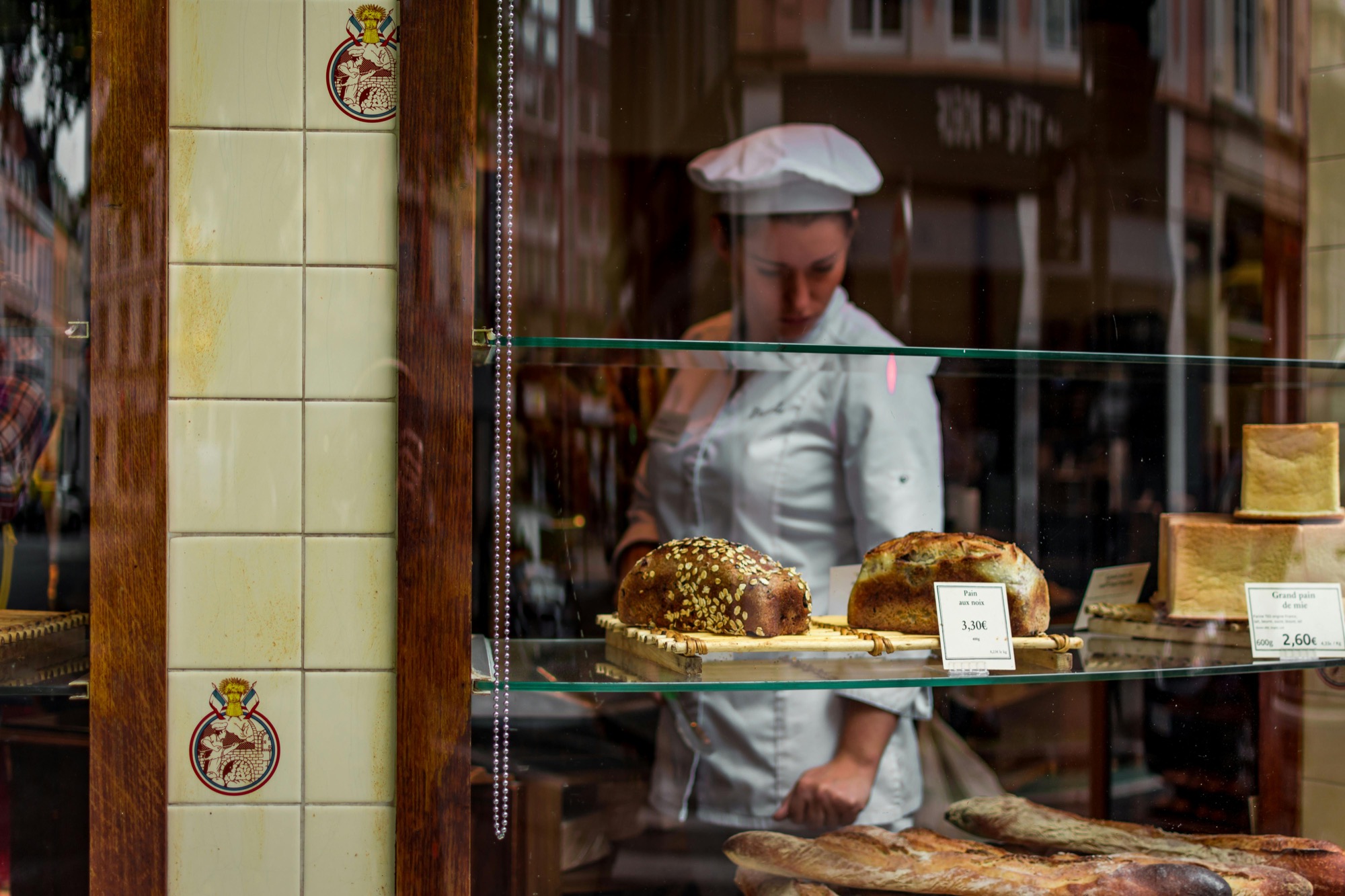
Fantasy Bakery sells a mix of standard baked goods and custom orders. Everyday items could follow the default delivery rules, but custom cakes needed advance preparation and fixed delivery slots. Running both from one global configuration created friction and limited what the bakery could offer.
In both cases, merchants were not asking for more complexity. They were asking for precision.
The core question was clear: how could ScrollEngine let merchants define delivery behavior for individual products without disrupting their existing store-wide rules?
Any solution had to:
The focus was not configurability for its own sake, but clarity and operational safety.
ScrollEngine introduced Product Specific Delivery Rules to meet this need. Merchants apply a custom delivery configuration to selected products while their global delivery setup stays intact. Instead of redefining delivery for the whole store, they isolate the exceptions and manage them on their own.
In the app, each exception is a product-specific profile:
Delivery logic becomes modular: flexible at the edges, stable at the core.
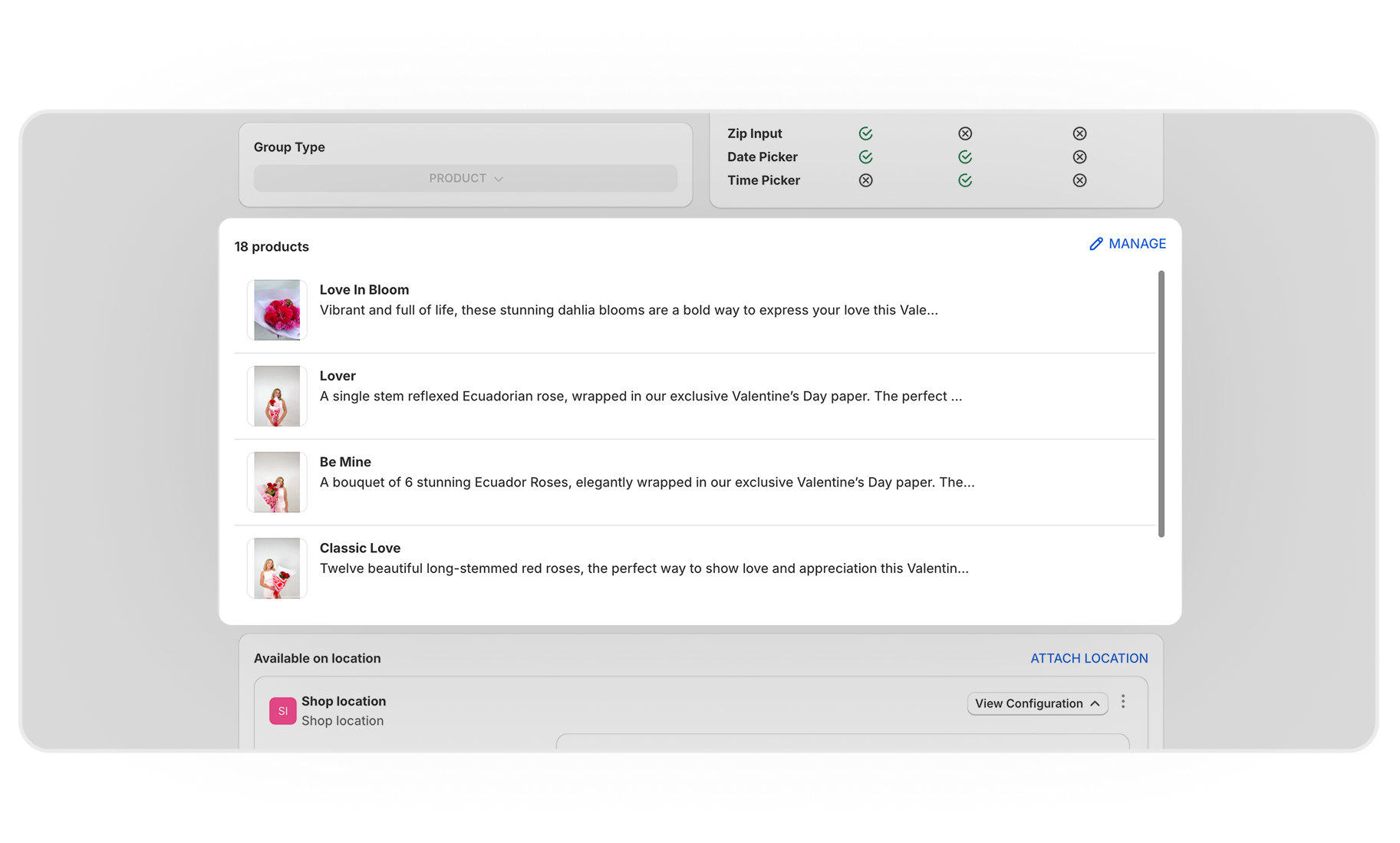
With Product Specific Delivery Rules, merchants can:
| Product | Its own rule | The rest of the store |
|---|---|---|
| Harvest-day flower arrangements | Delivery only on harvest or delivery days | Regular delivery schedule |
| Custom cakes | Advance preparation and fixed delivery slots | Everyday bakes on the default rules |
| Seasonal lines, such as Valentine's bouquets | Their own dates and fulfilling location | Unchanged |
Delivery rules now reflect real operational needs, without workarounds or compromises.
One of the most important questions was how product-specific rules should behave when a cart holds several products. ScrollEngine chose a single delivery outcome model.
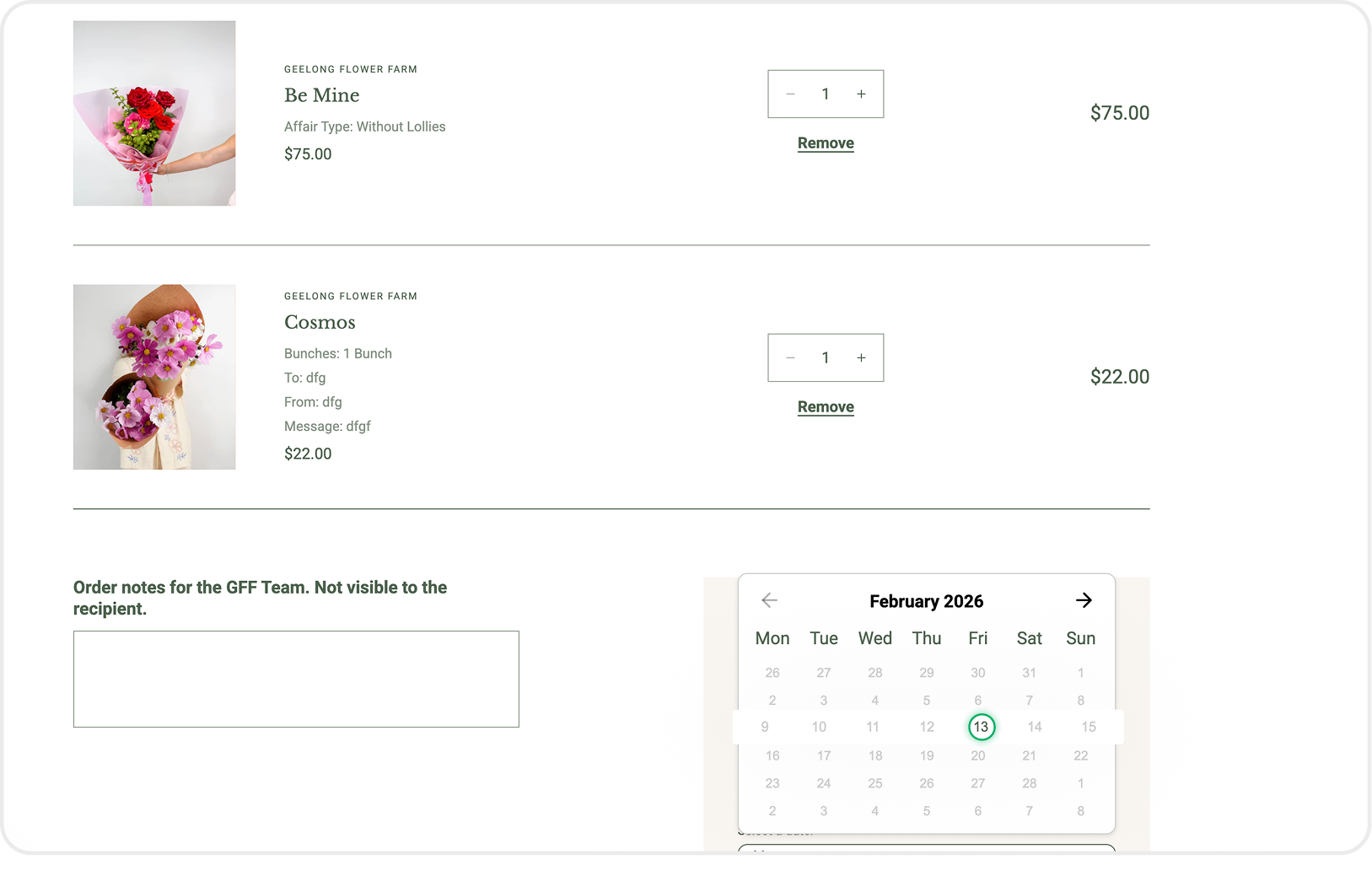
When a cart includes a product with special delivery rules, that product determines the delivery date and time for the entire cart. All other items follow the same schedule, and the shopper sees one clear delivery option at checkout.
For example, if a shopper adds a custom cake and a loaf of everyday bread, the cake's profile sets the delivery date and slot and the bread travels with it. There are no conflicting delivery choices to make, which lowers the risk of customer confusion and fulfillment errors.
For merchants, Product Specific Delivery Rules open up a new level of control. They can expand their range, experiment with specialised products and manage delivery constraints confidently, without unintended effects on the rest of the store.
For shoppers, the experience stays simple and predictable. However much complexity sits behind the scenes, checkout stays clean, with a single, unambiguous delivery choice in the delivery date picker.
By responding directly to merchant needs, ScrollEngine strengthened its delivery engine for more nuanced business models, especially in categories where timing, freshness and preparation matter most. Product Specific Delivery Rules let merchants grow their range without growing their operational risk, from everyday items to specialised products.
Product rules are one part of what ScrollEngine controls at checkout. To see how a florist uses product-level rules to decide which delivery methods each product offers, read how Regala Inflora simplified product-wise deliveries.
Yes. Put the products in a product-specific profile and give it its own delivery dates and time slots. Products outside the profile keep your store-wide calendar.
The product with special delivery rules sets the delivery date and time for the whole cart. The other items follow the same schedule, and checkout shows one clear delivery choice.
Create a profile for that product, or for its collection or tag, and turn on only the days you deliver it, such as harvest days for fresh flowers. Leave the general profile as it is for everything else.
Yes. Give custom cakes their own profile with a longer preparation time and fixed delivery slots, while everyday bakes keep the default rules.
No. The general profile stays as it is. A product-specific profile applies only to the products, collections or tags you add to it.
Customer stories
Proactive delivery updates answer “Where is my order?” before customers ask.

ScrollEngine's Vehicle Management keeps one record per delivery vehicle, with its type, capacity, registration…

Supplier disputes dropped by 98%
As published by ScrollEngine, supplier disputes dropped by 98% after Goswasthya, an organic food brand…
Request a quote for your stores, or book a demo and we'll map your locations, slots and routes with you.
2,000+ merchants trust us (as of Oct 2026)100+ merchants rate us 5.0 stars on the Shopify App Store (as of Oct 2026)