
Best Same-Day Delivery and Local Delivery Solutions
Five ways to offer same-day delivery, compared. For stores that deliver with their own drivers or from several…
Insights
Reality. A Shopify store can run quick commerce with its own drivers if stock sits close to customers and dispatch, routing and tracking are automated. HomeRun in Bengaluru delivers building materials in 60 minutes this way.

Quick commerce on Shopify is a reality, not a myth. Shopify handles the catalog, checkout and orders; what makes or breaks a 30- or 60-minute promise is everything after checkout: stock close to the customer, a tight delivery zone, a driver who can take each order within minutes, and live tracking. HomeRun, a Shopify store in Bengaluru, India, delivers building materials, tools and hardware in 60 minutes or less with its own fleet. This guide covers what quick commerce needs, how HomeRun built it, and how to tell whether it fits your store.
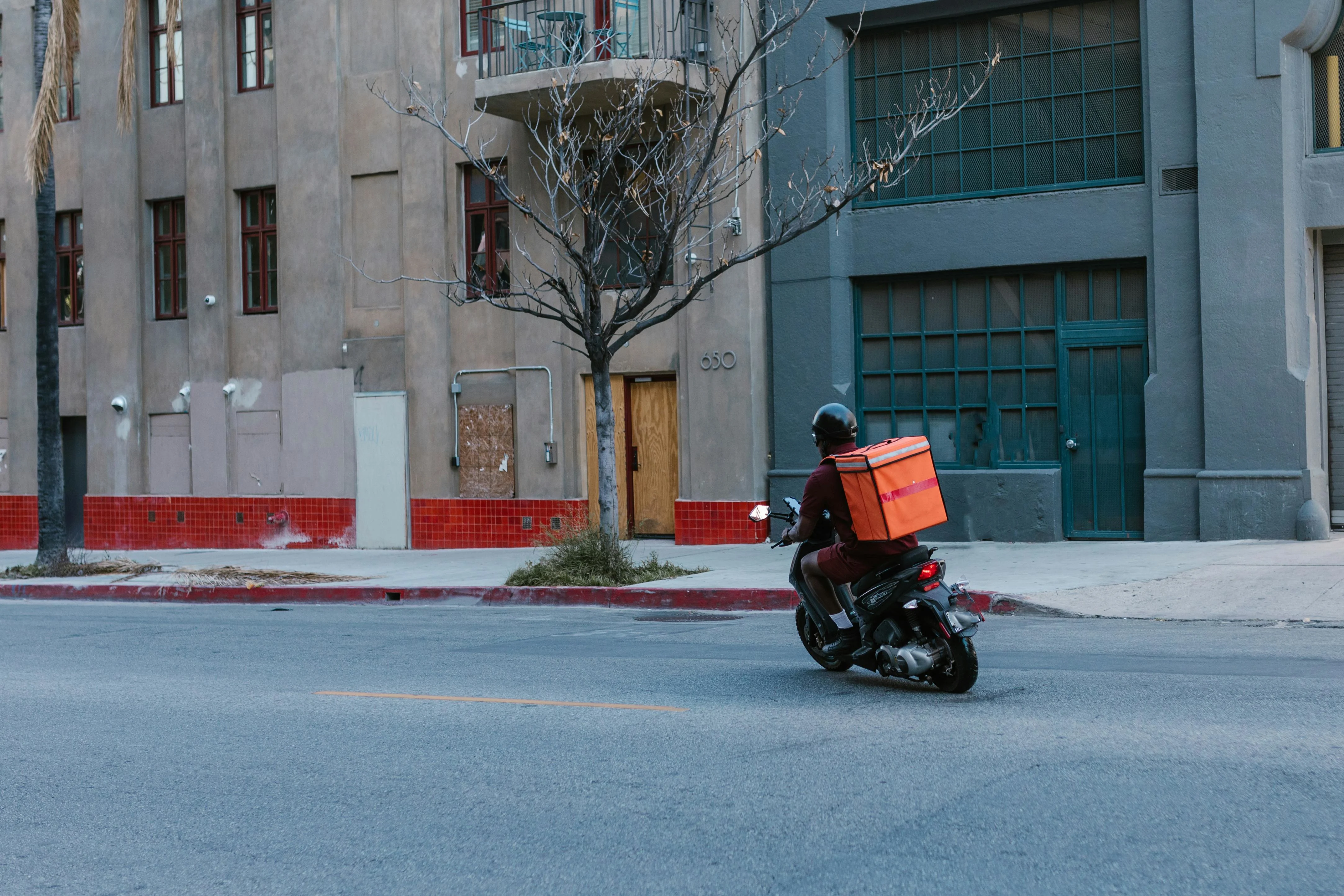
Quick commerce (q-commerce) is ecommerce built around delivery in minutes rather than days, usually within an hour, from stock held close to customers. It's the fastest form of hyperlocal delivery, and India shows how large it can grow. Bain & Company reports that India's quick-commerce GMV has doubled every year since 2023, reaching $10–$11 billion in 2025. Bain & Company, How India Shops Online 2026 (Apr 2026) Bain & Company reports that quick commerce was 16%–17% of India's e-retail GMV in 2025. Bain & Company, How India Shops Online 2026 (Apr 2026)
Expectations are rising elsewhere too. According to AlixPartners' 2026 Home Delivery Survey, shoppers expect grocery and food orders in 0.9 days. AlixPartners, 2026 Home Delivery Survey (Jun 2026)
| What differs | Quick commerce | Same-day delivery | Scheduled local delivery |
|---|---|---|---|
| Promise | Minutes, usually under an hour | Later the same day | A date and time slot the customer picks |
| Stock | A store or small warehouse near customers | Store or warehouse | Store or warehouse |
| Dispatch | Each order as it arrives | Batched by a cutoff time | Routes planned for each slot |
| Zone | A tight radius | City or region | Zones per location |
| Hardest part | Having a free driver, minute by minute | Cutoffs and route density | Slot capacity |
The usual advice is to leave fast delivery to couriers and delivery apps, because a fleet is expensive and hard to coordinate. Four parts of that advice are out of date:
None of this makes owning a fleet right for everyone, and outsourcing still has its place. But it's no longer the sole route to fast delivery.
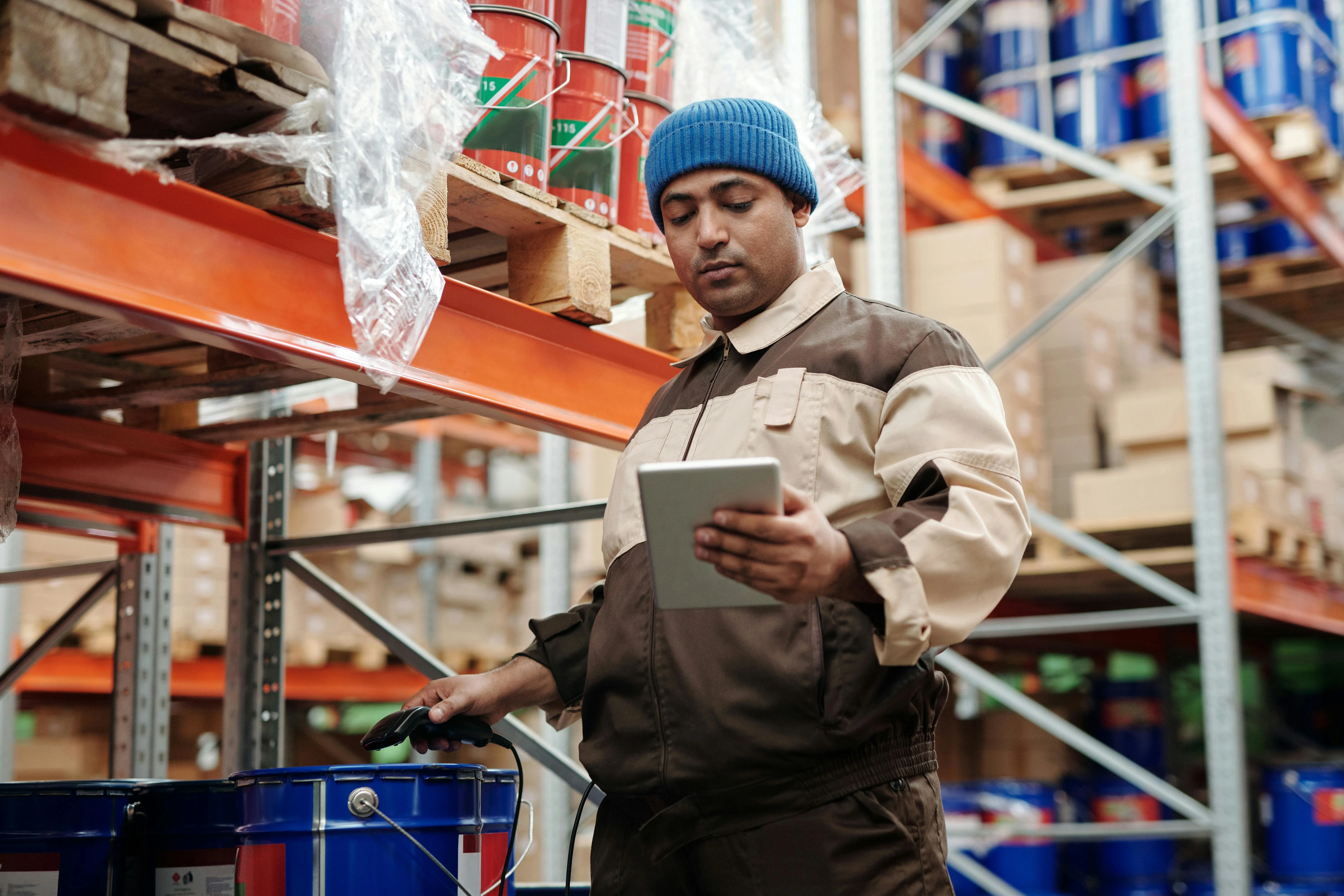
HomeRun sells building materials, tools, fittings and hardware to contractors and homeowners in Bengaluru, and promises them at the door in 60 minutes or less. A contractor who runs short of supplies halfway through a job orders in the HomeRun app instead of stopping work to drive to a store. Rather than hand deliveries to an aggregator, HomeRun runs its own fleet of drivers, which keeps service quality and the customer experience in its own hands.
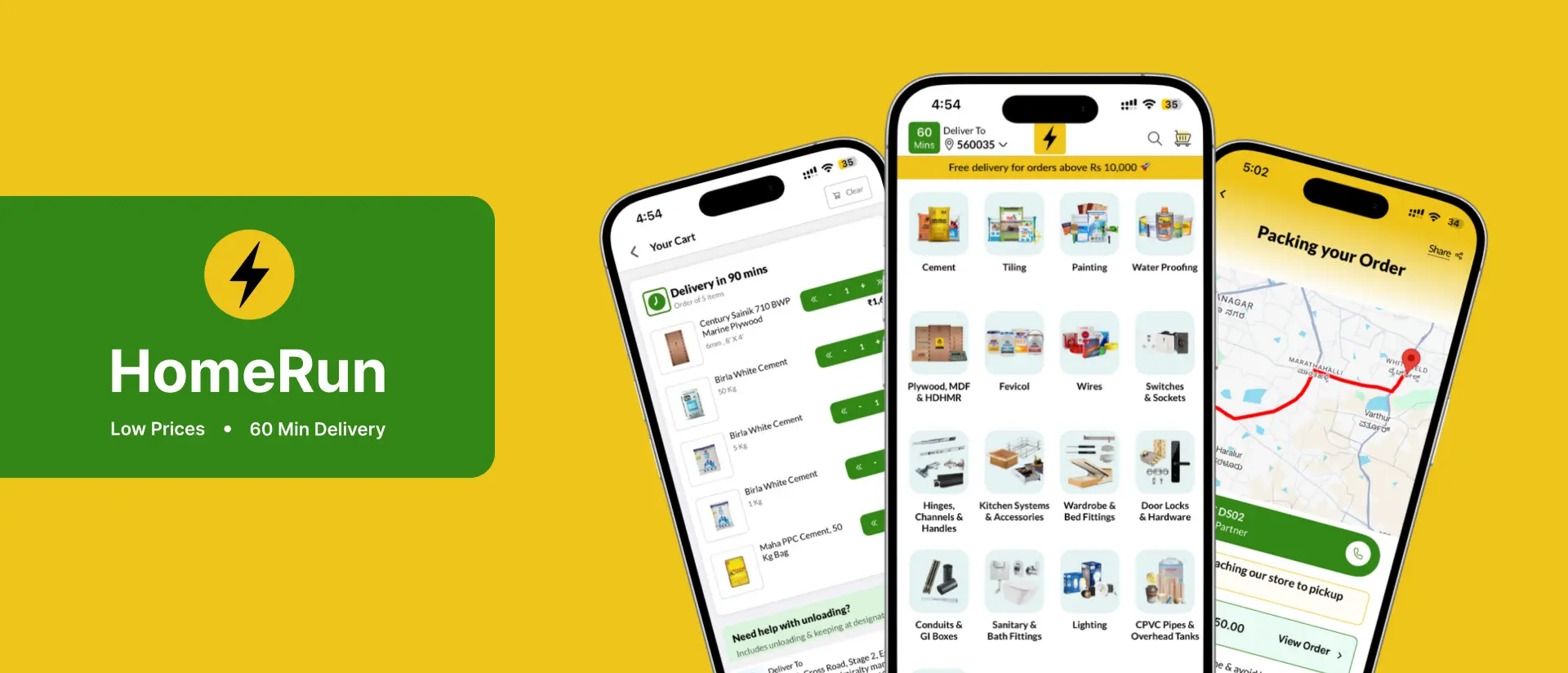
| Layer | Tool | What it does for HomeRun |
|---|---|---|
| Store | Shopify | Products, inventory, orders and payments |
| Customer app | MageNative | HomeRun's mobile shopping app, kept in sync with Shopify |
| Delivery operations | ScrollEngine | Dispatch, route optimization, live tracking and customer updates |
| Messaging | WATI | WhatsApp updates to customers |

Shopify, MageNative and ScrollEngine stay in sync without custom code: ScrollEngine pulls each order from Shopify the moment it's placed and writes fulfillment status back.
As published in HomeRun's customer story, HomeRun now fulfills orders with consistent 60-minute SLAs and has reduced failed deliveries and reassignments through better routing. For the full account, read how ScrollEngine powers HomeRun's 60-minute delivery promise.

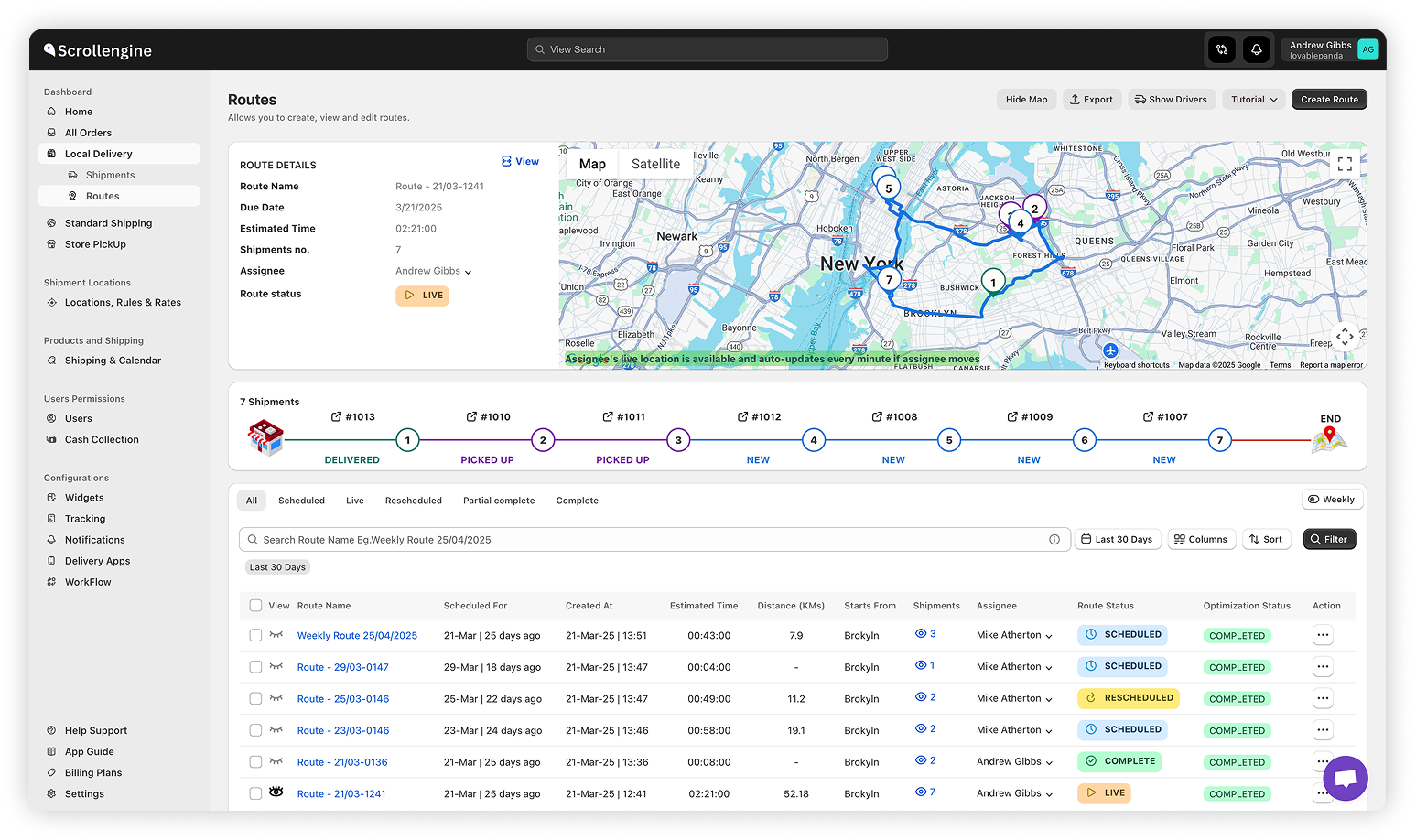
A decade ago, a fast delivery operation needed a room of dispatchers with phones and spreadsheets. Today most of that coordination runs on rules and optimization you can inspect:
Quick commerce is as much a software problem as a physical one, and that software is now within reach of a single Shopify store.

| Factor | Your own fleet | Third-party couriers or delivery apps |
|---|---|---|
| Service | Your standards, training and branding | Shared drivers serving many merchants |
| Speed | Drivers in your zones, offered your orders | Depends on courier availability |
| Visibility | Live location and proof of delivery in your own tools | Whatever the provider shares |
| Costs | Mostly fixed: vehicles, pay, management | Per order: fees, surcharges, commissions |
| Data | Every route, time and delivery note is yours | Limited |
| Fits best | Steady volume in a defined area | Unpredictable volume or wide areas |
Running a fleet is real work (recruiting, vehicle upkeep, shift planning), so many stores run a hybrid: their own drivers in core zones and a courier for overflow or outlying addresses.
Quick commerce is not only for the Amazons and Instacarts of the world. The ingredients are a Shopify store, an easy way for customers to order on the go, a delivery operation with route optimization, dispatch and live tracking, a few drivers to start (with more as orders grow), and clear service standards. HomeRun shows it works even for building materials, tools and hardware, delivered across Bengaluru in 60 minutes or less.
What used to take a large engineering team is now mostly configuration. The real decision is strategic: trade some dependence on third parties for control of speed, service and the customer experience.
Ready to deliver in a flash? 👉 Install Local Delivery + Pickup Date:S and plan your first zone.
FAQ
Quick commerce, or q-commerce, is ecommerce built around delivery in minutes rather than days, usually within an hour, from stock held in stores or small warehouses close to customers. It depends on tight delivery zones, fast dispatch to available drivers and live tracking.
Yes. Shopify handles the catalog, checkout and orders, and a delivery app handles zones, dispatch, route optimization, the driver app and live tracking. HomeRun, a Shopify store in Bengaluru, India, delivers building materials, tools and hardware in 60 minutes or less this way, with its own drivers and ScrollEngine.
Not always, but it helps. Third-party couriers can cover occasional fast orders. For a promise of an hour or less, many merchants run their own drivers in their core zones because they control availability, service and visibility, and they send overflow to a courier.
Quick commerce promises delivery in minutes, usually under an hour, and dispatches each order as it arrives from stock close to the customer. Same-day delivery promises arrival later that day, so orders can be grouped into routes by a cutoff time. Same-day is easier to run and a common step before quick commerce.
Bain & Company's How India Shops Online 2026 report says India's quick-commerce gross merchandise value has doubled every year since 2023, reaching $10–11 billion in 2025, and that quick commerce made up 16–17% of India's e-retail GMV that year.
From the blog
Five ways to offer same-day delivery, compared. For stores that deliver with their own drivers or from several…
Most Shopify stores need five local delivery tools: zones and rates, a date and time slot picker with limits…

Scale Shopify local delivery by fixing the promise before adding drivers: zones and slot limits per location…
Book a demo and we'll walk you through the platform set up like your stores, or request a quote for your locations and how you deliver.
2,000+ merchants trust us (as of Oct 2026)100+ merchants rate us 5.0 stars on the Shopify App Store (as of Oct 2026)